Website Management
How AI Improves WordPress Security Patch Management
AI-driven patching turns WordPress security from reactive firefighting into continuous, proactive protection.
Recently13 min read
Articles, tutorials, and insights on managing WordPress with AI — from the team behind Kintsu.
AI-driven patching turns WordPress security from reactive firefighting into continuous, proactive protection.
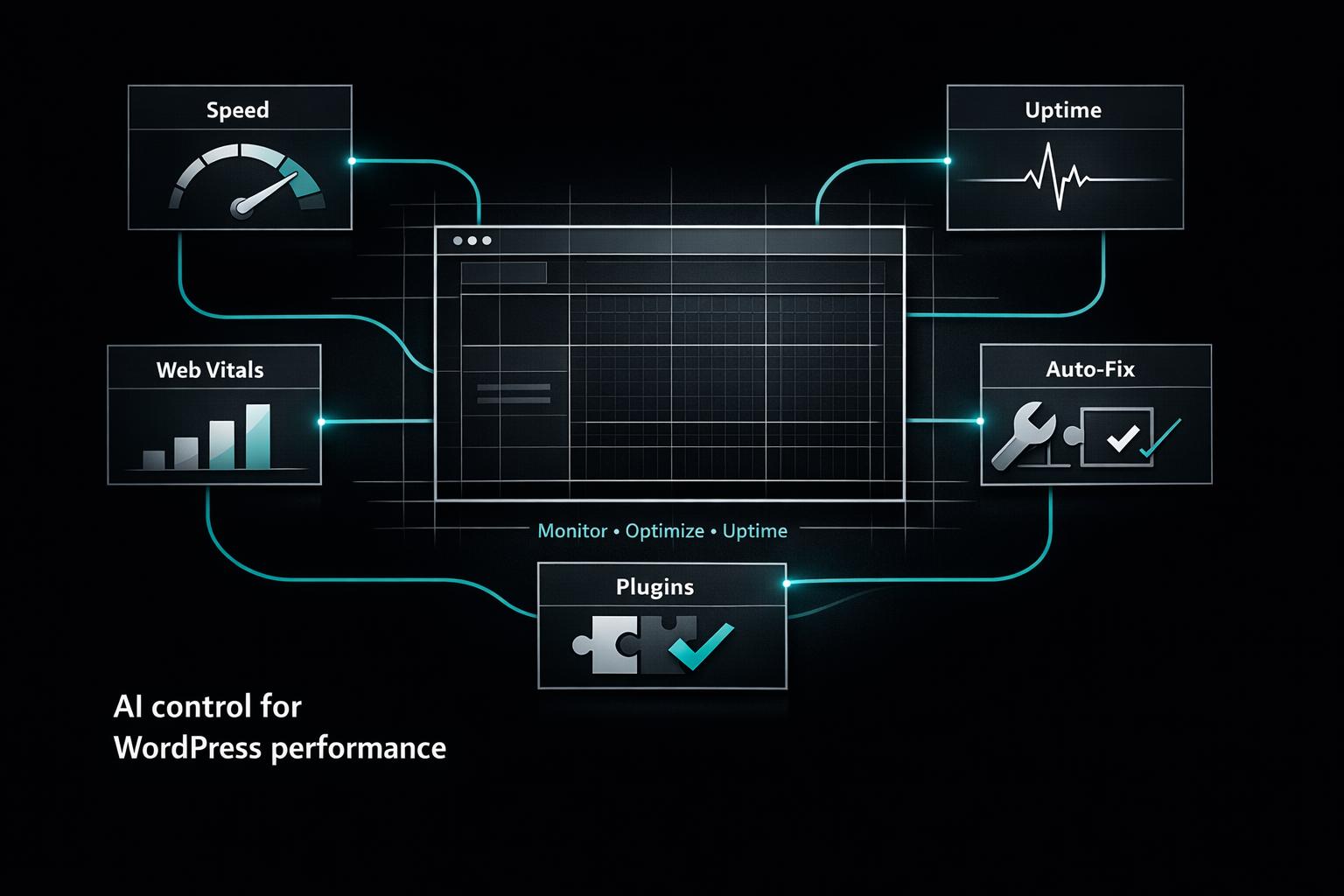
Compare AI tools that monitor and optimize WordPress speed, uptime, Core Web Vitals, plugin conflicts, and automated fixes to cut downtime and costs.
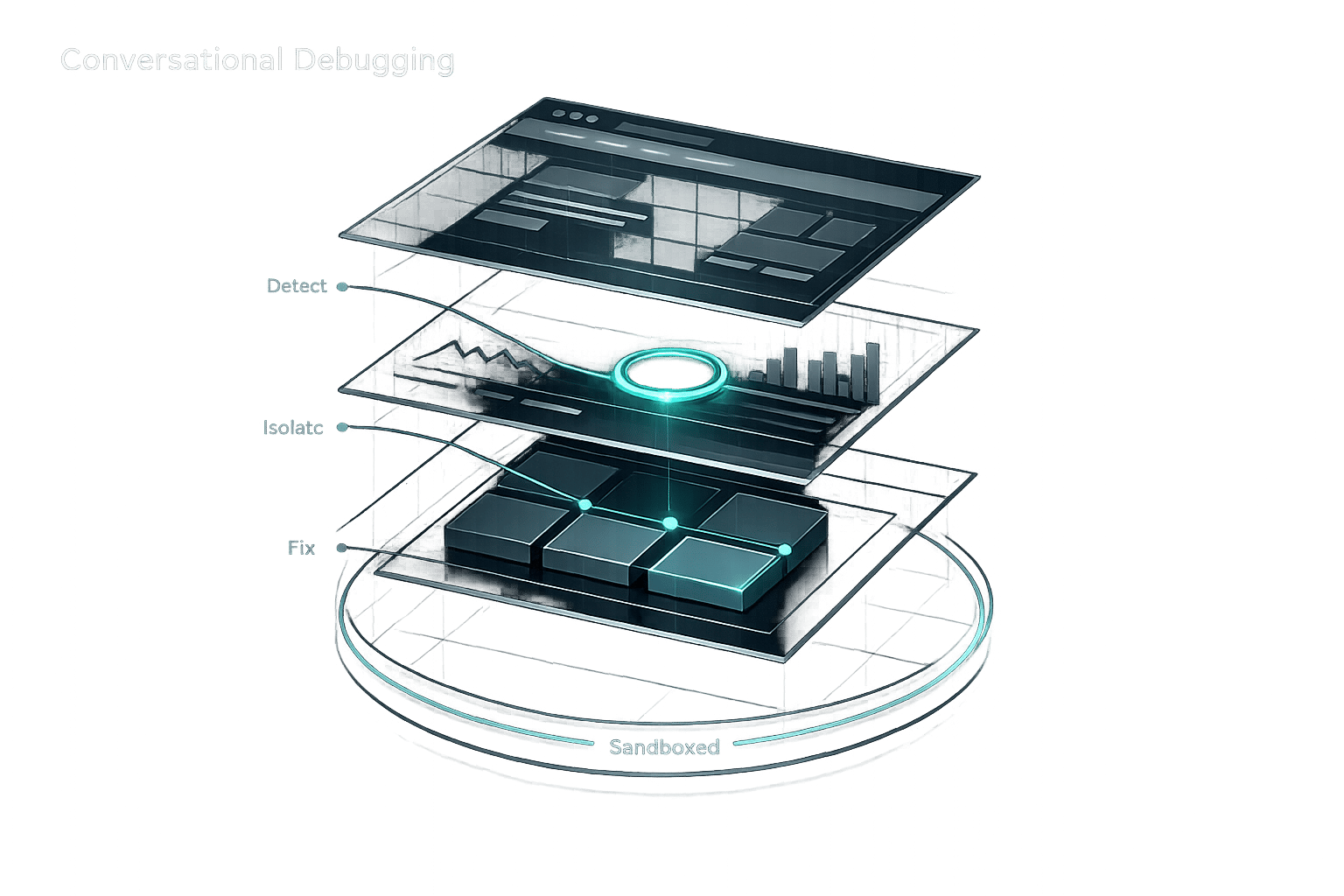
Use conversational AI to diagnose WordPress errors, detect plugin conflicts, and apply sandboxed, step-by-step fixes without coding.
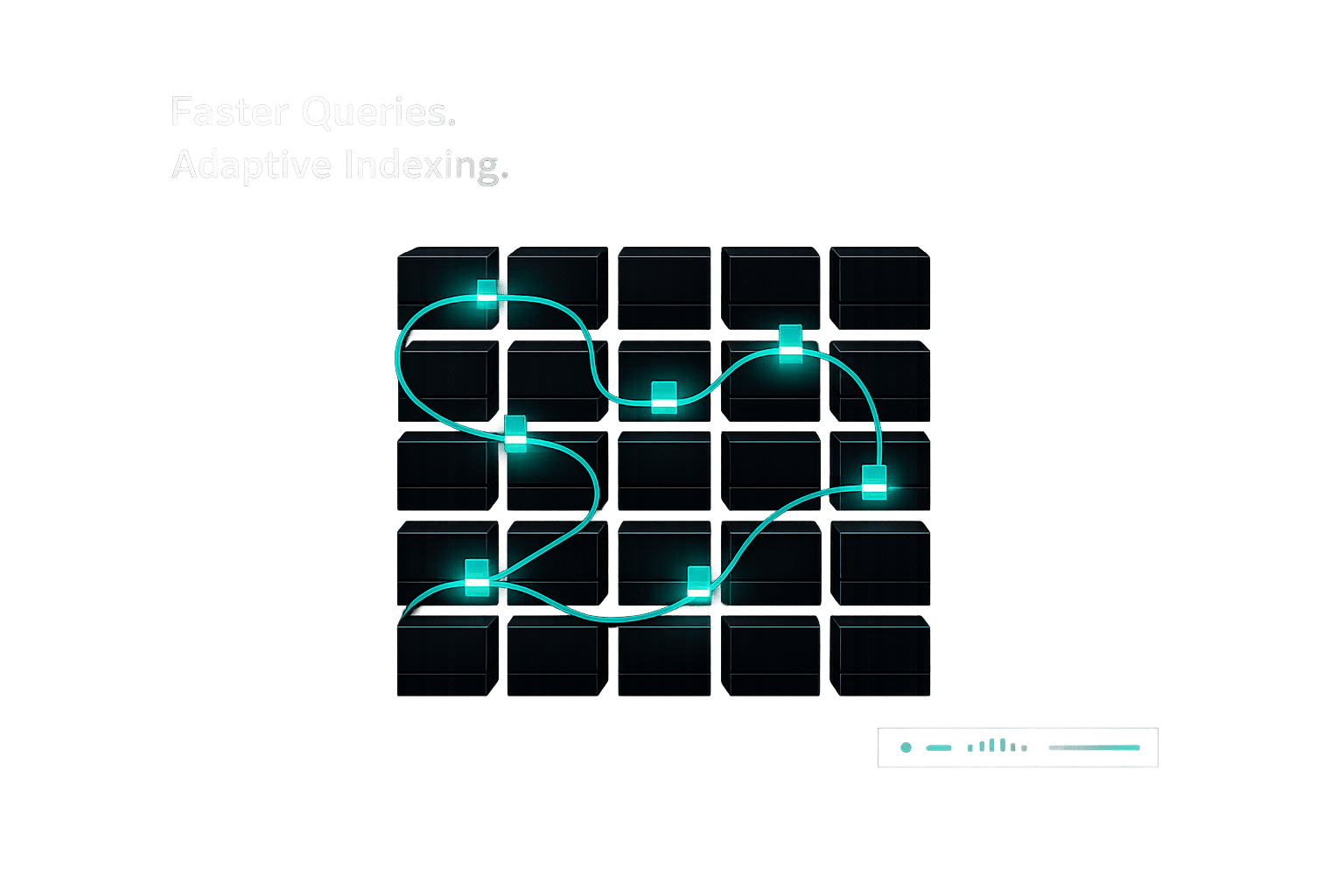
AI tools analyze and fix slow WordPress queries, automate indexing, and cut load times—offering adaptive gains over manual cleanup while requiring monitoring.
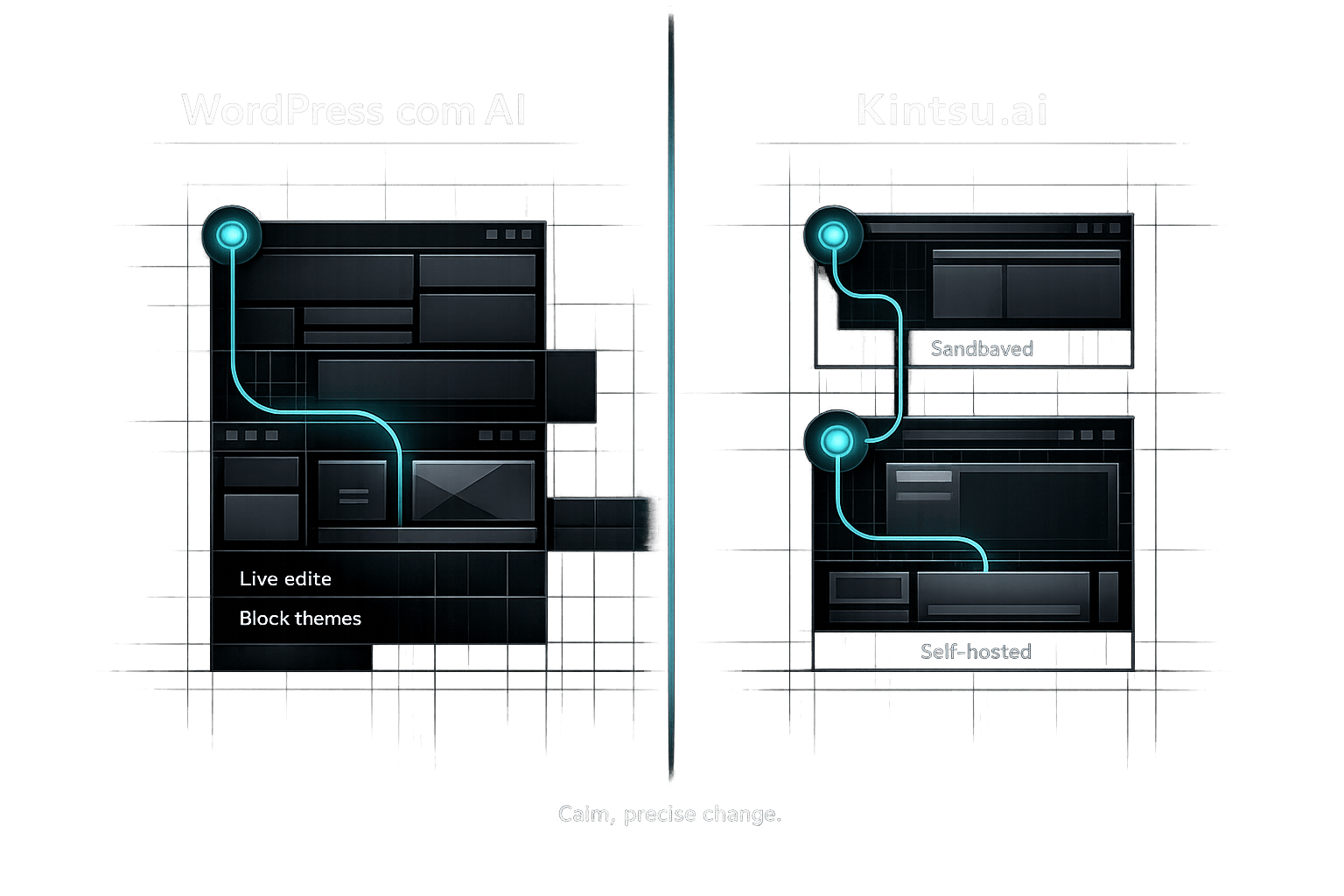
Compare WordPress.com's built-in AI (Business plan, block themes, live edits) with Kintsu.ai — a flexible, sandboxed AI editor for self-hosted WordPress sites.
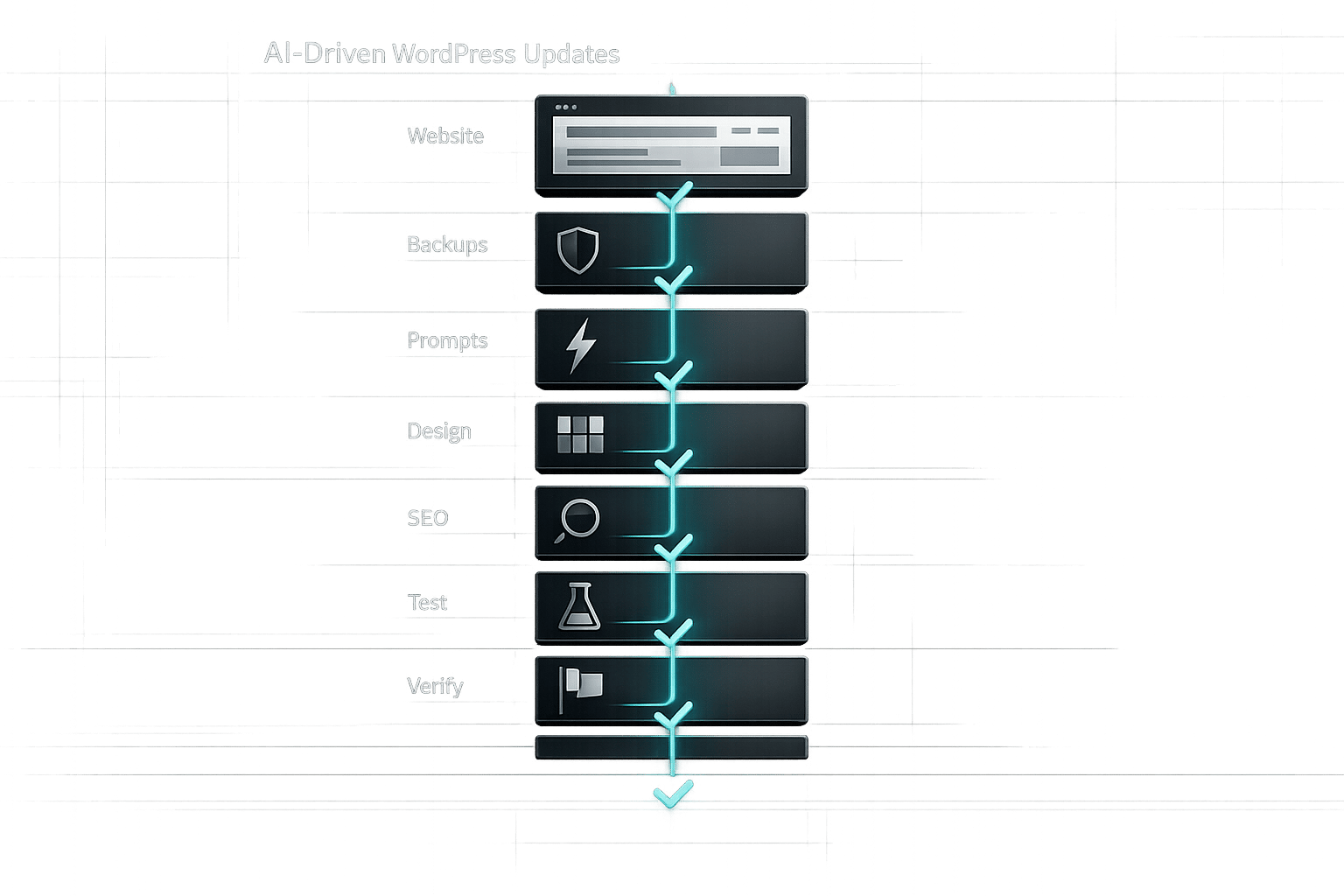
Step-by-step checklist to prepare, test, and safely deploy AI-driven WordPress updates—backups, clear prompts, design, SEO, and verification.
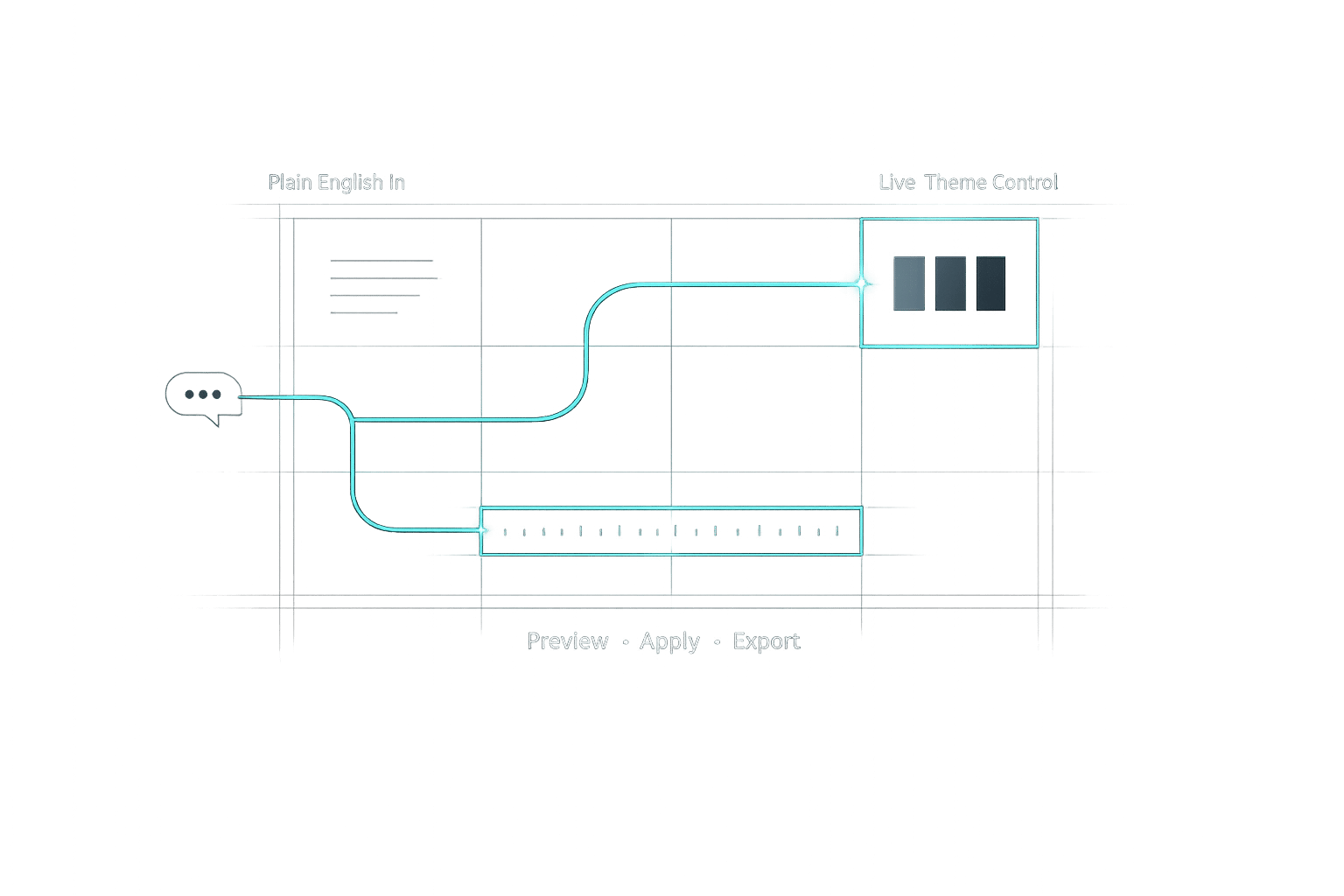
Turn plain-English design requests into live WordPress theme changes with AI—no coding, safe previews, and easy exports.
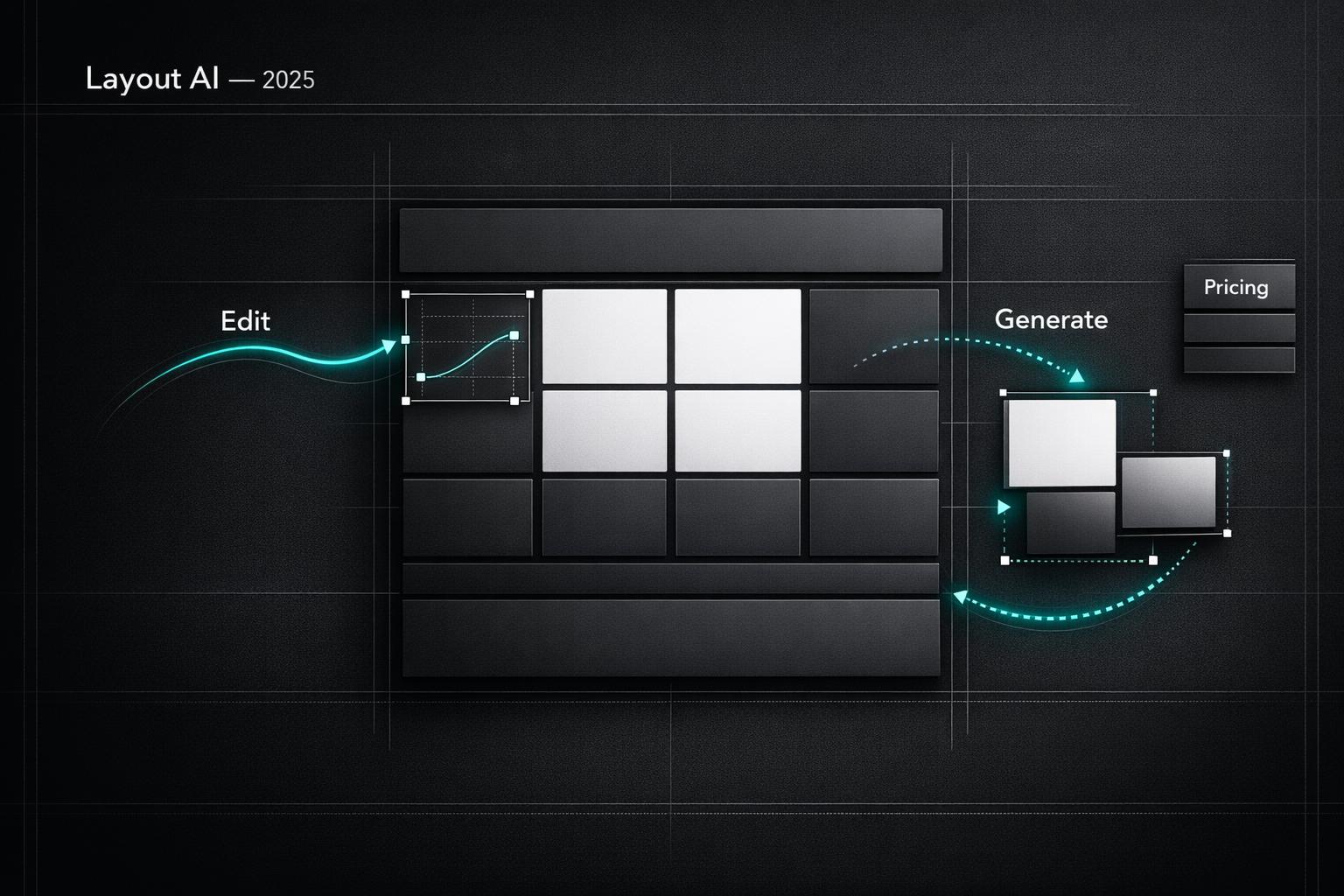
Compare top AI tools for WordPress layout design — real-time editing, rapid site generation, pricing, and best use cases for edits or new builds.
Machine learning personalizes WordPress with real-time recommendations, automated SEO and chatbots, improving engagement, conversions, and revenue.
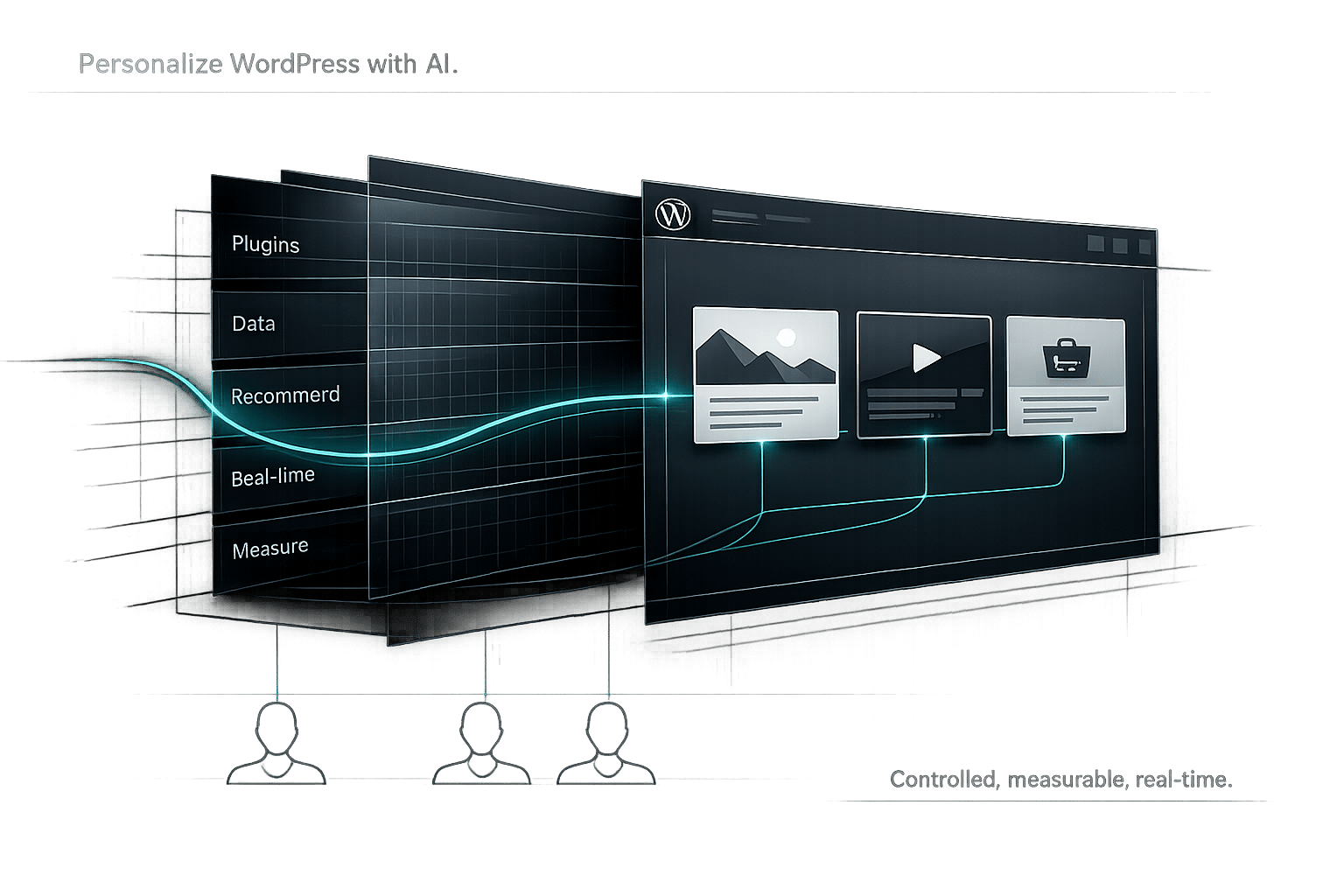
Learn how to add AI-driven personalization to WordPress—plugins, data collection, recommendation algorithms, real-time tools, and measurement tips.
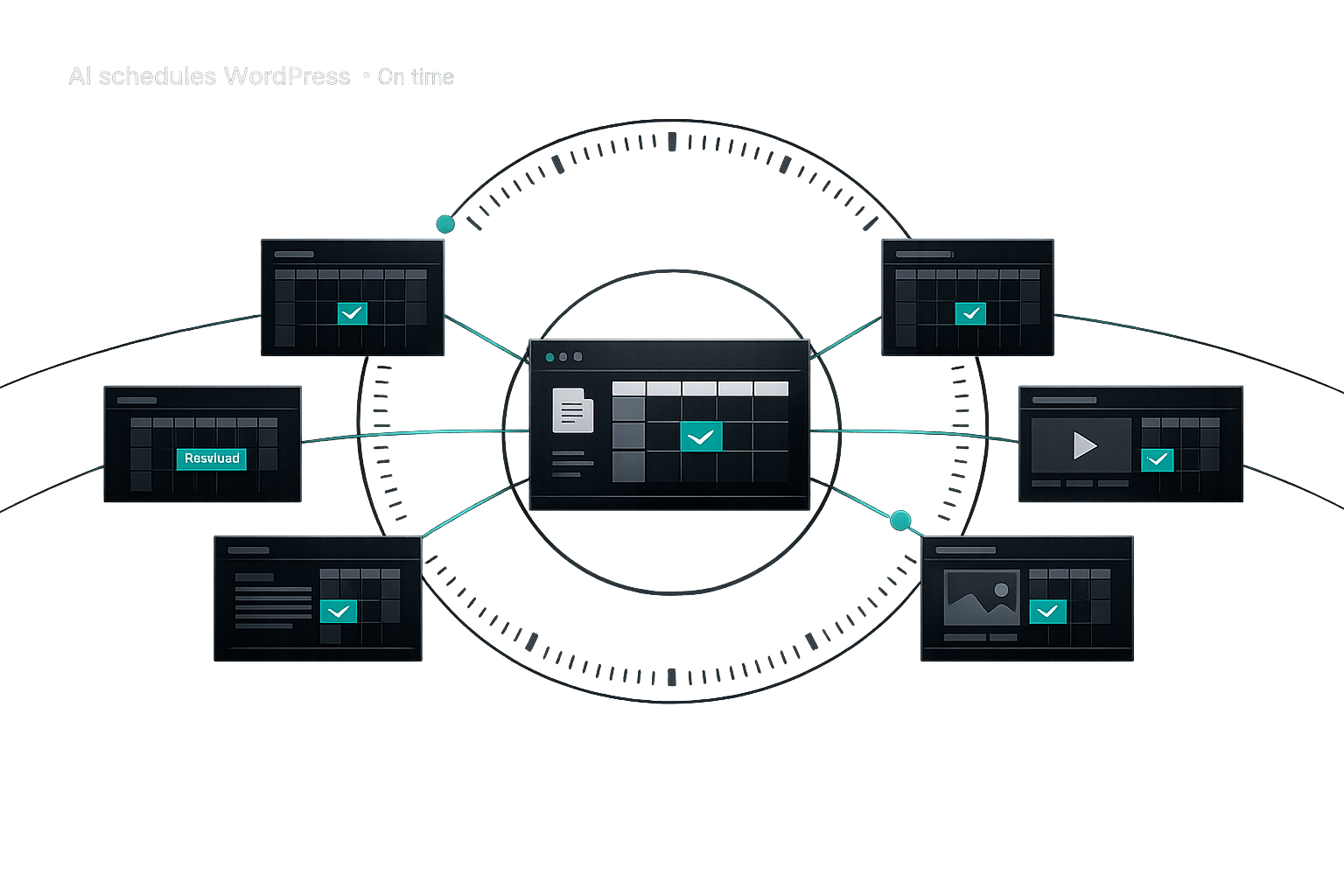
Learn how AI automates WordPress post scheduling, fixes missed schedules, optimizes timing using audience data, and manages multiple sites from one dashboard.
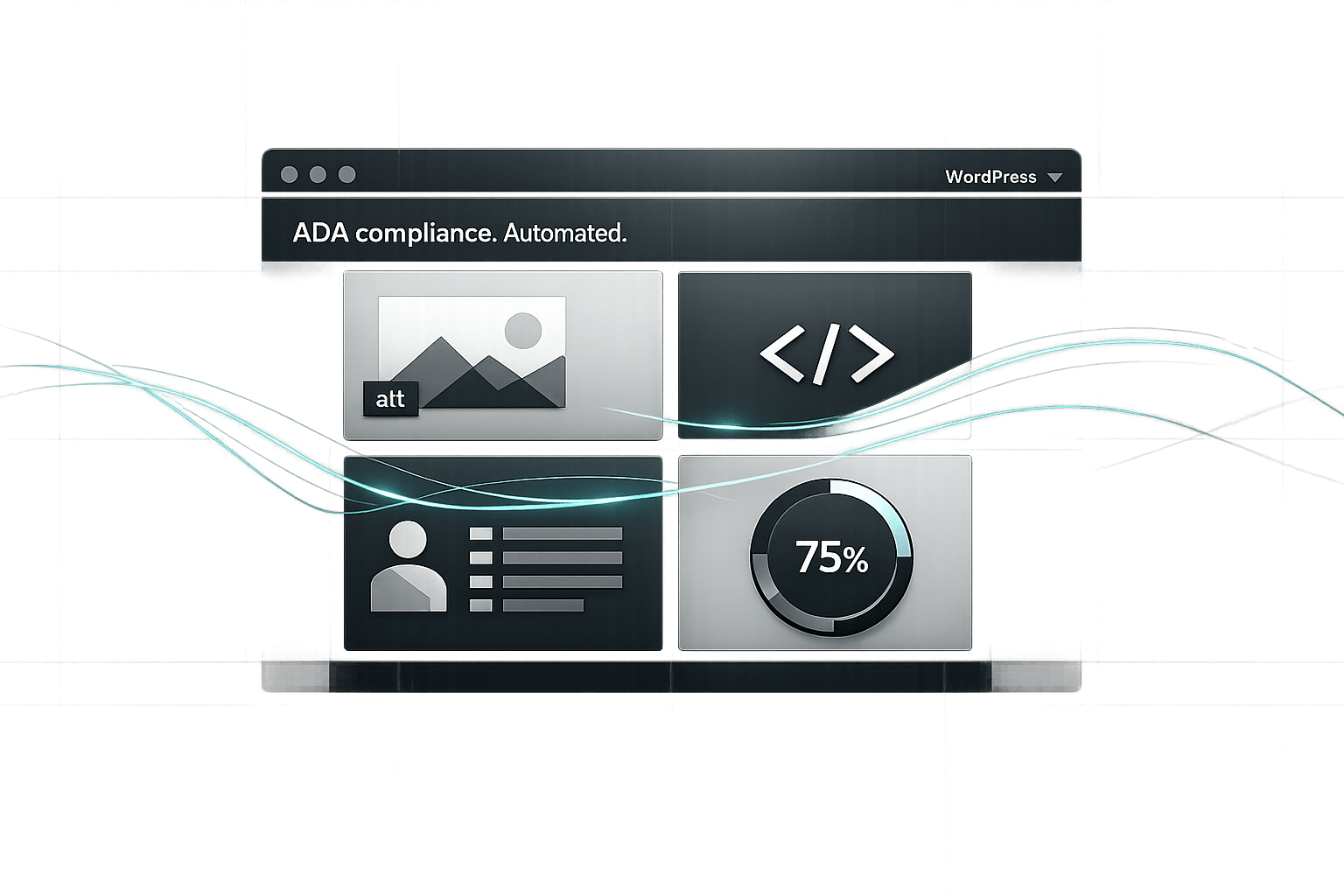
AI plugins automate ADA compliance for WordPress—adding alt text, fixing code, improving navigation, and running continuous scans to lower legal risk.
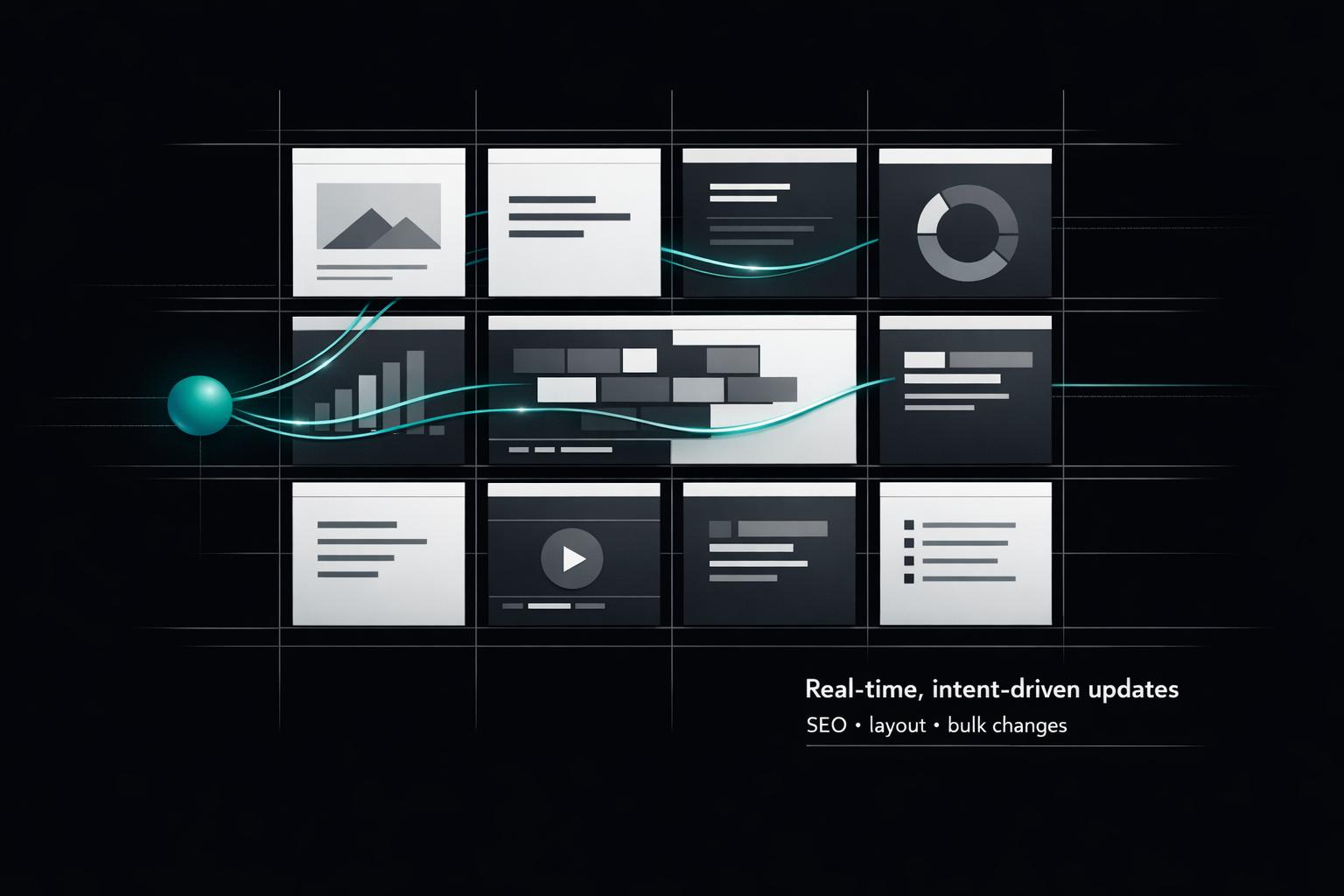
How AI enables real-time, personalized website updates with natural language — automating SEO, layout, and bulk changes to scale content management.
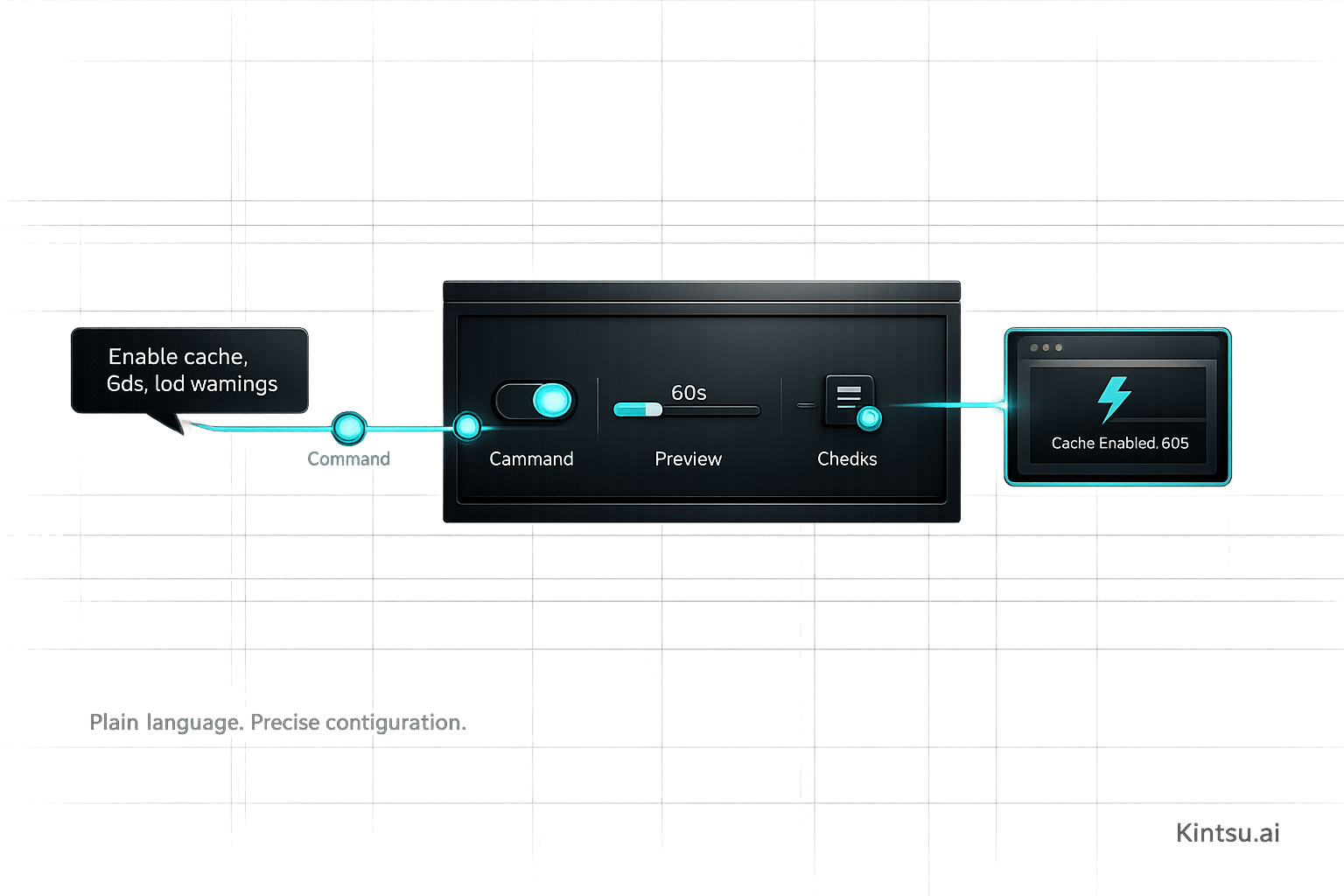
AI simplifies WordPress plugin setup with plain-language commands, instant previews, and automated checks that prevent errors and save time.
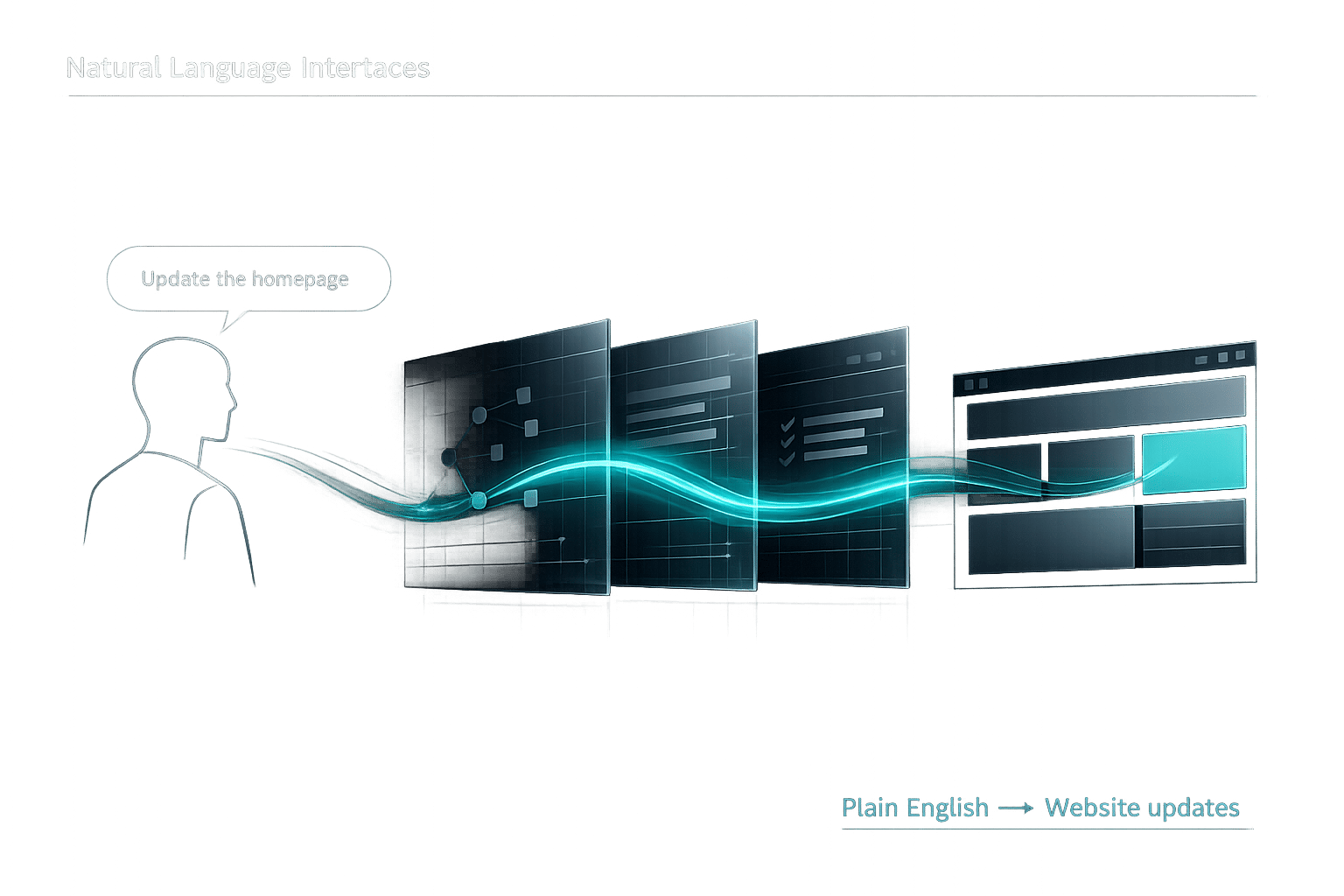
How Natural Language Interfaces use NLP, ML, and LLMs to turn plain English into website updates, boosting accessibility and efficiency.

AI personalization tailors WordPress content to each visitor — boosting engagement with behavior-based recommendations, conversational edits, and semantic suggestions.
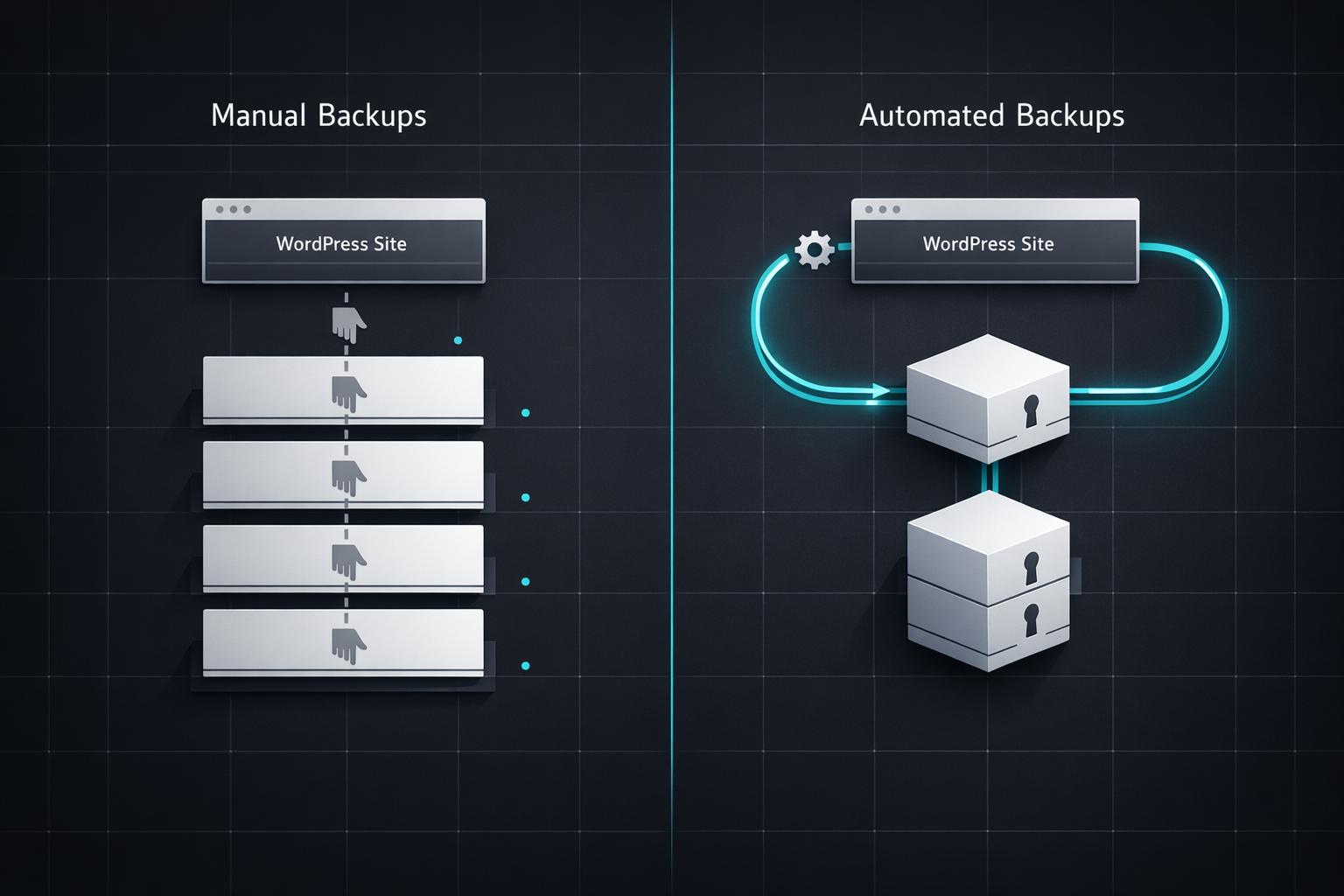
Compare manual vs automated WordPress backups—learn pros, cons, costs, and when to use each to protect your site from data loss.
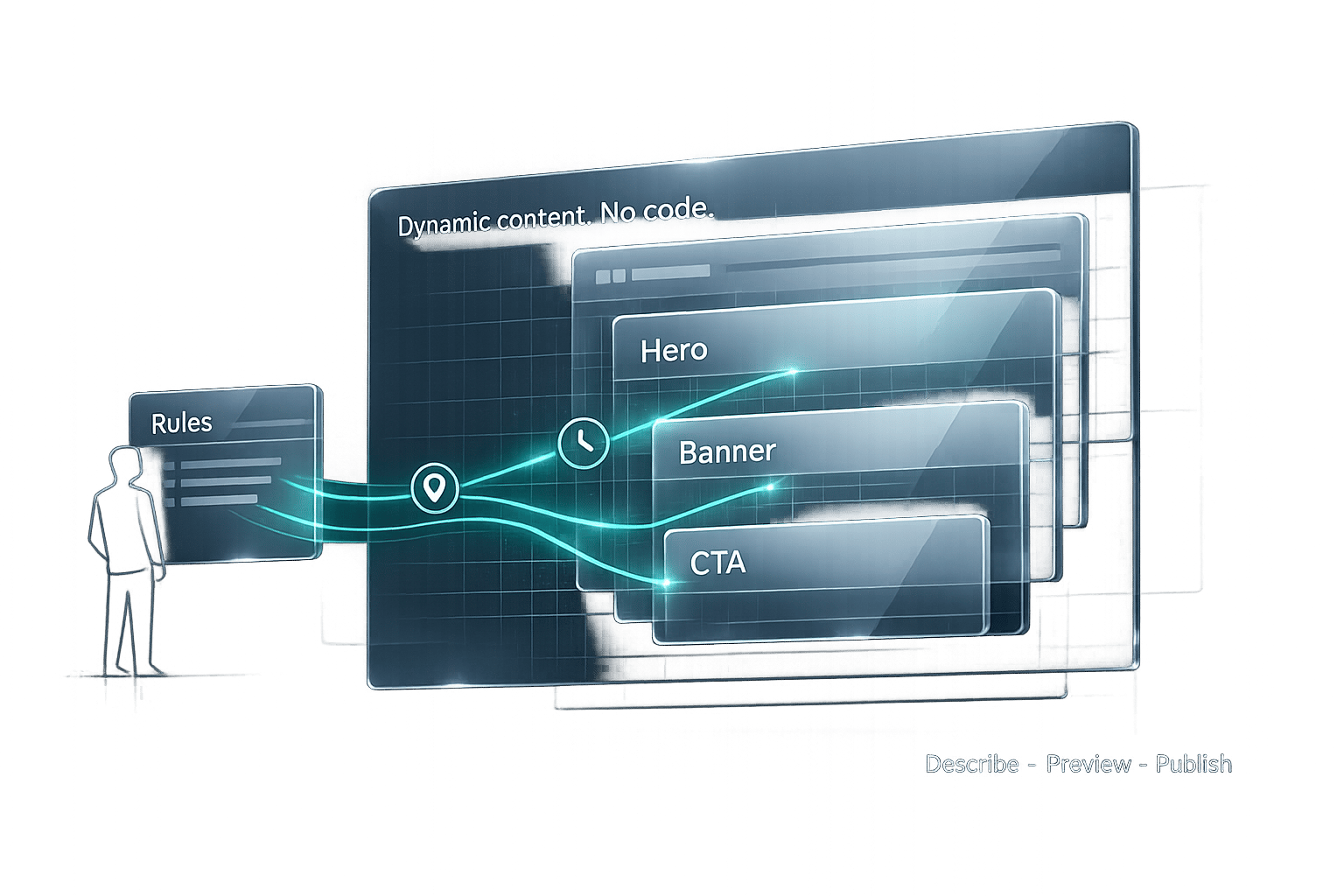
Add personalized, time- or location-based content to WordPress without coding using an AI plugin: install, describe rules, preview, refine, and publish.
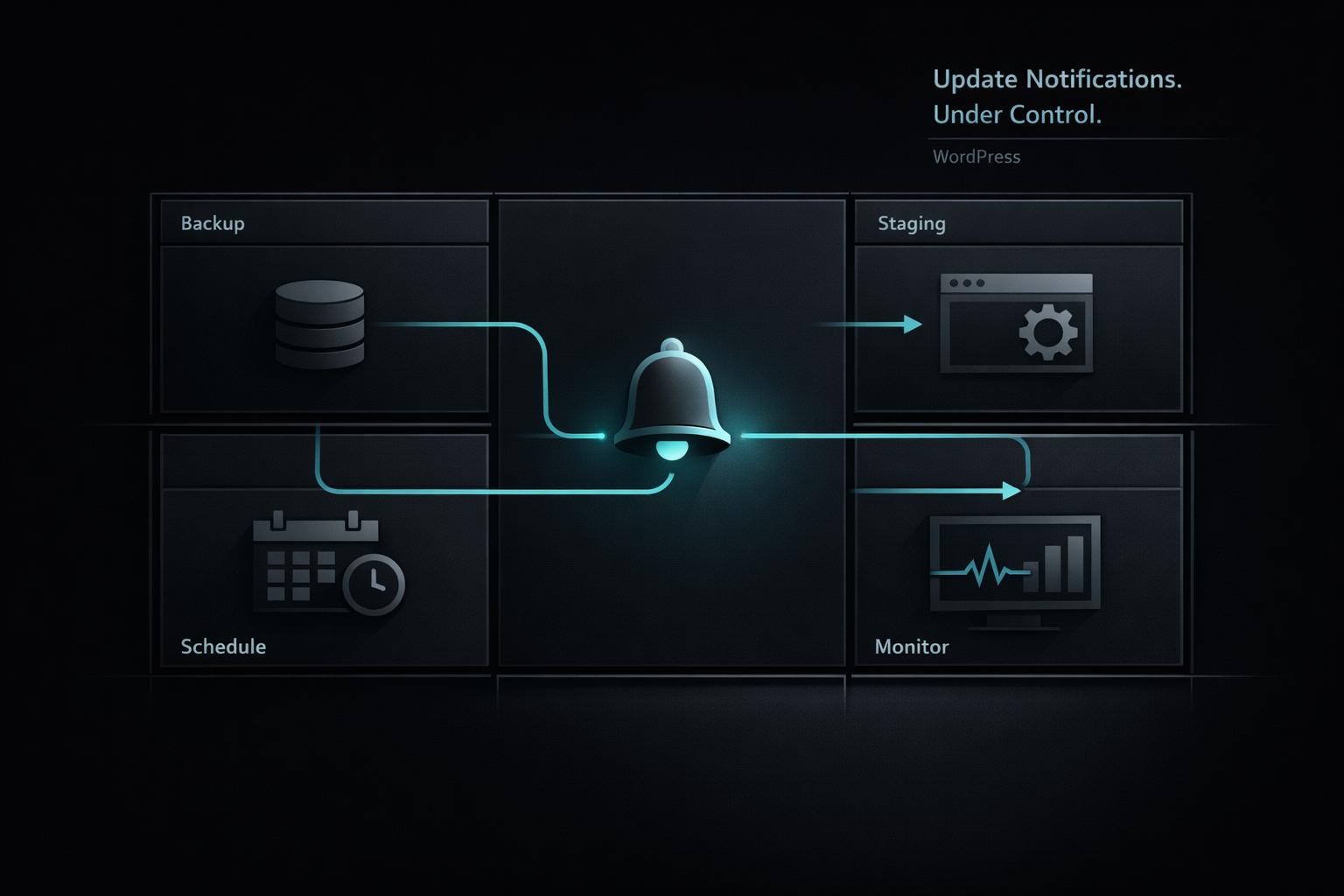
Learn how to configure, automate, and troubleshoot WordPress update notifications, with best practices for backups, staging, timing, and monitoring.
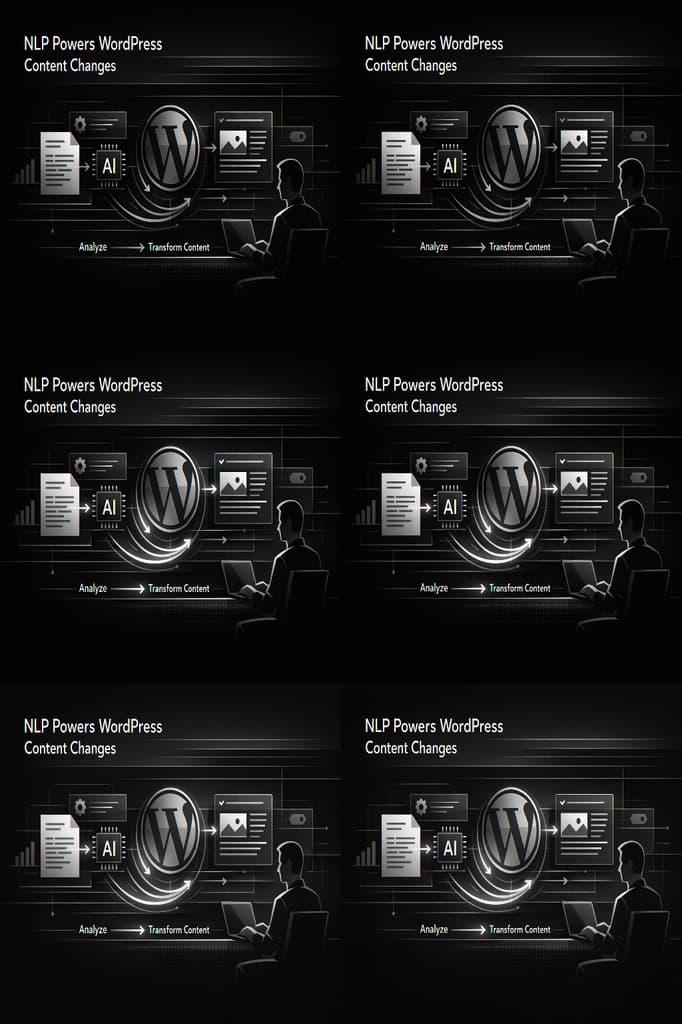
See how NLP turns plain-English commands into WordPress actions—create, edit, schedule, translate, and optimize content with AI-powered plugins and review workflows.