Kintsu AI vs 10Web: The Complete WordPress AI Comparison Guide for 2025
Detailed comparison of Kintsu AI and 10Web AI Builder covering features, pricing, and use cases to help you choose the right WordPress AI tool.
Articles, tutorials, and insights on managing WordPress with AI — from the team behind Kintsu.
Detailed comparison of Kintsu AI and 10Web AI Builder covering features, pricing, and use cases to help you choose the right WordPress AI tool.
Detailed comparison of Framer and Hostinger Website Builder covering pricing, features, ease of use, ecommerce, and AI capabilities to help you choose the right platform.
Comparing Kintsu AI and Elementor for WordPress. Discover the key differences between AI-powered site management and visual page building to choose the right tool.
Comparing Kintsu AI and WordPress.com AI Builder. Learn the key differences between AI site creation and AI site management to choose the right tool.

Create and publish WordPress forms in minutes using AI: connect the plugin, describe fields in plain language, preview in a sandbox, then publish and test.

AI automates WordPress plugin and theme updates with compatibility scans, staging previews, and rollbacks to save time and prevent site errors.

Machine learning speeds WordPress with predictive caching, AI image compression, and database tuning to lower load times and improve Core Web Vitals.

Learn how AI gives instant, no-code WordPress design feedback—fixing layout, accessibility, and responsiveness while saving time and cost.

Real-time AI tools let site owners make no-code WordPress edits and automated SEO updates instantly, cutting costs and speeding content workflows.

Use AI to update WordPress theme colors quickly, enforce WCAG contrast, create responsive palettes, and keep branding consistent without coding.

AI-driven patching turns WordPress security from reactive firefighting into continuous, proactive protection.

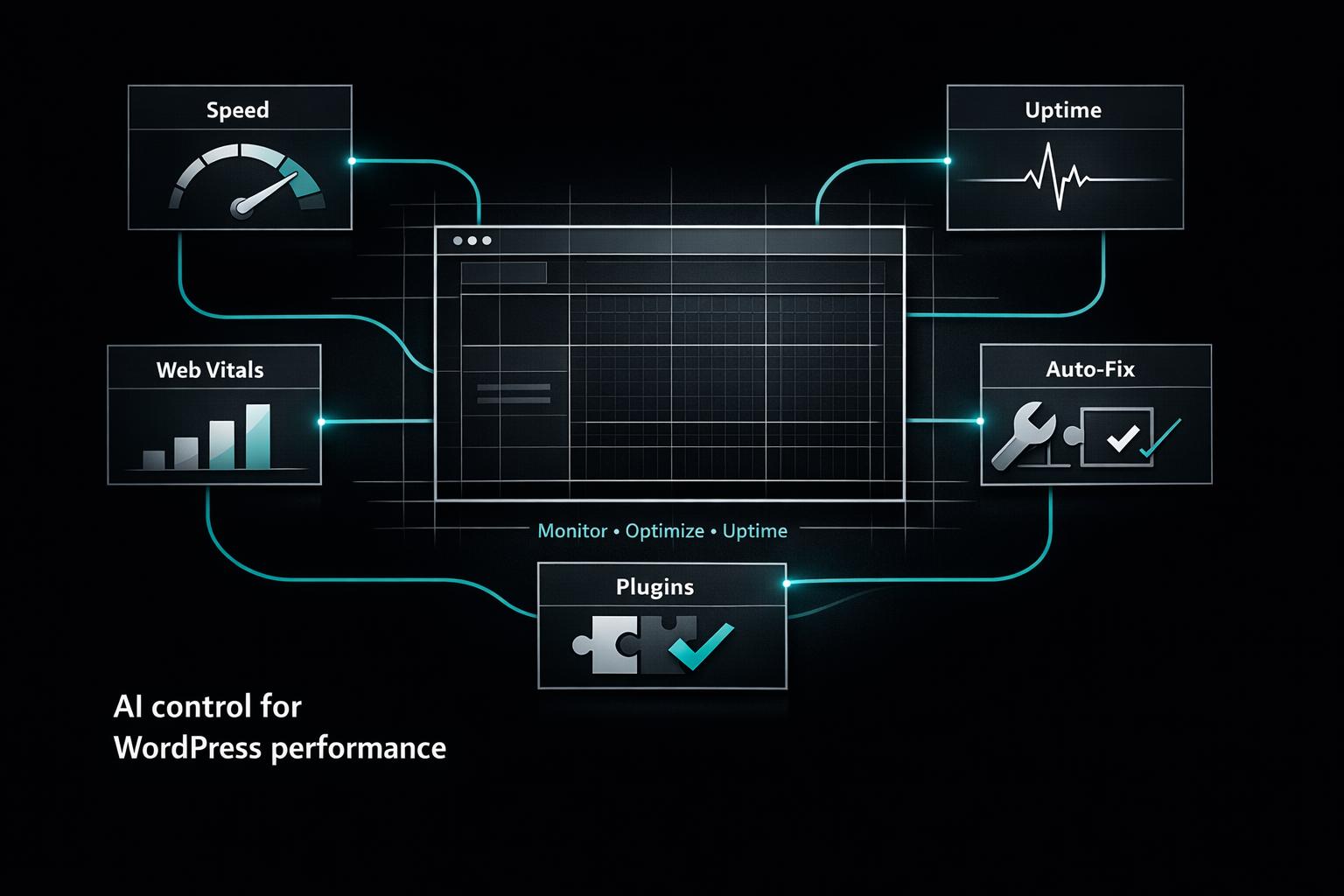
Compare AI tools that monitor and optimize WordPress speed, uptime, Core Web Vitals, plugin conflicts, and automated fixes to cut downtime and costs.

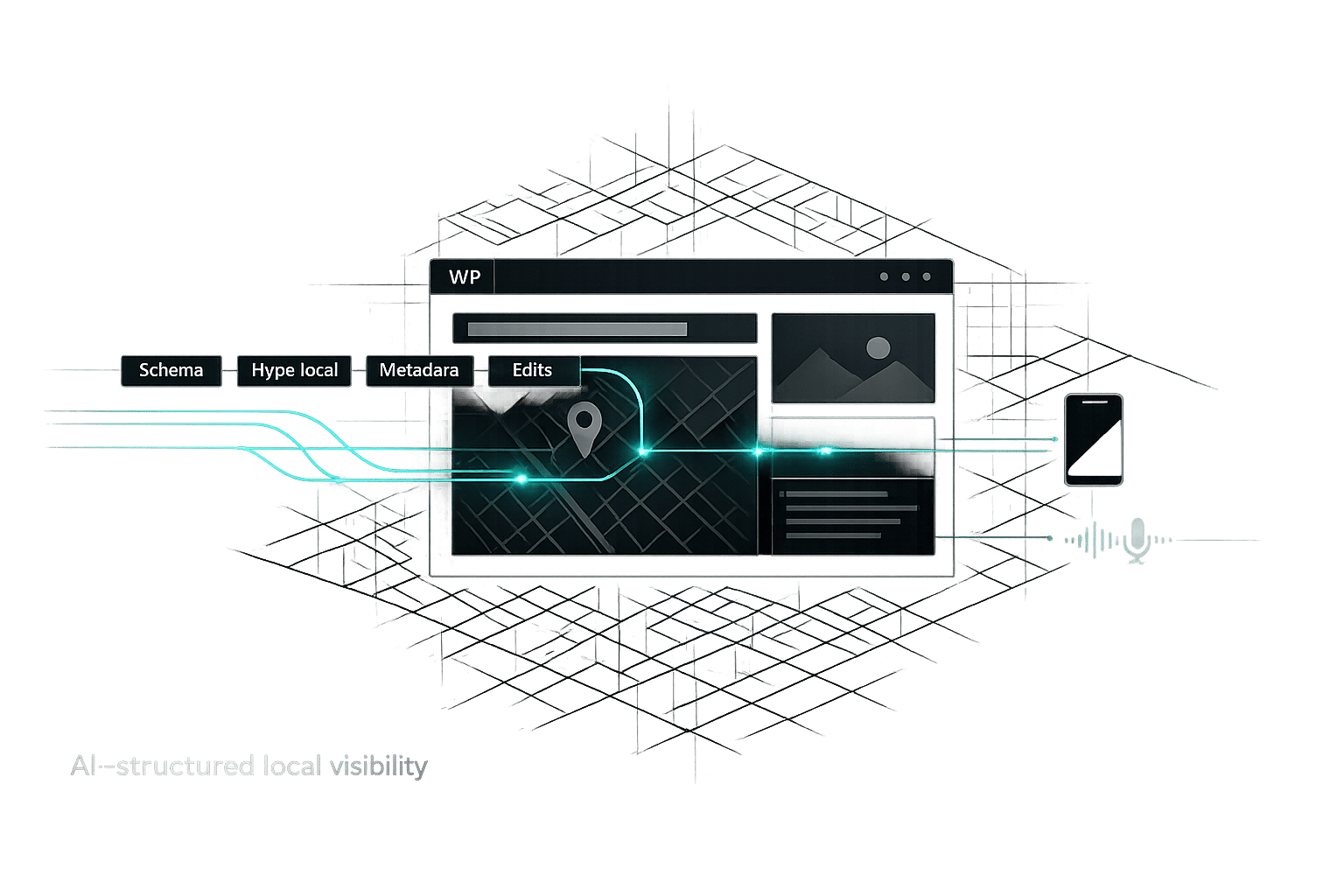
Use AI to automate schema, hyperlocal keywords, metadata, and real-time WordPress edits to boost local search visibility and voice/mobile traffic.

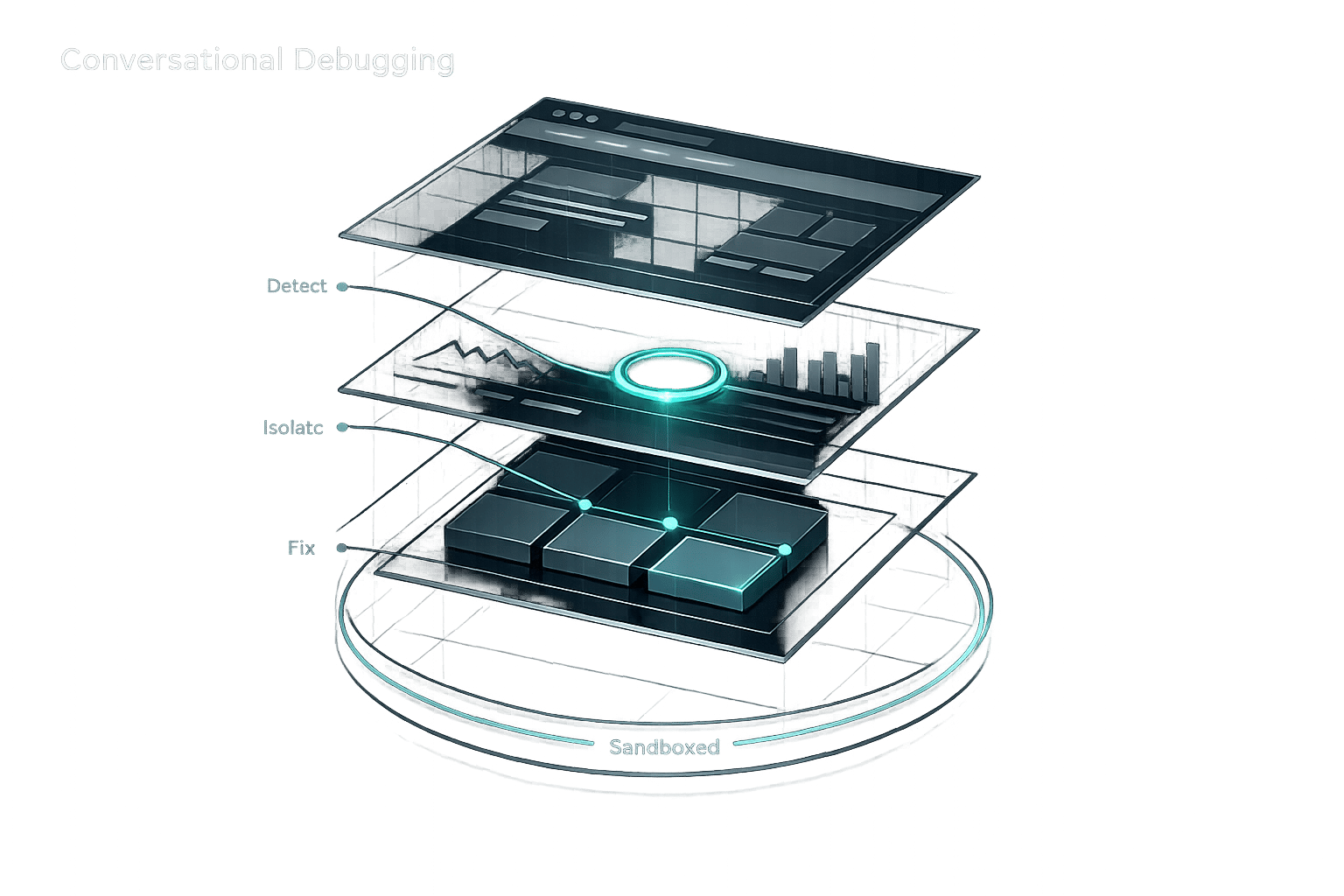
Use conversational AI to diagnose WordPress errors, detect plugin conflicts, and apply sandboxed, step-by-step fixes without coding.

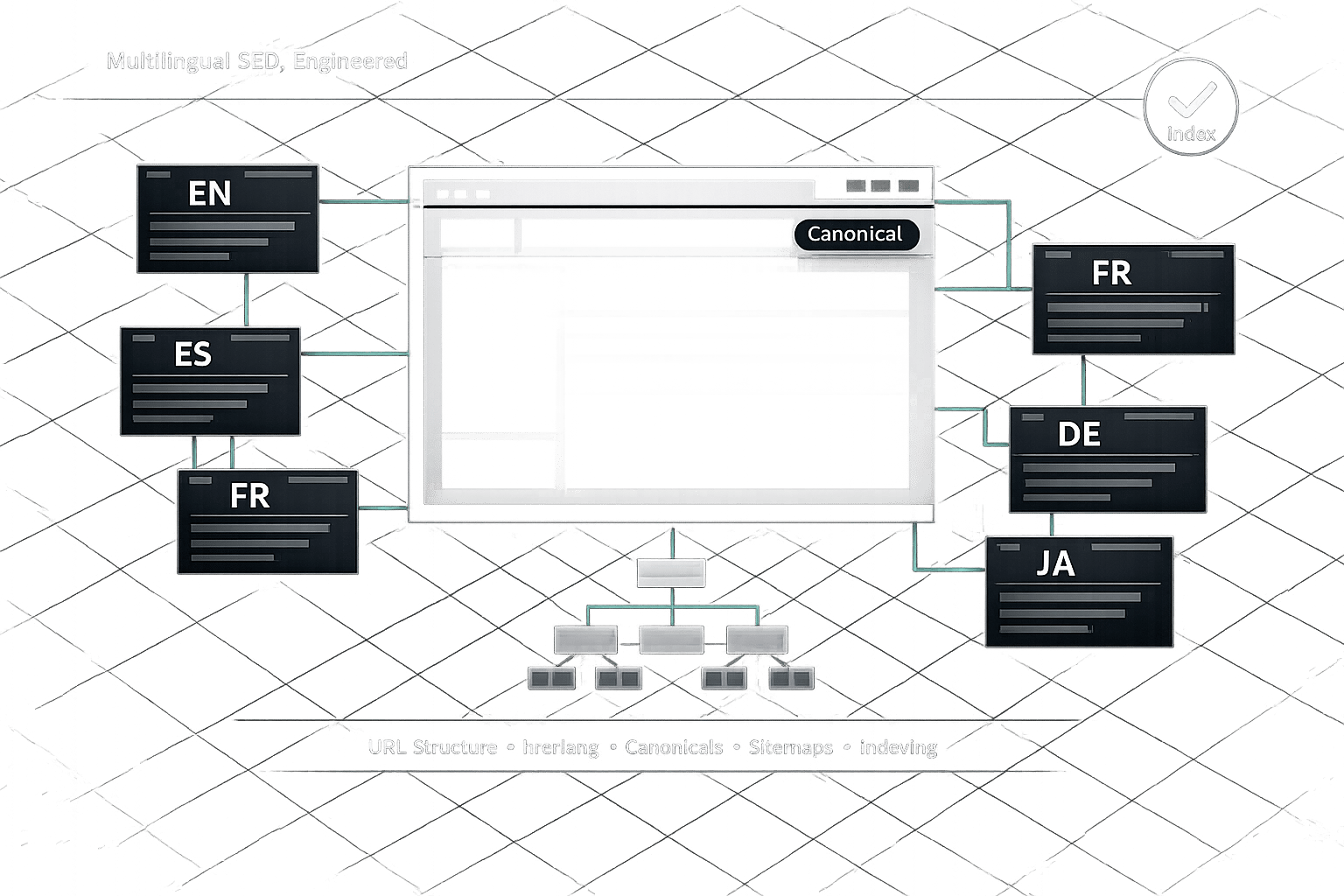
Practical WordPress multilingual SEO checklist: pick URL structure, implement hreflang and canonicals, localize keywords and metadata, set sitemaps, and verify indexing.

AI tools analyze and fix slow WordPress queries, automate indexing, and cut load times—offering adaptive gains over manual cleanup while requiring monitoring.

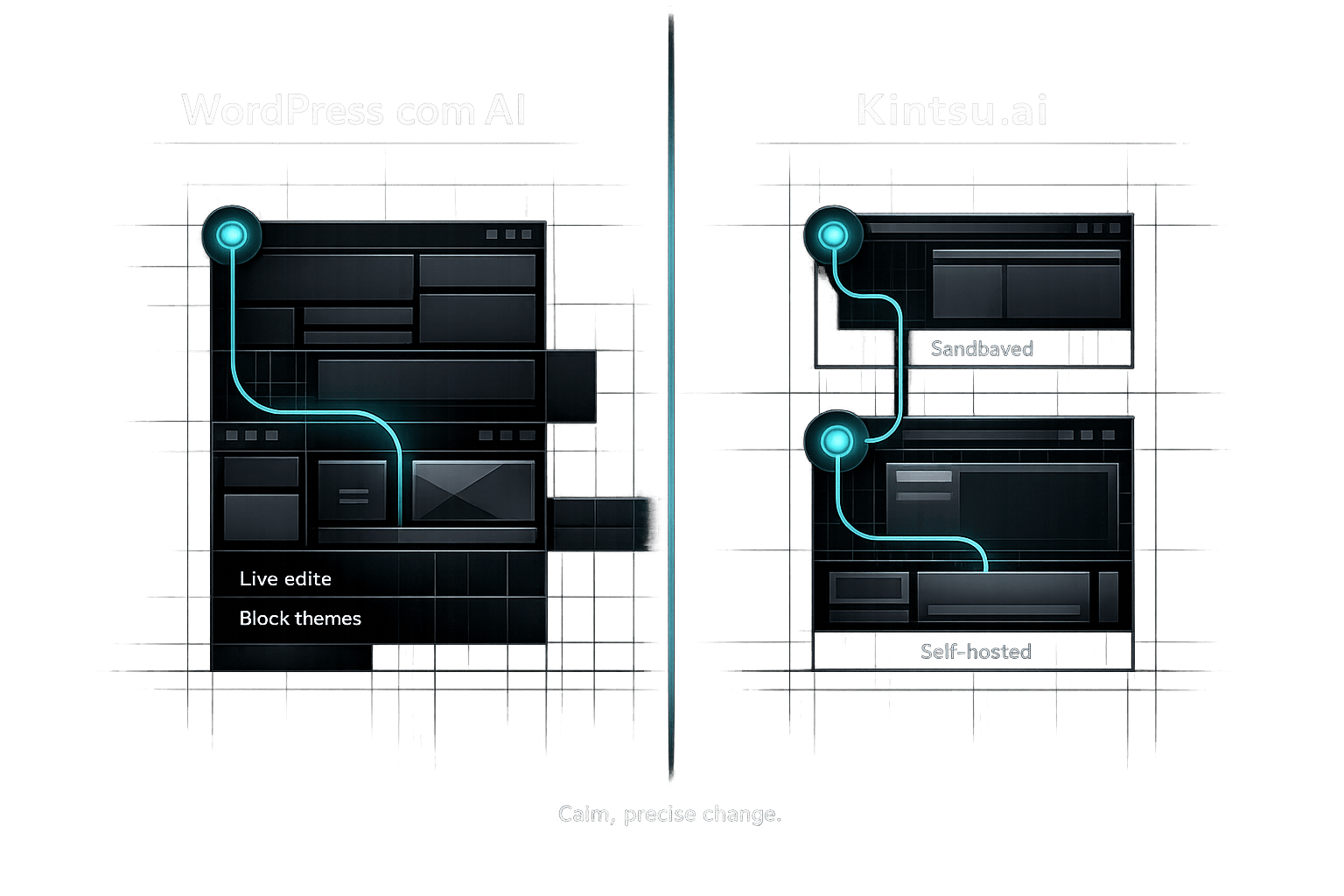
Compare WordPress.com's built-in AI (Business plan, block themes, live edits) with Kintsu.ai — a flexible, sandboxed AI editor for self-hosted WordPress sites.

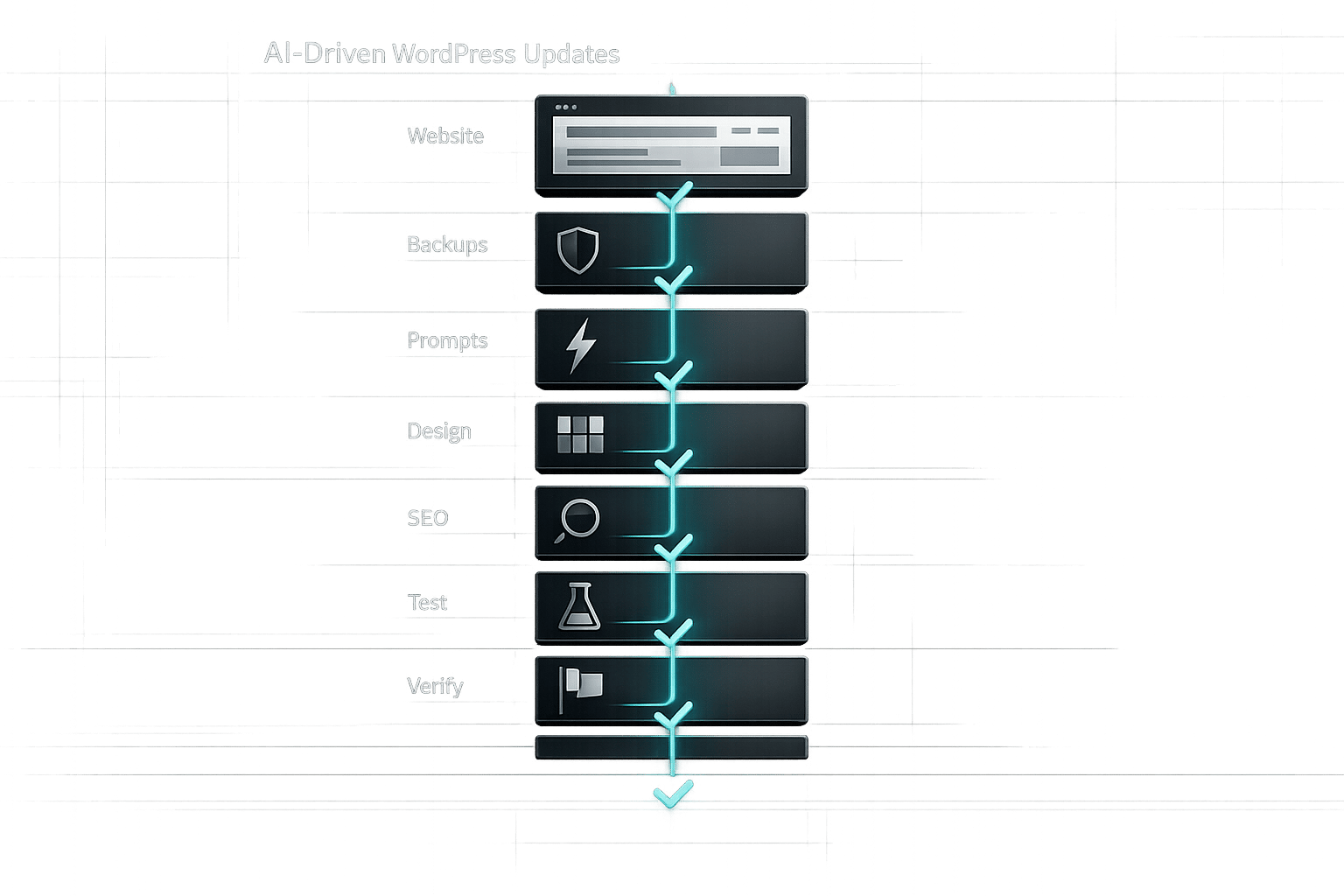
Step-by-step checklist to prepare, test, and safely deploy AI-driven WordPress updates—backups, clear prompts, design, SEO, and verification.

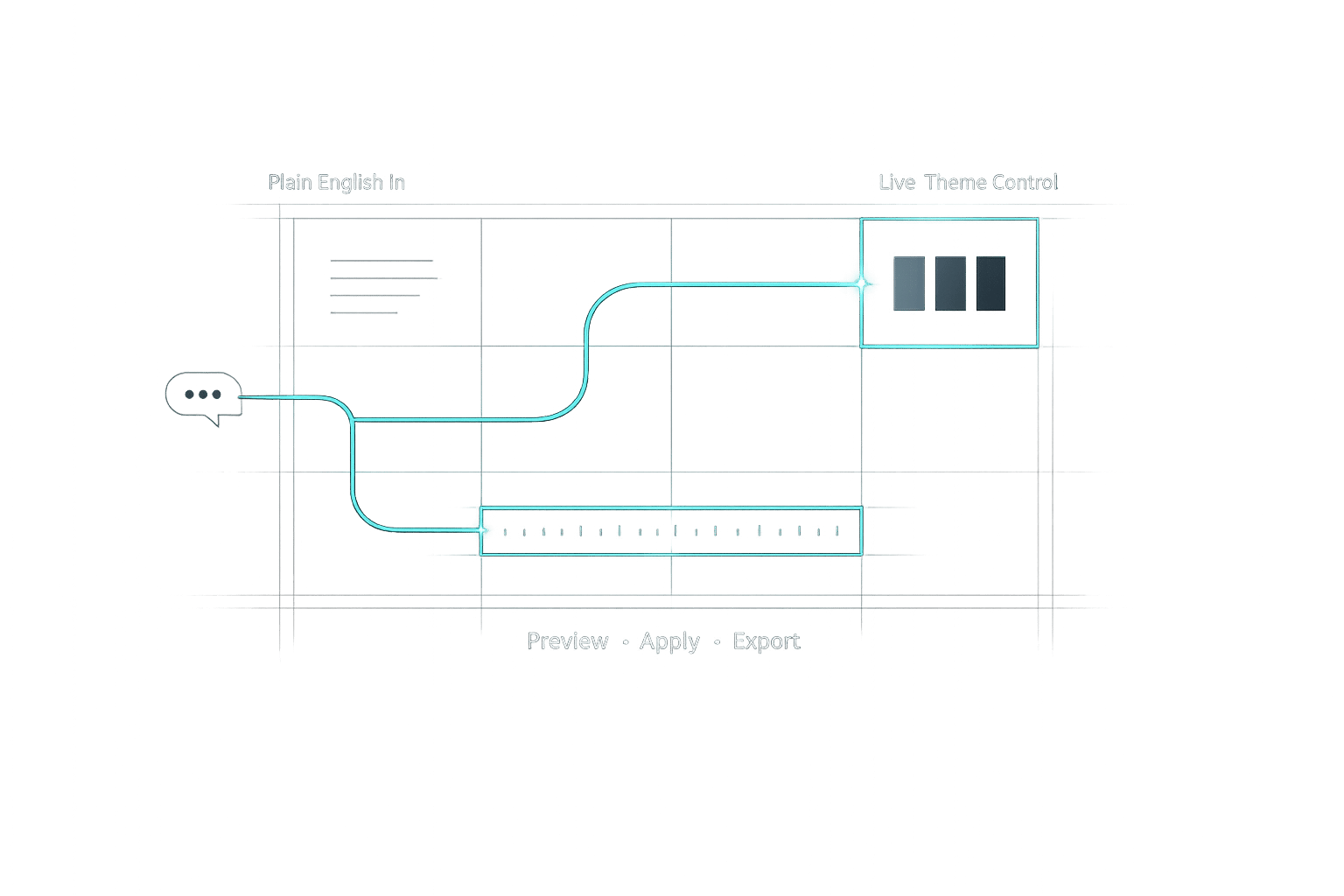
Turn plain-English design requests into live WordPress theme changes with AI—no coding, safe previews, and easy exports.

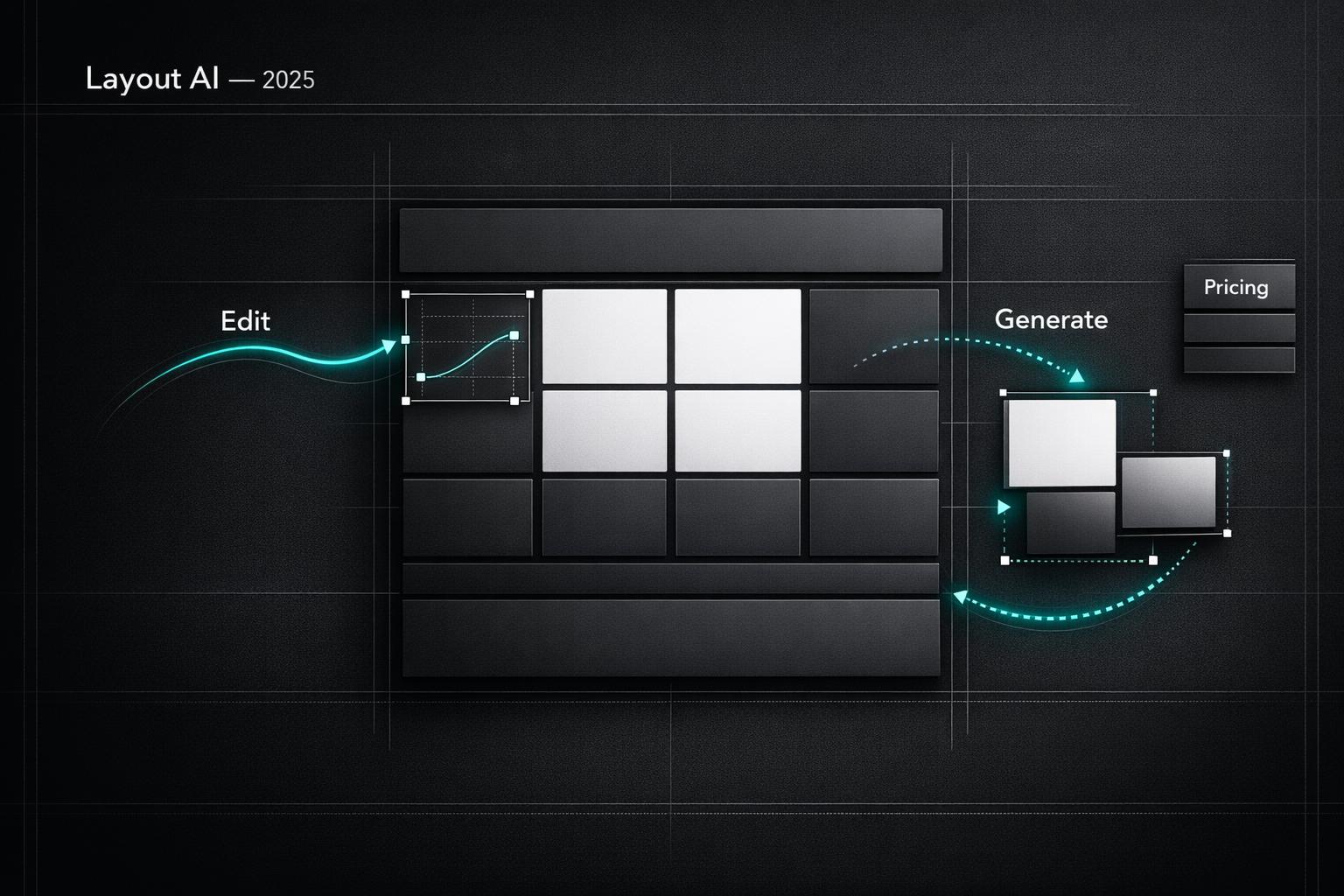
Compare top AI tools for WordPress layout design — real-time editing, rapid site generation, pricing, and best use cases for edits or new builds.