Best AI Tools for WordPress Layout Design 2025
Compare top AI tools for WordPress layout design — real-time editing, rapid site generation, pricing, and best use cases for edits or new builds.
Best AI Tools for WordPress Layout Design 2025
Designing WordPress layouts has never been easier. By 2025, AI tools transformed the process, cutting design time by 30%-50% and eliminating the need for coding. Tools like Kintsu.ai, Elementor AI, Divi AI, SeedProd with AI, and 10Web AI Builder allow you to create, edit, and optimize websites using simple text commands. Whether you're a freelancer, agency, or business owner, these tools simplify tasks like layout adjustments, content creation, and image generation.
Key Features of Each Tool:
- Kintsu.ai: Conversational editing with real-time previews and rollback options.
- Elementor AI: Advanced design and code generation with widget-level control.
- Divi AI: Unlimited text, image, and code generation integrated into the Divi Builder.
- SeedProd: Rapid site creation in seconds with AI-generated layouts and content.
- 10Web AI Builder: Automated site building, hosting, and performance optimization.
Quick Comparison
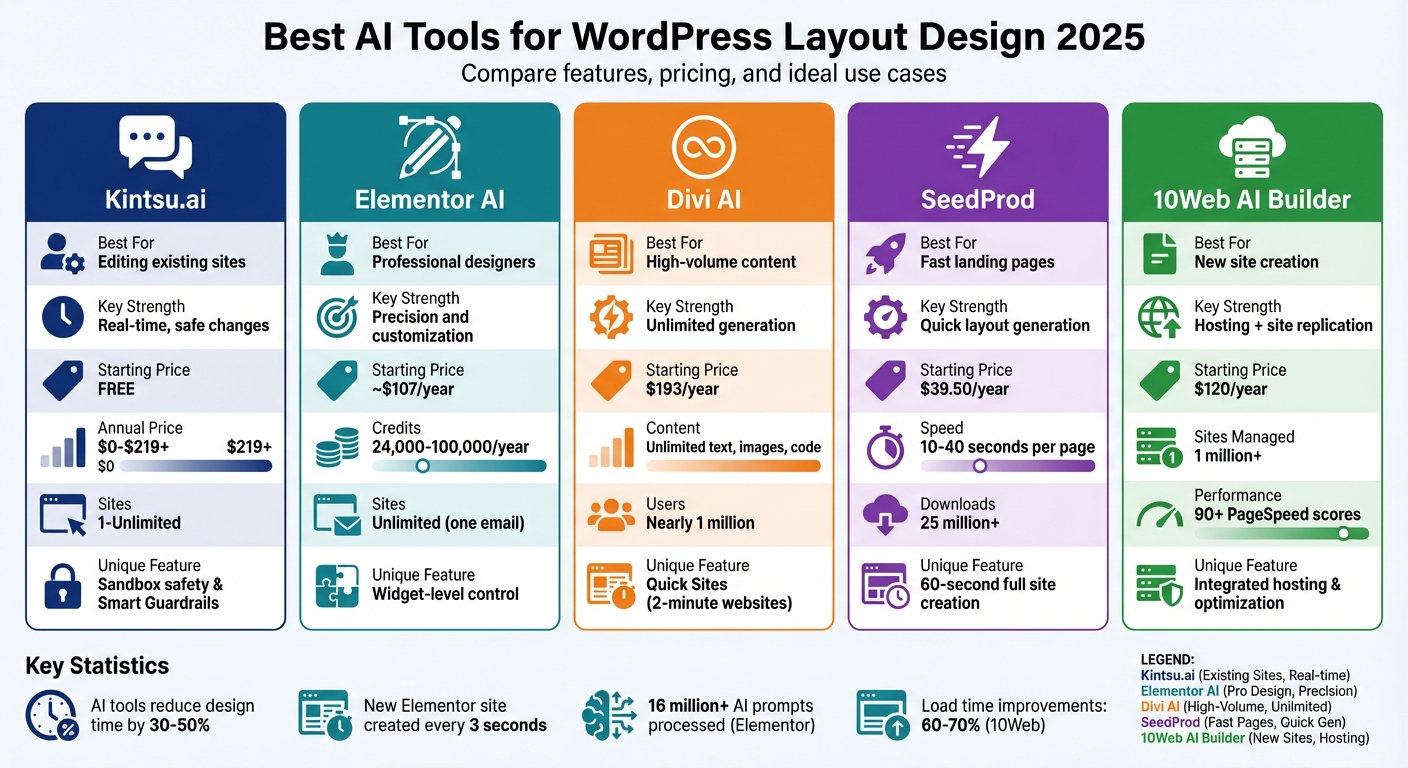
| Tool | Best For | Key Strength | Starting Price |
|---|---|---|---|
| Kintsu.ai | Editing existing sites | Real-time, safe changes | Free |
| Elementor AI | Professional designers | Precision and customization | ~$107/year |
| Divi AI | High-volume content | Unlimited generation | $193/year |
| SeedProd | Fast landing pages | Quick layout generation | $39.50/year |
| 10Web | New site creation | Hosting + site replication | $120/year |
These tools cater to different needs: Kintsu.ai for quick edits, Elementor AI for detailed designs, Divi AI for content-heavy projects, SeedProd for speed, and 10Web for hosting and site creation. Choose the one that aligns with your workflow and goals.
AI WordPress Layout Design Tools Comparison 2025: Features and Pricing
5 FAST AI WordPress Website Builders (That Blew My Mind!)
sbb-itb-42d7c06
1. Kintsu.ai
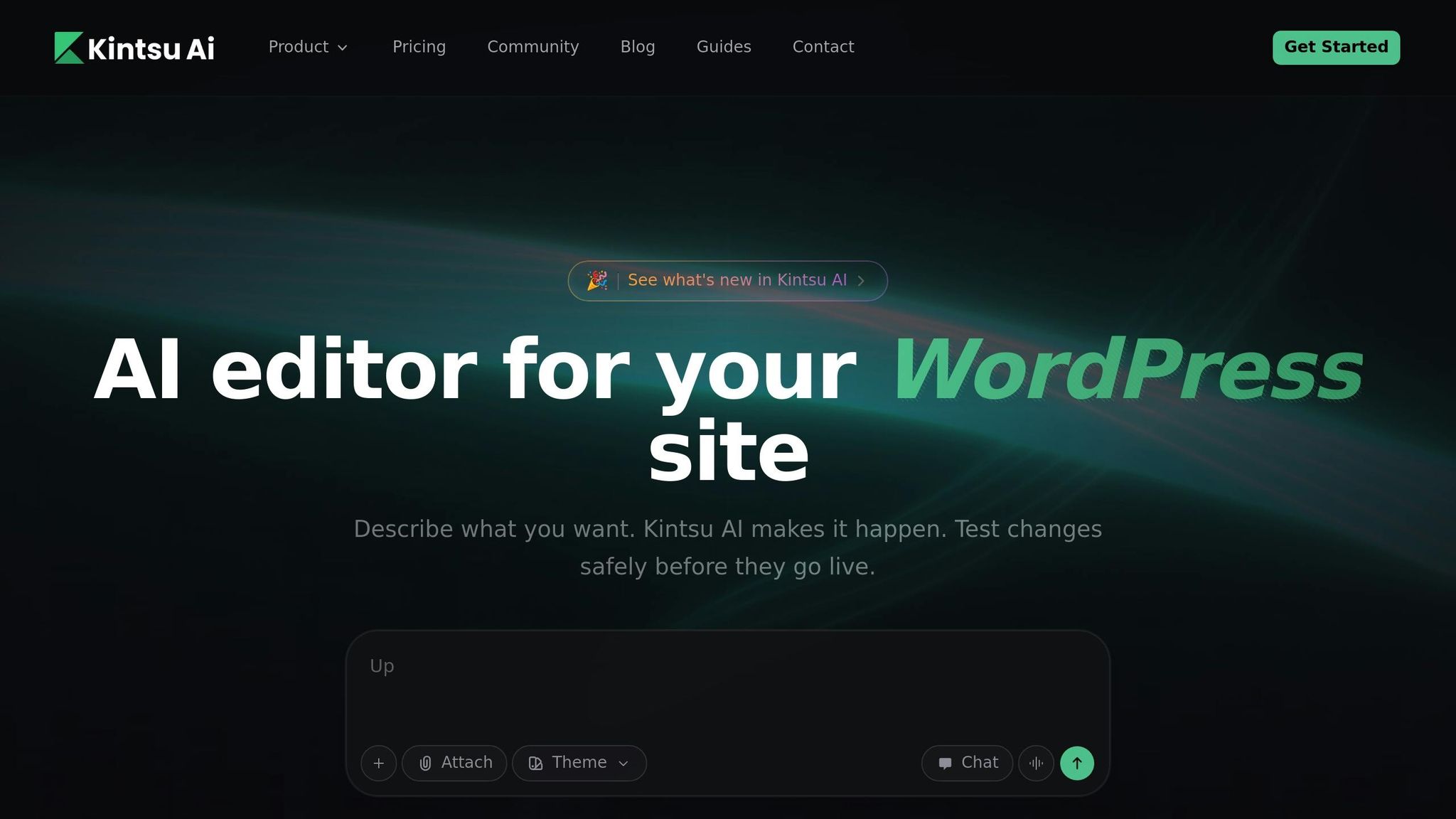
Kintsu.ai simplifies WordPress layout design by using conversational commands. Forget about dragging elements or tweaking endless settings. Instead, you just describe what you want in plain English - think phrases like "make the hero section more premium" or "add a testimonial grid below the fold" - and the AI handles the changes instantly. It connects to your WordPress site through a lightweight plugin that takes less than 5 minutes to set up and works with virtually any theme or page builder, including Elementor, Divi, WPBakery, and Gutenberg.
Real-Time Editing
The heart of Kintsu.ai is its Builder Chat interface. Here, you can type natural language instructions, and the AI applies them directly to your site. Its Page-Aware Editing feature ensures that changes are made to the exact section you're working on, whether it's the homepage hero, the footer, or even a mobile-specific layout. You can preview all changes in a sandbox environment across desktop, tablet, and mobile views. This preview-first approach eliminates the guesswork, letting you see the impact of edits before they go live.
"Apply changes in a controlled way: generate the change, preview the impact, then publish - rather than 'edit and pray.'" - Kintsu.ai
Kintsu.ai also includes Smart Guardrails to prevent edits that might conflict with plugins or break your site's structure. And if something goes wrong? Its granular rollback system lets you reverse individual changes with ease.
These real-time tools make it simple to adjust layouts without disrupting your workflow.
Customization Features
Kintsu.ai doesn’t just handle quick edits - it also helps maintain a polished, cohesive design across your site. It can unify fonts, colors, spacing, and button styles to ensure your brand looks consistent everywhere. The platform is also great for fixing older sites, tackling issues like misaligned sections, inconsistent padding, cramped text, and poor mobile layouts - all without requiring a full site overhaul.
Need device-specific tweaks? Just ask. For example, you can request adjustments like "tighten spacing on mobile", and the AI will make sure the changes align with your theme's breakpoints and stay touch-friendly. Kintsu.ai is trusted by more than 500 WordPress creators and has a thriving Discord community of over 5,000 members.
Pricing
Kintsu.ai offers four pricing tiers, with an annual billing option that saves you 20%:
| Plan | Monthly Price | Annual Price | Sites | Credits | Key Features |
|---|---|---|---|---|---|
| Free | $0 | $0 | 1 | 10 | Conversational editing, preview workflow, community support |
| Pro | $30 | $24 | 1 | 100 | Edit history, rollback, credit rollover (1 cycle), email support |
| Business | $69 | $55 | 3 | 300 | Priority support, staging, API access |
| Enterprise | $219+ | Custom | Unlimited | 800+ | Unlimited team members, approval workflows, audit logs, SLA |
Credits are used for edits: content edits cost 0.5 credits, while theme customizations cost 1.5 credits. Paid plans allow unused credits to roll over for one billing cycle, and all come with a 14-day money-back guarantee.
2. Elementor AI
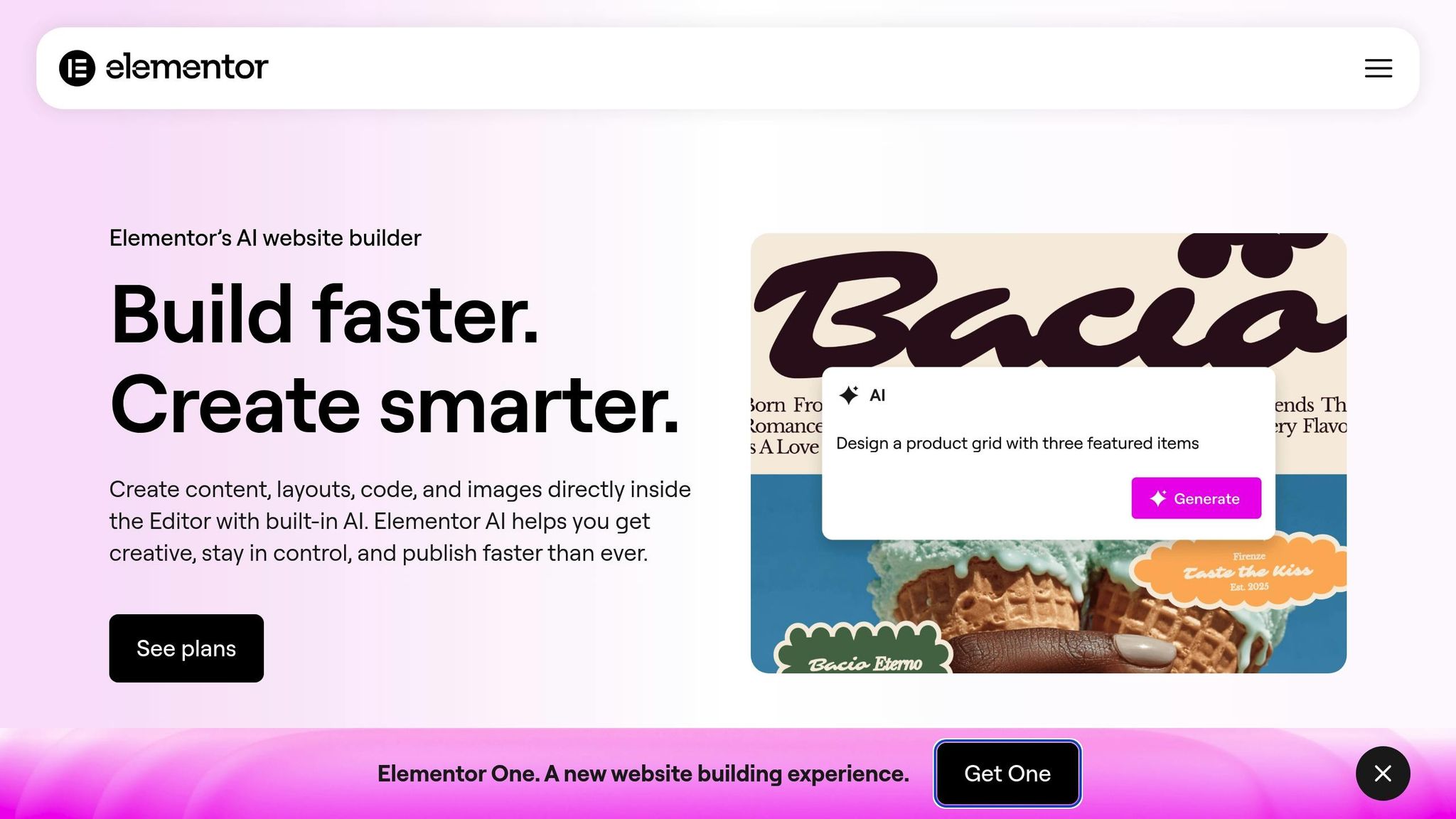
Elementor AI brings advanced design capabilities to WordPress, a platform that powers 13% of websites globally. It combines AI-driven layout generation, code assistance, and image editing directly within your workflow. With over 16 million AI prompts processed across text, image, and code, Elementor AI is making an impact - especially considering a new Elementor-based website is created every 3 seconds. These tools complement the platform's customization options for a seamless design experience.
Real-Time Editing
The AI Copilot functions as a virtual design assistant, offering wireframe layouts tailored to your site’s existing structure and industry standards. It analyzes the context of your elements and suggests relevant adjustments.
You can describe styles like "glassmorphism" or request specific sections, such as a pricing table, and the AI generates custom code and layouts instantly.
The Integrated Image Studio lets you edit visuals without leaving your workspace. Features like Generative Fill allow you to add or remove objects, swap backgrounds, or use "outpainting" to expand images for specific container sizes.
"The real power of an AI builder isn't just in its generative features, but in how it integrates with the underlying infrastructure." - Itamar Haim, Web Development Expert
Customization Features
Elementor AI simplifies complex design tasks, enabling professionals to make detailed adjustments with minimal effort. The AI Site Planner cuts down the time needed for planning and wireframing from days to just 20 minutes. It generates a sitemap and interactive wireframe that you can import directly into the editor, solving the "blank canvas" challenge.
For accessibility, the Ally Assistant scans for over 180 violations to ensure compliance with WCAG 2.1 AA standards. It offers guided solutions or automated fixes to address these issues.
The History Panel keeps track of all your AI prompts and responses - whether for text, images, or code - over a 30-day period, making it easy to revisit or reuse successful edits. Additionally, Elementor AI supports multilingual functionality, allowing prompts in any language and translating content into the top 25 most-used languages.
These tools are available across various subscription plans designed to suit different needs.
Pricing
Elementor AI uses a credit-based system, with costs varying depending on the type of prompt: text and code prompts use 1 credit each, images require 33 credits, and container layouts cost 40 credits.
| Plan | Monthly Price | Annual Price | Credits | Key Features |
|---|---|---|---|---|
| AI Starter | $4 | $48 | 24,000/year | Text, images, code, containers, 3 Notetaker sessions (total) |
| AI Power | $8.25 | $99 | 50,000/year | All Starter features, 3 Notetaker sessions/month, 90-day history |
| AI Visionary | $15.99 | $192 | 100,000/year | All Power features, 10 Notetaker sessions/month |
| Elementor One | $14 | $168 | 25,000/month | Includes Editor Pro, image optimization, accessibility fixes |
One subscription covers unlimited websites tied to a single email account. Additionally, all content generated through Elementor AI is royalty-free and fully owned by the user.
3. Divi AI
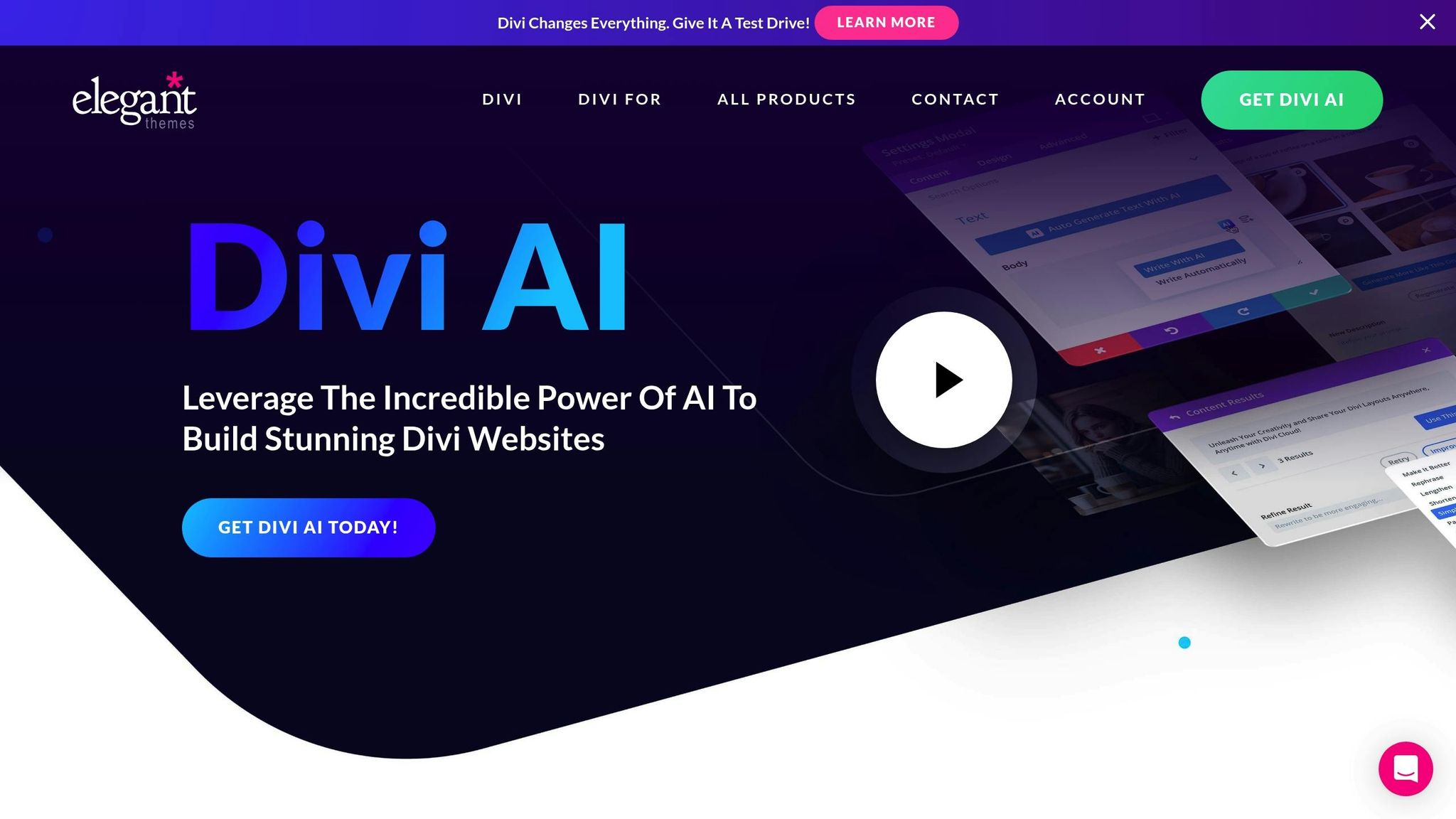
Divi AI is seamlessly integrated into the Divi Visual Builder, serving nearly 1 million users as of early 2026. This tool simplifies web design by combining text generation, image creation, and custom code writing - all within one streamlined interface.
Real-Time Editing
Using Divi's drag-and-drop builder, Divi AI can instantly create or adjust layouts, color schemes, and element arrangements. For instance, you can describe a hero section with specific details, and the AI will generate the layout, add visuals, and write the copy in seconds. Its Image AI feature is equally powerful, turning text prompts into visuals, enhancing low-resolution images, and offering tools like "Generative Fill" and "Expand Canvas" to ensure images fit perfectly within your designs.
Customization Features
Divi Text AI makes creating content effortless, whether it’s headlines, paragraphs, or full-length posts. It can also adjust tone and translate content as needed. Meanwhile, Divi Code AI is specifically trained on the Divi codebase, enabling it to generate precise CSS, HTML, and JavaScript. This means you can create advanced custom elements like popups or hover effects that go beyond standard modules.
"Divi AI is like a web developer, designer, copywriter, and photographer in one. You talk to it like a person, and it makes decisions like a professional design team." - Elegant Themes
To maintain brand consistency, Divi AI automatically applies your chosen fonts and colors. Additionally, it provides access to over 2,600 individual page layouts across 360+ industry-specific layout packs.
Automation Capabilities
Divi AI isn’t just about design tweaks - it can automate entire website builds. With Divi Quick Sites, you can create a fully functional website complete with pages, content, and images in under two minutes. It even suggests design elements based on your existing modules. The AI learns from your website’s name, description, and existing content to ensure all its outputs match your style and purpose. If you provide reference images, the AI can retain the desired composition while updating the subject matter, making it a highly intuitive tool for WordPress users.
Pricing
Divi AI offers a flat-fee pricing model, giving users unlimited access to text, image, and code generation:
| Plan | Monthly Price | Annual Price | Key Features |
|---|---|---|---|
| Divi AI Unlimited | $24 | $256.32 | Unlimited text, image, and code generation (add-on for existing users) |
| Divi Pro Bundle | $23.08 | $277 | Includes Divi Theme, unlimited AI, Divi Cloud, and VIP support |
| Divi Standard | - | $89 | Theme only; AI features require a separate add-on or come with freemium limits |
The Divi Pro Bundle stands out, offering a reported savings of $611 per year compared to purchasing each feature separately.
4. SeedProd with AI
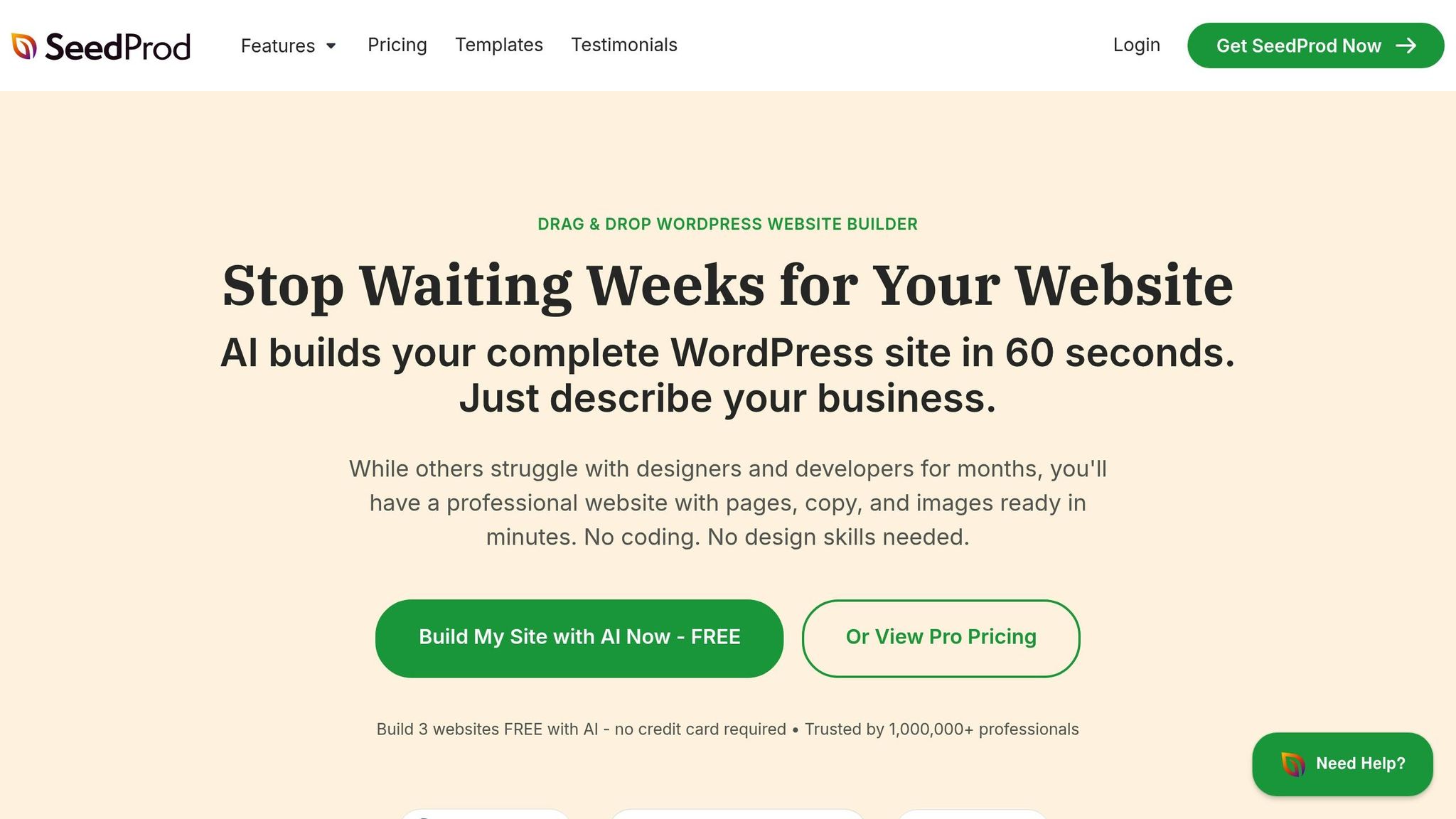
SeedProd makes it possible to create a full WordPress website in less than 60 seconds - using nothing more than a single text prompt. With over 1 million users and 25 million downloads, it’s a go-to tool for anyone who wants professional results without dealing with code.
Real-Time Editing
The platform’s drag-and-drop visual builder is designed for instant feedback. As you make changes, AI-generated headlines, sales copy, and images appear directly in the editor, ready for fine-tuning. This approach is up to 200 times faster than traditional methods, turning weeks of work into just minutes. Plus, all layouts are responsive, ensuring your site looks great on mobile devices without extra effort.
Customization Features
SeedProd doesn’t stop at quick edits. Its AI Image Brush Tool lets you highlight parts of an image and use AI commands to adjust, add, or remove elements - no external software required. The AI writing assistant offers 30+ writing styles and supports translation into more than 50 languages, helping you maintain a consistent tone across your site. You can also explore multiple design options while keeping a unified look, thanks to global styling tools like pre-made color palettes and font pairings that apply site-wide.
"SeedProd is the easiest place to start. It handles the hard parts for you by generating a full site layout, starter content, and images, so you are not staring at a blank page." - Stacey Corrin, Writer
Automation Capabilities
SeedProd’s instant site generation creates essential pages - like a homepage, about page, blog, and contact form - in as little as 22 seconds. It also integrates with tools like Uncanny Automator to automate tasks such as analyzing form entries for sentiment or generating automatic replies in your brand’s voice. AI-powered translation can convert your site into over 50 languages, helping you reach a broader audience without lifting a finger. Plus, the Import/Export feature lets you build a theme on SeedProd’s AI platform and upload it directly to your live WordPress site in a ZIP file.
Pricing
| Plan | Annual Price | Sites | Key Features |
|---|---|---|---|
| Basic | $39.50 | 1 | Landing pages, 50 templates |
| Plus | $99.50 | 3 | Full website kits, 100 templates |
| Pro | $199.50 | 5 | Theme builder, AI site generation, 300+ templates |
| Elite | $239.60 | 100 | WooCommerce support, priority support |
The Pro plan, priced at $199.50 per year, is the most popular, offering access to the theme builder and advanced AI customization tools. AI credits for the writing assistant and image generator are sold separately. If you’re just starting out, the free version lets you create and download up to three AI-generated websites as ZIP files. All paid plans come with a 14-day money-back guarantee.
5. 10Web AI Builder
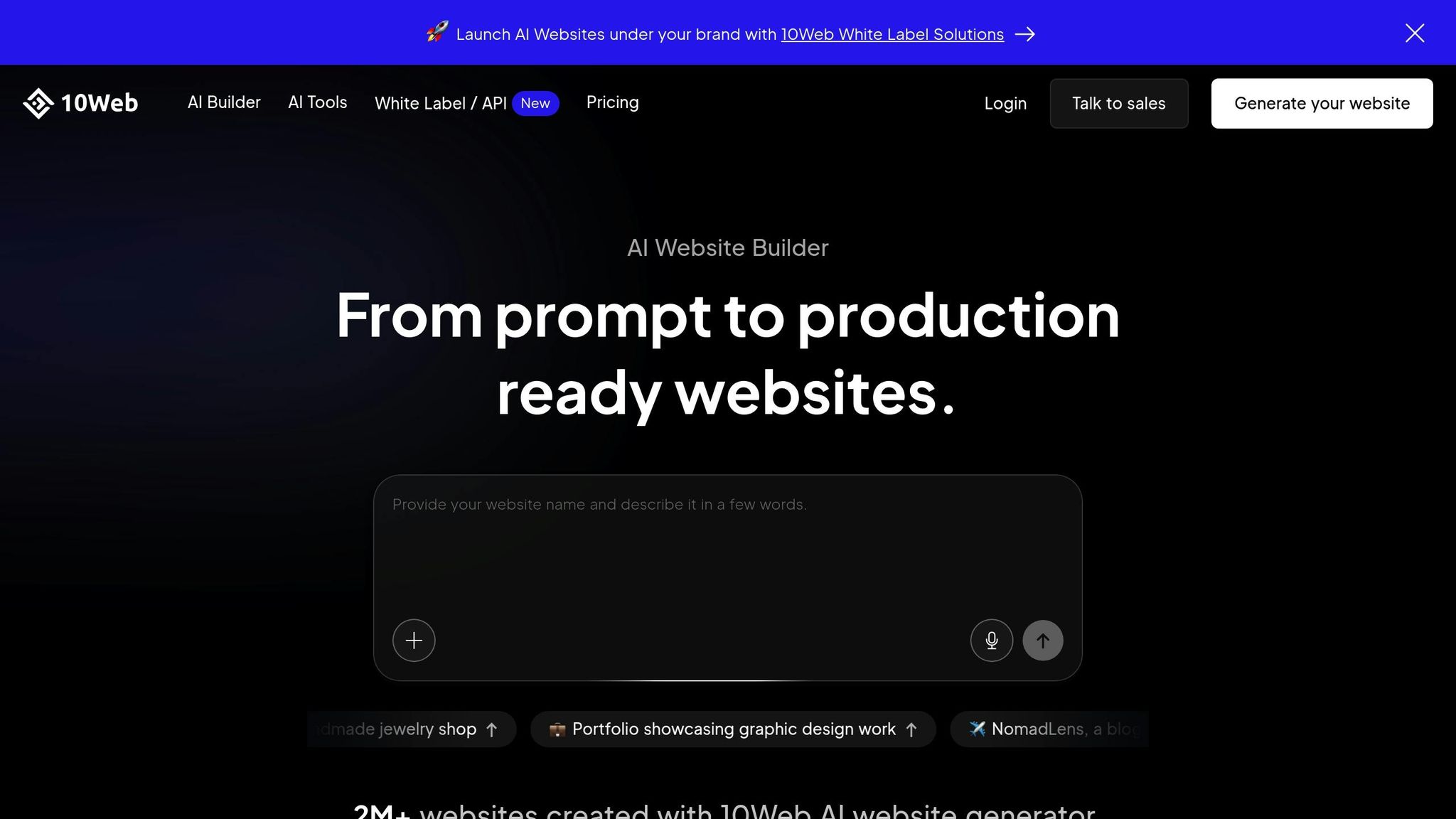
10Web AI Builder is a standout tool in the world of WordPress design, offering a blend of AI-driven site building, managed hosting, and automated optimization. With over 1 million WordPress sites under its belt, it leverages the Elementor framework and conversational AI to make real-time updates a breeze. In October 2025, the platform launched its Vibe AI-Native Frontend Builder, taking its prompt-to-site functionality to the next level.
Real-Time Editing
The AI Co-pilot serves as your in-editor assistant, allowing you to make changes using simple, natural language commands. For example, you can type, "make the hero taller with a gradient" or "add a three-column testimonial", and the changes will appear instantly.
Customization Features
10Web simplifies customization by analyzing the structure of an existing site via its URL and recreating it as an editable WordPress draft in just minutes. Its AI Section and Page Generation tool lets you create entire pages with just a title and a short description - eliminating the need for templates. You can also generate professional images in various styles, adjust text tone and length, and even translate content, all within the same interface [50, 52, 53].
"Vibe's prompt-to-site feature saved hours compared to Elementor alone" - Elena Vasquez, marketing agency professional.
These tools are designed to streamline even complex customization tasks, making site management more efficient.
Automation Capabilities
10Web goes beyond design by automating key technical maintenance tasks. It handles daily backups with 30-day retention, applies security patches, performs malware scans, and manages SSL certificates [51, 52]. The platform’s PageSpeed Booster optimizes performance by compressing images, minifying code, enabling lazy loading, and generating critical CSS. These features help websites consistently achieve scores of 90+ on both mobile and desktop. Agencies have reported saving 3–5 hours per site, with load times improving by 60–70% [52, 54].
Pricing
| Plan | Annual Price | Sites | Monthly Visitors | AI Words | Key Features |
|---|---|---|---|---|---|
| AI Starter | $10/month | 1 | 10,000 | 5,000 | 10GB storage, basic optimization |
| AI Premium | $15/month | 1 | 25,000 | 20,000 | 20GB storage, unlimited AI images |
| AI Ultimate | $23/month | 1 | 50,000 | 50,000 | 40GB storage, free domain |
| Agency Starter | $24/month | 3 | - | - | White-label capabilities |
| Agency Premium | $60/month | 10 | - | - | Priority Slack support |
All plans come with a 7-day free trial, no credit card required. The platform holds a 4.3/5 rating based on expert and user feedback.
Pros and Cons Comparison
When it comes to WordPress layout design, each tool brings its own strengths and trade-offs to the table. Here's a quick rundown of the key points for each tool, summarizing their standout features and limitations.
Kintsu.ai focuses on safe, real-time editing with features like sandbox safety and Smart Guardrails. It's ideal for tweaking existing sites but isn't the best choice for building new ones from scratch.
Elementor AI gives users precise, widget-level control and context-aware suggestions. However, its credit-based pricing model, combined with the need for an Elementor Pro subscription (starting at $59 per year), can make it pricey for those with high-volume needs.
Divi AI offers unlimited text and image generation for a flat annual rate of $193. Its integration with the Divi Visual Builder ensures seamless design, but its tight connection to the Divi ecosystem might limit options for those looking for broader compatibility.
SeedProd shines with its speed, creating entire landing pages in as little as 10 to 40 seconds. Priced at $39.50 per year for AI features, it's a budget-friendly choice for beginners and small businesses. However, it may lack the depth needed for more complex designs.
10Web is designed for new site creation, with features like site replication and integrated hosting. A notable downside is the absence of a staging environment, which could be a dealbreaker for some.
Here's a side-by-side comparison to help you decide:
| Tool | Best For | Key Strength | Main Limitation | Starting Price |
|---|---|---|---|---|
| Kintsu.ai | Editing existing sites | Sandbox safety & Smart Guardrails | Focused on site edits, not creation | $0 (Free plan) |
| Elementor AI | Professional designers | Granular, widget-level control | Credit-based model + Pro subscription | ~$107/year total |
| Divi AI | High-volume content creation | Unlimited text and image generation | Limited flexibility outside Divi | $193/year |
| SeedProd | Fast landing pages | Rapid layout generation (10–40 seconds) | Less design depth for complex projects | $39.50/year |
| 10Web | New site generation & hosting | Site replication & integrated hosting | No staging environment | $120/year |
Conclusion
Picking the right AI tool for your WordPress site boils down to your specific goals and needs. If you’re managing an existing site and want a straightforward way to make updates, Kintsu.ai stands out. Its conversational interface allows you to make plain-English edits without worrying about breaking the layout - perfect for those who want control without diving into code.
For more advanced design work, Elementor AI shines with its widget-level customization and CSS code generation. While there’s a bit of a learning curve, it’s a solid choice for those seeking precision in their designs.
On the content creation front, Divi AI is a powerhouse. At $193 per year, it offers unlimited content creation and features like Quick Sites, which can generate entire websites in under two minutes. This makes it a lifesaver for agencies or freelancers managing multiple projects.
If you’re looking to launch landing pages quickly and affordably, SeedProd is a budget-friendly option that delivers results in seconds. Meanwhile, 10Web is ideal for those migrating from platforms like Wix or Squarespace, offering seamless transitions into WordPress.
Each tool brings something unique to the table: Kintsu.ai for conversational editing, Elementor AI for design precision, Divi AI for limitless content, SeedProd for speed, and 10Web for hassle-free migration. Match the tool to your workflow, and you’ll be well-equipped to handle your WordPress needs in 2025.
FAQs
Which AI tool is best for editing an existing WordPress site vs building a new one?
For making changes to an existing WordPress site, Kintsu.ai stands out. Its conversational AI enables users to make updates, adjust layouts, and refine designs on the fly - no coding required.
If you're starting from scratch, tools like Elementor’s AI Builder or WordPress.com’s AI Builder are better options. These tools are designed to handle everything from creating layouts and generating content to efficiently setting up hosting.
Do AI layout tools work with my current theme and page builder?
Most AI layout tools for WordPress are built to integrate with existing themes and page builders, but their compatibility isn't always universal. Take Kintsu.ai, for example - it enables conversational updates on any WordPress site without needing adjustments tailored to specific themes. Before diving in, make sure the tool you choose clearly supports your theme or page builder. This can save you from unnecessary setup headaches and ensure everything runs smoothly.
How do AI credits and “unlimited” plans affect total cost over a year?
AI credits and "unlimited" plans can shape your annual costs depending on how much you use them and how flexible you need your plan to be. Credit-based plans might save you money if your edits remain within the allotted credits. On the other hand, "unlimited" plans give you predictable expenses but often come with higher fixed fees. For instance, Kintsu.ai offers a range of plans, starting with free options and scaling up to Enterprise tiers that allow unlimited site edits. To decide, think about how often you'll need edits and whether you prefer a fixed cost or a pay-as-you-go setup.