Life Before vs. After Kintsu: The End of WordPress Anxiety
Compare the old way of managing WordPress (fear, delays, invoices) with the new AI reality. See how Kintsu.ai eliminates the 'Sunday Night Dread' and turns site maintenance into a simple chat.
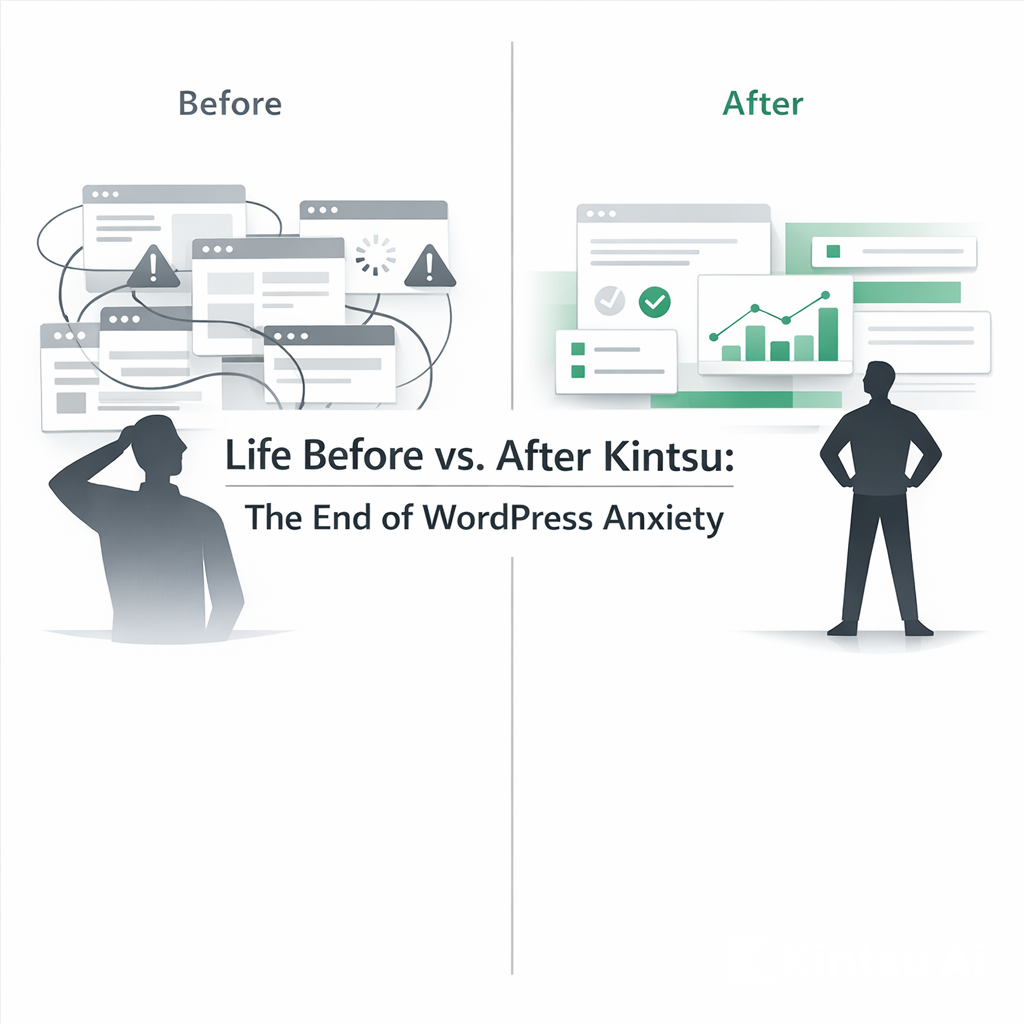
There is a specific feeling every WordPress owner knows.
It’s the hesitation you feel before clicking "Update." It’s the sigh of resignation when you realize a simple text change requires finding a freelancer. It’s the "Sunday Night Dread" of knowing your pricing page is wrong, but fixing it might break the mobile layout.
For 20 years, managing WordPress has been a trade-off: You either pay with your time (learning to code) or your money (hiring agencies).
But in 2026, that trade-off is gone.
This guide explores the operational shift from the "Manual Era" to the "AI Era." If you are still managing your site the old way, you are working harder than you need to.
The "Before" Reality: The High Cost of Maintenance
Before operational AI, a WordPress site wasn't just an asset; it was a liability. It demanded constant attention. If you didn't touch it, it got outdated. If you did touch it, it broke.
1. The "Fear of Breaking"
The most common paralyzing factor for business owners is the fear of the White Screen of Death.
Before: You want to change a button color. You open Elementor. You accidentally drag a container 10 pixels to the left. Suddenly, your entire mobile view is misaligned. You don't know how to undo it. You spend 2 hours Googling "Elementor z-index fix."
The Result: You stop making changes. Your site becomes static and stale because the risk of editing it is too high.
2. The "Freelancer Loop"
For non-technical founders, every edit is an invoice.
Before: You need a new landing page. You write a brief. You hire a developer on Upwork ($50-$100/hr). You wait 3 days. They send back a draft. It’s wrong. You send feedback. They fix it. You pay.
The Cost: A simple task takes 5 days and $300.
(Read more: Why you can finally edit your site without a developer)
3. The "Dashboard Fatigue"
WordPress is powerful, but its UI is overwhelming.
Before: To add a product to WooCommerce, you have to navigate 5 different tabs (General, Inventory, Shipping, Linked Products, Attributes). It’s data entry hell.
The Friction: You procrastinate updating your inventory because the interface is exhausting.
The "After" Reality: The Era of Command
Kintsu.ai changes the relationship between you and your site. You are no longer the technician; you are the commander.
1. Confidence, Not Fear
Kintsu acts as a safety layer. It knows your site’s structure better than you do.
After: You type: "Change the 'Buy Now' button to our brand teal and make the text bold."
The Result: Kintsu locates the specific CSS class or Elementor widget and updates it instantly. It doesn't "drag" anything by accident. It just executes the code.
2. Zero-Latency Execution
The waiting game is over.
After: You need a new landing page? You don't write a brief. You tell Kintsu: "Duplicate the About page structure, but change the content to focus on our new Summer Service. Use these 3 bullet points..."
The Result: The page is built in 45 seconds, not 5 days.
(Read more: How manual updates compare to AI automation)
3. Plain English Control
You don't need to learn "WordPress language." You use your language.
After: Instead of clicking through WooCommerce tabs, you say: "Put the entire Winter Collection on sale for 20% off and add 'Final Sale' to the description."
The Result: Kintsu iterates through 50 products and updates them all in seconds.
Side-by-Side: The Workflow Comparison
Here is exactly how specific tasks change when you switch to Kintsu.
The Task | The "Old Way" (Before) | The Kintsu Way (After) |
Fixing a Typo | Login → Dashboard → Pages → Search → Edit with Builder → Wait for Load → Click Text → Type → Save → Check Mobile. | Chat: "Fix the typo in the hero headline." |
Changing Pricing | Open every product page manually. Update price. Save. Repeat 20 times. | Chat: "Increase all product prices by 10%." |
Adding a Section | Drag a new container. Add widgets. Style padding. Adjust margins. Hope it fits. | Chat: "Add a FAQ section to the bottom of this page." |
Styling | "Inspect Element" to find CSS class. Go to Customizer. Write CSS. Break something. | Chat: "Make the header background slightly darker." |
Cost | $50/hr (Developer) or 2 hours of your time. |
The Hidden Shift: From "Maintaining" to "Owning"
The biggest change isn't speed. It's psychological.
When editing is hard, you subconsciously avoid improving your business. You leave the old testimonial up because "it's too much hassle to change." You leave the copyright date as "2023" because you forgot where the footer settings are.
After Kintsu, the friction is zero.
You see an error? You fix it from your phone.
You have a marketing idea? You launch it in minutes.
You stop working for your website and make your website work for you.
(See the guide: How non-technical users are taking control)
Ready to switch to the "After"?
You don't need to rebuild your site to get these benefits. Kintsu works with the WordPress site you already have—messy plugins, Elementor themes, and all.
Stop rebuilding. Start commanding.