How Kintsu Works: Your WordPress Site, Managed by AI
Discover how Kintsu.ai turns plain English into secure WordPress updates. Learn about our safe connection process, Elementor compatibility, and how we ensure your site stays unbreakable.
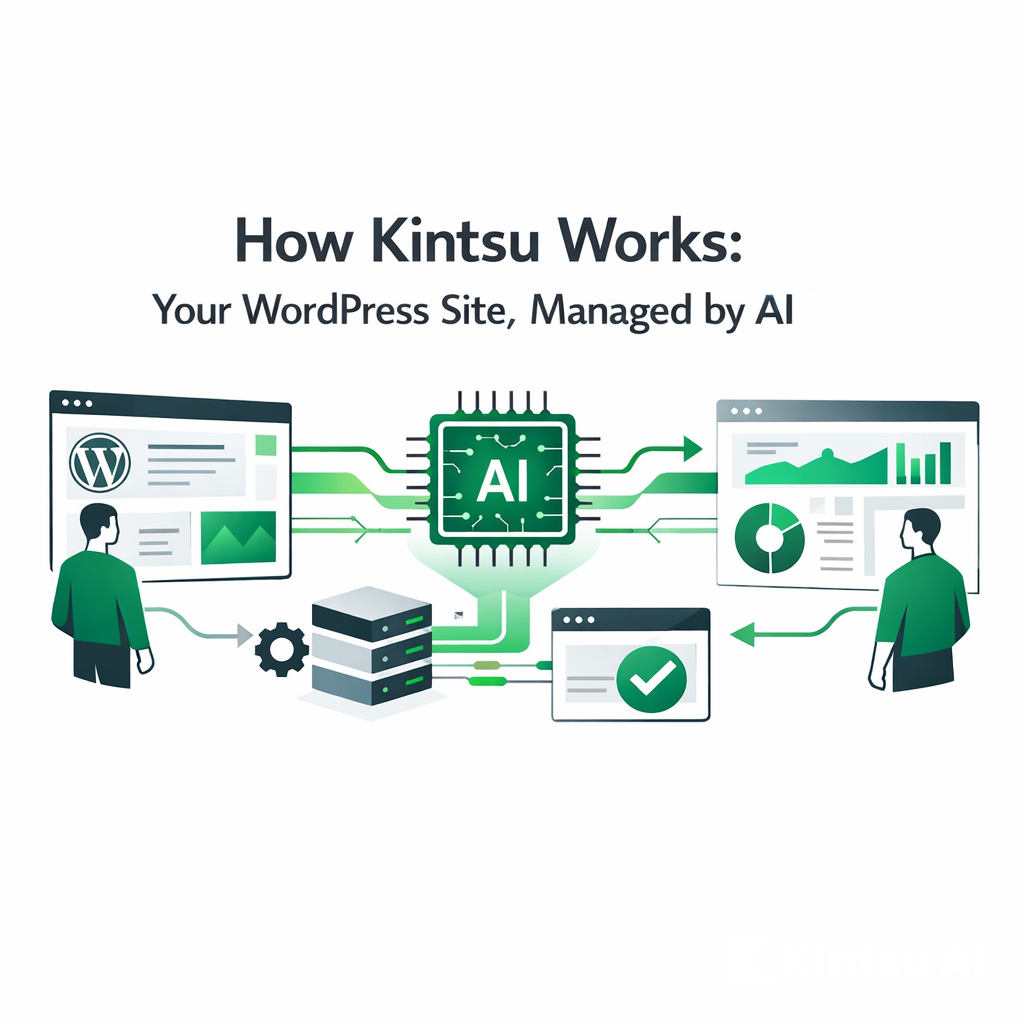
The Short Version
Kintsu.ai is an Operational AI Agent. It connects securely to your WordPress site and acts as a specialized operator. When you chat with Kintsu, it translates your natural language ("Change the button to blue") into technical actions (CSS updates, database entries) inside your existing site structure.
No new dashboard to learn. No drag-and-drop to break.
Step 1: The Secure Handshake
We connect to your site, we don't hijack it.
Most tools ask you to migrate your site or change your hosting. Kintsu works where you already are.
To get started, you simply provide your WordPress URL. Kintsu uses a secure authentication method (via Application Passwords or a lightweight connector plugin) to establish a bridge to your site’s content layer.
Security Note: Kintsu accesses your site via API, just like a mobile app would. It does not touch your server infrastructure or hosting billing.
Compatibility: Works seamlessly with standard WordPress, Elementor, WooCommerce, and LearnDash.
Step 2: The Diagnosis
Kintsu reads your site before it touches it.
Once connected, Kintsu analyzes your current setup. It doesn't just see code; it understands context.
It detects which theme and plugins you are using.
It reads your existing pages to learn your Brand Voice.
It identifies your Global Styles (fonts, colors) so any new content matches perfectly.
Why this matters: When you ask Kintsu to "add a new section," it won't add something generic. It will add a section that looks like your brand.
Step 3: The Conversation (Your Input)
Speak in "Intent," not "Settings."
You don't need to know where the "padding" setting is hidden. You just need to know what you want to achieve. You type instructions into the Kintsu chat interface in plain English.
Examples of what you can say:
"Update the pricing on the Home page to $49/month."
"Create a new landing page for the 'Summer Sale' based on the design of the 'About Us' page."
"Fix the spacing in the footer; it looks too crowded."
"Add a newsletter signup form to the bottom of every blog post."
Step 4: The Translation (Our Engine)
From English to Execution.
This is where Kintsu is different from ChatGPT.
Intent Analysis: Kintsu breaks down your request. It understands that "crowded" means "reduce margins/padding" and "punchy" might mean "increase font weight."
Safety Check: Before executing, the AI evaluates if the request conflicts with existing site rules.
Execution: Kintsu pushes the update directly to your WordPress database or page builder settings.
Step 5: The Result & Control
It’s done. You verify.
Within seconds, the change is live on your site (or your staging environment, if you prefer).
Instant Feedback: Kintsu confirms, "I've updated the button color to Teal (#008080)."
Zero Risk: Because Kintsu respects WordPress's native revision history, if you don't like a change, you can simply roll it back with one click.
Deep Dive: How Kintsu Handles Specific Tools
For Elementor Users
Kintsu is "Elementor-native." It doesn't write raw HTML that breaks your visual editor. instead, it manipulates the actual Elementor widgets.
You say: "Change the hero image."
Kintsu does: Locates the specific
Image Widgetin theHero Sectioncontainer and updates the media source.
For WooCommerce Store Owners
Kintsu acts as your store manager.
You say: "Put the entire 'Accessories' category on sale for 20% off."
Kintsu does: Iterates through every product in that category and programmatically updates the sale price field, saving you hours of manual data entry.
Frequently Asked Questions
Does Kintsu replace my developer?
For the 80% of daily tasks (content, text, minor layout tweaks, landing pages)—yes. For complex custom plugin development or server architecture, you will still want a human expert. Kintsu handles the routine so your developer can focus on the complex.
Will it break my site?
Kintsu is designed with a "Safety First" architecture. It operates on the content layer, not the core code layer. It respects your existing theme's logic. Plus, standard WordPress revisions are always available as a safety net.
Is it better than ChatGPT?
ChatGPT gives you instructions or code that you have to copy-paste. Kintsu gives you results. It actually does the work inside your site.
Ready to stop managing and start commanding?
Connect your site in 60 seconds.