10 Ways AI Can Simplify WordPress Management
Explore 10 AI tools that automate WordPress tasks—content, SEO, security, design, analytics, and personalization—to save time and simplify site management.
10 Ways AI Can Simplify WordPress Management
AI tools make managing WordPress faster and easier by automating tasks like content creation, SEO, security, and design. From creating posts with ChatGPT to optimizing performance with Jetpack AI, these tools save time and reduce technical barriers. Here’s a quick look at the top AI solutions:
- Kintsu.ai: Manage your site with conversational commands.
- ChatGPT: Write posts, meta descriptions, and more directly in WordPress.
- Yoast SEO: Real-time SEO feedback with AI enhancements.
- Elementor AI: Simplify design and layouts with AI-driven tools.
- Rank Math AI: Automate SEO tasks with content scoring and recommendations.
- Jetpack AI: Combine content creation, security, and performance monitoring.
- Akismet: Automatically filter spam comments.
- Google Analytics 4 AI Insights: Gain actionable insights from your site’s data.
- Surfer SEO: Optimize and maintain content for better rankings.
- OptinMonster: Personalize user experiences to boost conversions.
These tools streamline WordPress management, helping you focus on growth while reducing manual work.
4 WordPress Plugins with AI Features You Should Be Using
1. Kintsu.ai: Conversational WordPress Management
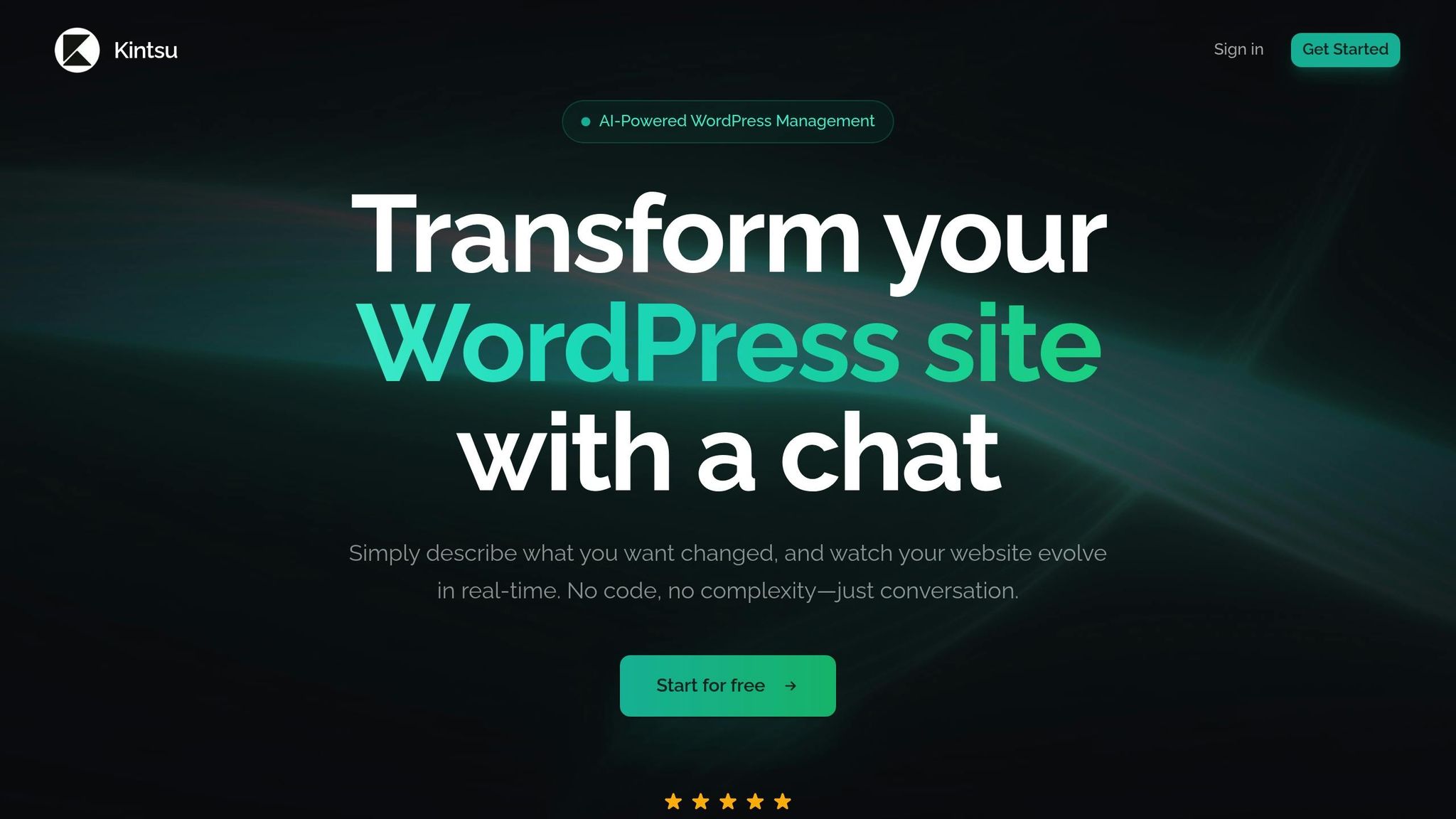
Kintsu.ai transforms WordPress management by introducing a conversational approach. Instead of digging through menus or writing code, you simply describe what you want to change, and the AI takes care of it. This intuitive interaction opens the door to powerful automation tools.
Real-Time Automation Made Easy
With Kintsu.ai, automation becomes straightforward. From your dashboard, you can create custom AI workflows that handle tasks like SEO content creation, personalized customer support, and lead generation. These workflows are powered by advanced models and can be set up using a visual drag-and-drop interface - no coding required. This means you can spend less time on technical tasks and more time refining your strategy and scaling your business.
Managing Your Website Without the Hassle
Gone are the days of struggling with technical hurdles. Kintsu.ai’s conversational interface allows you to update your site using plain, everyday language. This no-code approach is perfect for users who want a simpler way to manage their website, freeing up time to focus on growth and planning.
2. OpenAI's ChatGPT for Content Creation
ChatGPT, along with GPT-4, offers WordPress content creators a way to create blog posts more efficiently. By using OpenAI's technology through WordPress plugins, you can speed up writing and brainstorming, allowing editors to concentrate on crafting compelling stories and refining the message.
Real-Time Features and Automation
One of the standout advantages of integrating ChatGPT into WordPress is its ability to generate content directly within the editor. You can create full articles, come up with optimized titles, draft meta descriptions, and even get internal link suggestions - all without leaving the editor. It also lets you brainstorm fresh ideas, rewrite existing content, and translate text, streamlining your workflow. This automation ensures a consistent brand voice while producing SEO-friendly content more quickly. The real-time functionality integrates smoothly with the WordPress platform, making it a convenient tool for content creators.
Simple Integration with WordPress
Getting ChatGPT set up with WordPress is simple, thanks to no-code plugins. The process involves just two steps: installing a compatible plugin (like Uncanny Automator, AI Engine, AIOSEO, or AI Power) and connecting your OpenAI account. These plugins utilize OpenAI's models, including GPT-3, Da Vinci, and GPT-4, to handle a variety of WordPress-related tasks with ease.
Advantages for WordPress Content Management
ChatGPT can revolutionize everyday content management tasks. From generating outlines and drafting entire posts to creating visuals, everything can be done right from your WordPress dashboard. However, it’s essential to review the AI-generated content to ensure it aligns with your brand’s tone and maintains accuracy. By automating content creation and optimization, ChatGPT frees up time for you to focus on broader strategies and growth opportunities.
3. Yoast SEO with AI Features
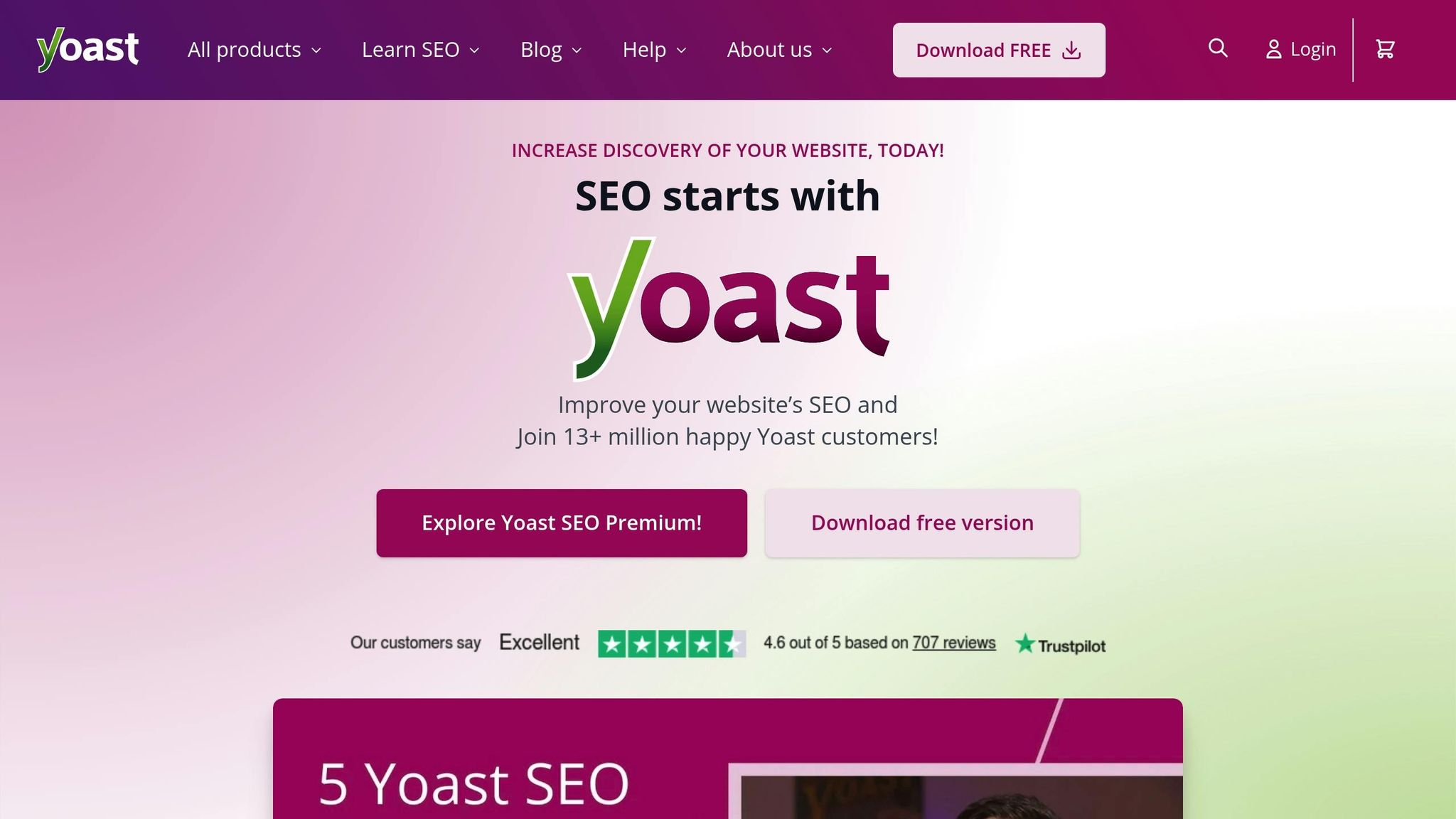
Yoast SEO streamlines search engine optimization with the help of advanced AI tools. With an impressive 4.8 out of 5-star rating from 27,781 reviews on WordPress.com, it’s a trusted choice for website owners looking to improve their search rankings effectively.
Real-Time Feedback and Automation
This plugin takes SEO to the next level by offering real-time feedback on your content. It evaluates readability, keyword usage, and meta descriptions, providing actionable suggestions to enhance your content’s performance. Plus, its built-in schema integration boosts content visibility without requiring any extra coding skills.
Seamless WordPress Integration
Yoast SEO can be installed directly from the WordPress plugin repository, making it easy to start optimizing your content within minutes. For those who upgrade to premium versions, additional AI tools, Google Docs integration for smoother content planning, and 24/7 customer support are included.
Helping You Focus on Content Creation
By automating technical SEO tasks, Yoast SEO frees up your time so you can concentrate on crafting engaging and impactful content. Ready to take your WordPress management to the next level? Stay tuned for the next AI tool.
4. Elementor AI for Visual Design and Layout
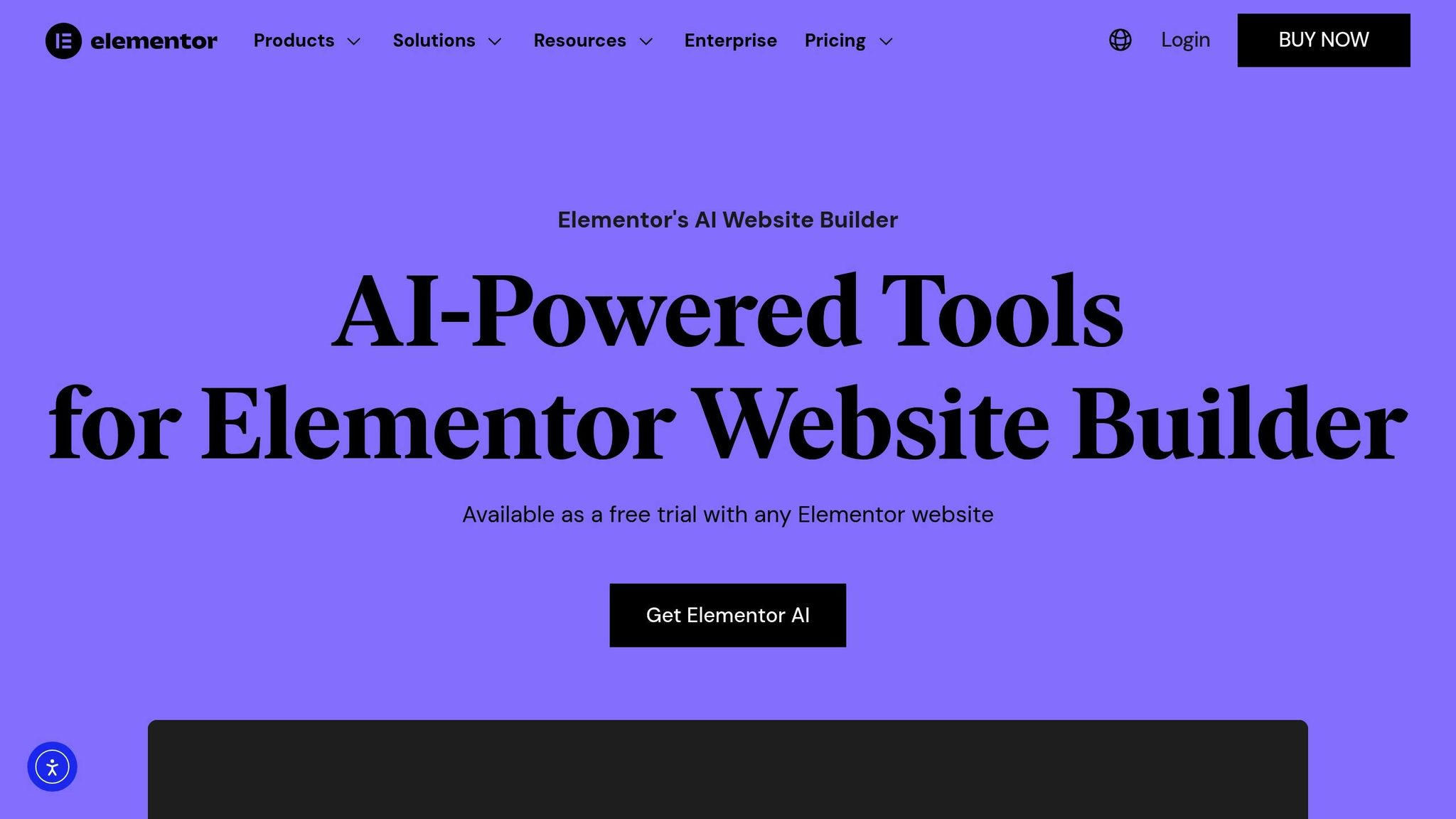
Elementor AI is changing the way visual design and layout are handled by integrating artificial intelligence directly into the Elementor page builder. This addition streamlines WordPress design customization by removing the need for extra tools or constant tab switching while working on your site's visual elements. It’s all about simplifying the process and making it more efficient.
Real-Time Functionality and Automation
With Elementor AI, the layout generator uses your site's existing style or custom prompts to create designs that maintain brand consistency. Its prompt enhancer fine-tunes details to match your desired tone. By learning from your examples and descriptions, it provides content suggestions that are tailored to the specific widget you're using, ensuring every element fits seamlessly.
Easy Integration with WordPress
Elementor AI integrates effortlessly within WordPress, making it fully functional within the Elementor builder itself. You can try out all the AI tools with a free trial on any Elementor website. For full access, pricing starts at $59 per year, with the lowest credit tier costing about $48 annually (an Elementor Pro subscription is required).
Key Benefits
One standout feature is the code assistant, which generates custom CSS and complete code blocks directly within the visual builder - no need for external coding tools. Additionally, you can quickly create royalty-free images using preset configurations tailored to your design needs.
WP Mayor highlights its accessibility, stating:
"Elementor AI is designed with ease of use in mind, making it accessible to users of all skill levels"
The publication also recommends its AI features as a way to improve the website-building experience.
5. Rank Math AI for Automated SEO
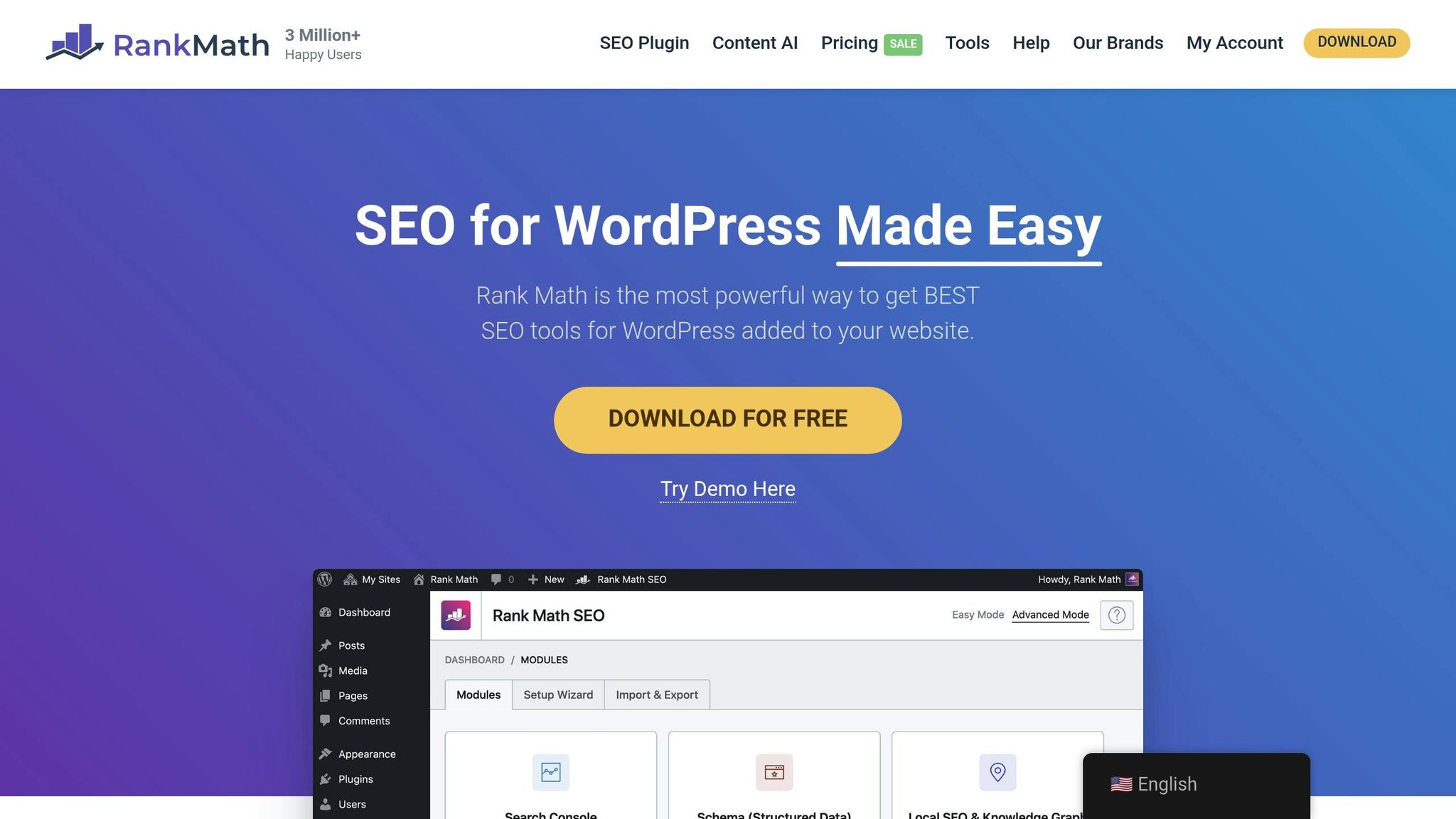
Rank Math AI simplifies SEO tasks directly within WordPress, making essential optimizations easier to handle - even if you're not a technical expert. This tool uses AI to take care of key SEO functions, helping to boost your site's performance effortlessly.
Real-Time Features and Automation
The Content AI feature is designed to analyze your competitors and suggest keywords tailored to different parts of your content, such as headings, titles, and meta descriptions. As you write, Rank Math provides a content score based on factors like word count, headings, links, media, and keyword usage. These insights are delivered in real-time, giving you actionable recommendations without delay. All of this is seamlessly integrated into your WordPress dashboard for a smooth workflow.
Seamless WordPress Integration
Rank Math works directly from the WordPress sidebar, offering keyword suggestions, readability tips, and metadata guidance without requiring you to switch tabs. It also includes features like smart keyword targeting, schema markup for rich snippets, and automatic sitemap creation. For larger websites, Content AI can bulk-generate meta tags and multilingual descriptions, saving time and effort.
Extra Features for WordPress Management
Rank Math goes beyond the basics by including tools for 404 error monitoring, redirection management, and WooCommerce SEO. It has earned a stellar reputation, with a 4.9/5 rating from over 7,332 reviews on WordPress.com and a similar score on Trustpilot from more than 6,000 reviews. While a free version is available, the paid plans - featuring advanced AI tools - start at $69 per year.
Tom Rankin from WP Mayor praises the plugin, saying:
"Rank Math's whole package is a winner for anyone who needs a top-notch SEO plugin too!"
6. Jetpack AI for Performance and Security Monitoring
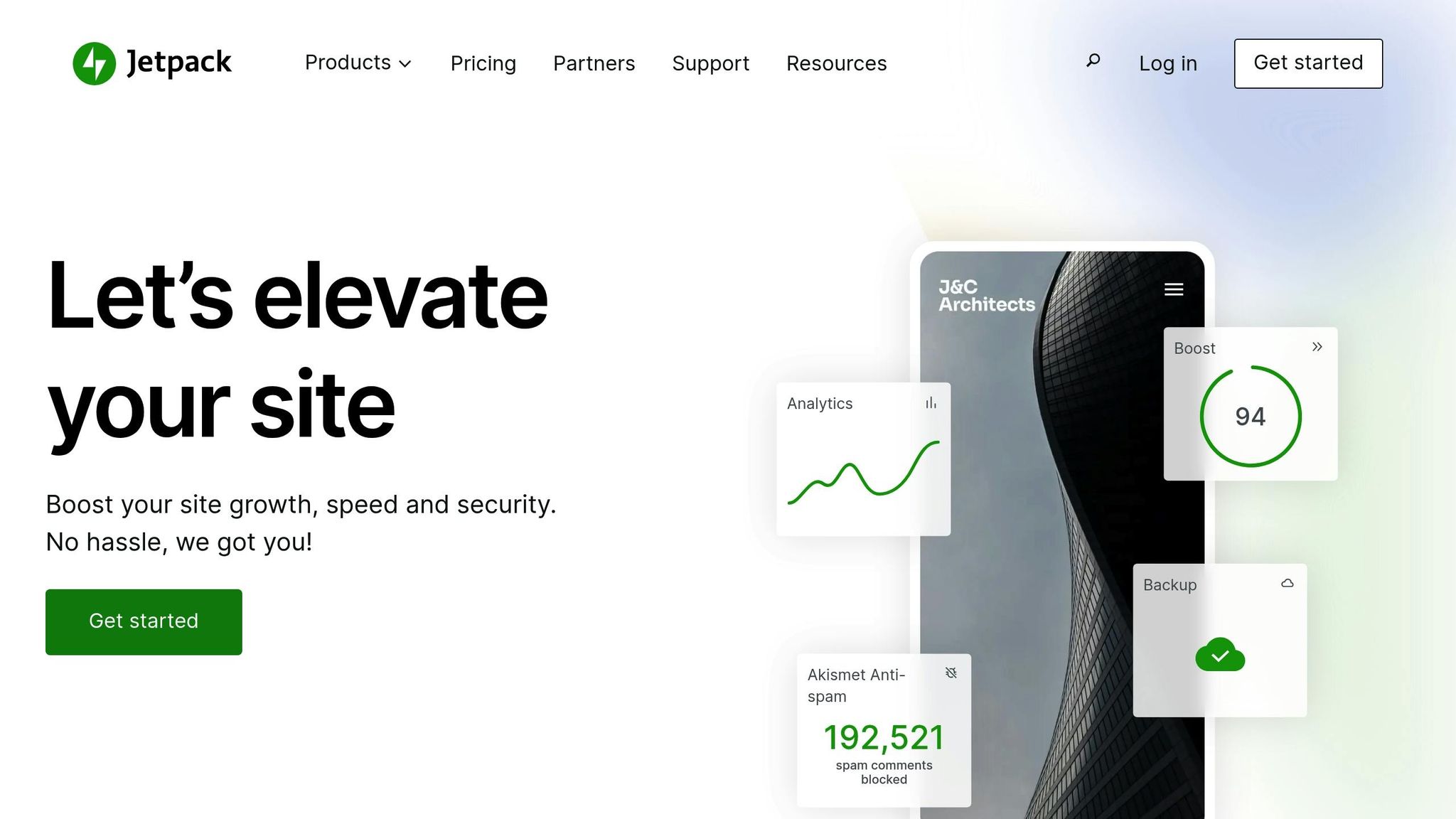
Jetpack AI might be well-known for its role in content creation and site search, but it’s part of a broader plugin that also boosts performance and strengthens security measures. By combining cutting-edge AI features with practical tools for performance and security, Jetpack offers a well-rounded solution for WordPress users.
AI-Powered Content Creation Made Simple
The Jetpack AI Assistant integrates directly into the WordPress editor, making tasks like writing, editing, adjusting tone, generating titles, and even translating content faster and easier. This built-in tool significantly speeds up the content creation process, making it a valuable addition for anyone managing a WordPress site.
Smarter Search for Better Content Access
Jetpack AI Search takes content discovery to the next level by enabling natural language queries. This conversational search feature is particularly useful for content-heavy sites, as it allows users to find what they’re looking for more intuitively. By improving how users interact with and navigate through content, this feature enhances the overall experience while supporting efficient site management.
Integrated Tools for Streamlined Site Management
Jetpack brings together AI-driven content creation, conversational search, a free CDN for faster page loads, and advanced security tools - all in one package. For site owners managing large-scale content platforms like blogs, online magazines, or documentation hubs, these features simplify operations and improve efficiency. Whether it’s speeding up load times or safeguarding content, Jetpack covers multiple bases to ensure smoother site management.
sbb-itb-42d7c06
7. Akismet Anti-Spam with AI Detection
Spam comments can quickly clutter a WordPress site, making it harder to maintain meaningful interactions. Akismet steps in to tackle this issue by automatically identifying and filtering out spam, so you can focus on genuine engagement without constant manual oversight.
Automated Spam Filtering
Akismet scans incoming comments and flags anything that looks suspicious. This automated process keeps your comment sections clean and organized, saving you the hassle of sorting through spam yourself.
Integration with WordPress
Built directly into WordPress, Akismet makes it simple to manage flagged comments right from your dashboard. You can easily review and take action on filtered comments without needing extra tools or plugins.
Why It Matters for Site Management
By keeping spam at bay, Akismet helps maintain your site’s credibility and ensures a smoother experience for visitors. This is especially helpful for blogs or community-driven sites where managing a flood of comments can be overwhelming. It’s a great way to streamline moderation and let AI handle the tedious parts.
8. Google Analytics 4 AI Insights Integration
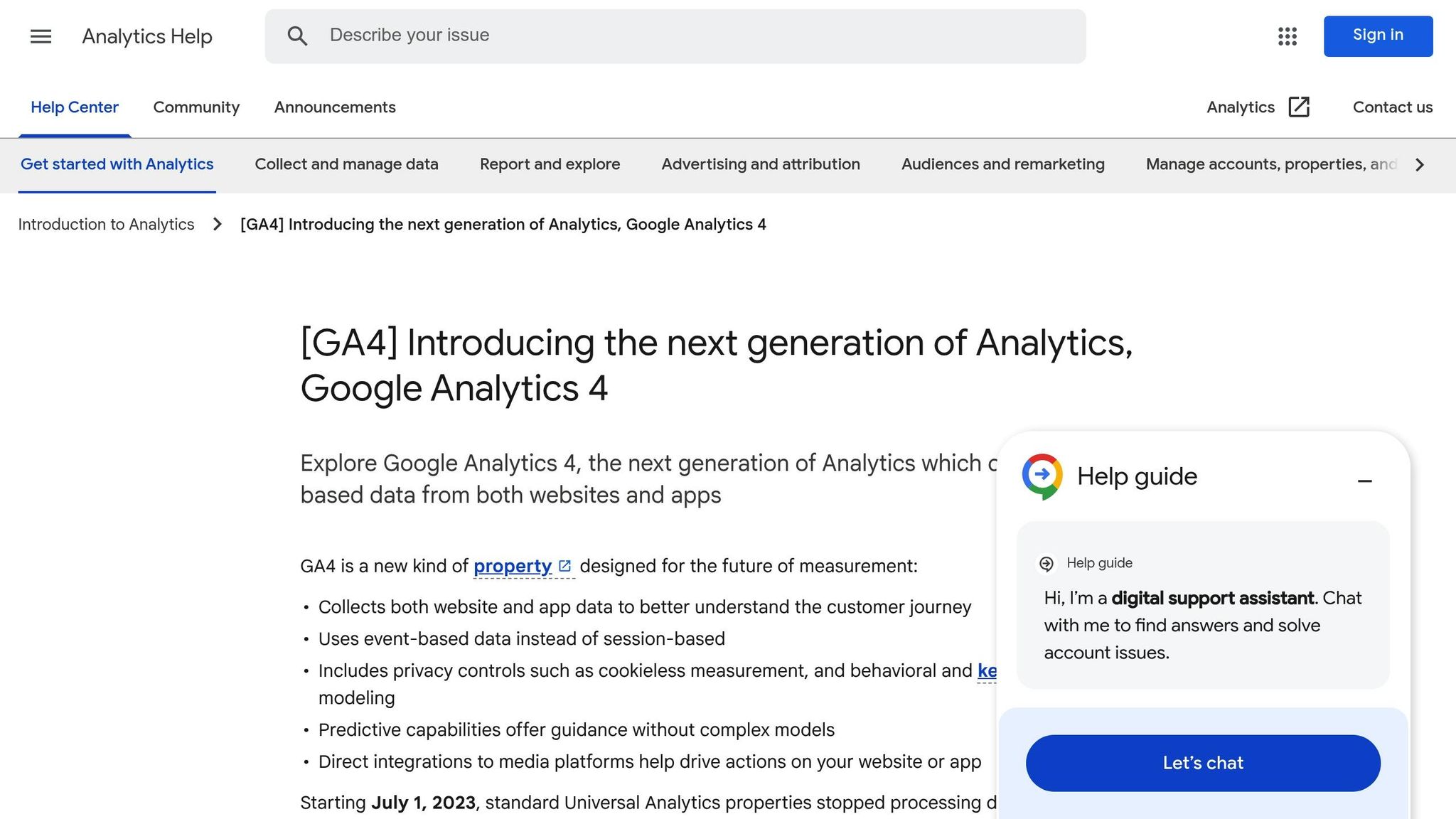
Making sense of traffic and conversion trends on your WordPress site can feel overwhelming when you're swimming in data. That's where Google Analytics 4 (GA4) steps in with its AI-powered insights, cutting through the clutter to provide clear, actionable recommendations. These insights are designed to simplify your decision-making process and enhance how you manage your WordPress site.
Real-Time Insights and Automation
Using machine learning, GA4 analyzes your site's data to uncover meaningful trends. It identifies patterns in traffic and conversions, highlighting the insights that matter most. Tools like Pave AI take this a step further by combining data from platforms like Google Ads and Facebook Ads with your Google Analytics metrics, giving you a comprehensive view of your performance.
Seamless WordPress Integration
Connecting GA4 to WordPress is straightforward, especially with plugins like MonsterInsights. These plugins make setup quick and easy - often taking just a few minutes. Once integrated, you'll have access to key stats and AI-driven insights right within your WordPress dashboard, removing the hassle of switching between platforms. MonsterInsights even includes a Conversations AI feature that allows you to ask questions about your data in plain English and get instant answers. This integration ensures that your data is not only accessible but also actionable.
How It Enhances WordPress Management
AI-powered insights take the guesswork out of managing your site. For example, you'll receive automatic notifications about new trends, opportunities, or areas needing improvement. Whether it's optimizing your content, adjusting your marketing budget, or addressing underperforming pages, these insights provide clear, data-backed recommendations. The result? A more efficient and informed approach to managing your WordPress site. This integration makes your workflow smoother and your decisions smarter, all thanks to the power of AI.
9. Surfer SEO for Content Maintenance
Keeping your WordPress content in top shape takes consistent effort. Surfer SEO is a powerful on-page SEO toolkit that uses AI to monitor and refine your content for both traditional search engines and AI-driven results.
Real-Time Tools and Automation
Surfer SEO's Content Editor uses AI to analyze your drafts by comparing them with competitors. It suggests relevant keywords, structural adjustments, and internal linking opportunities to improve your content. With its Auto-Optimize feature, missing keywords are added automatically, cutting down on manual work. Plus, Surfer SEO offers an all-in-one workflow where you can research, optimize, and track your content's performance - all in one place. This covers both search engine rankings and AI-generated responses, ensuring your content stays effective over time.
Making WordPress Management Easier
For WordPress users, these tools save time by reducing the need for manual reviews. Whether you're updating older posts or fine-tuning product descriptions, Surfer SEO pinpoints exactly where improvements are needed, streamlining your content strategy.
10. OptinMonster AI for Personalized User Experiences
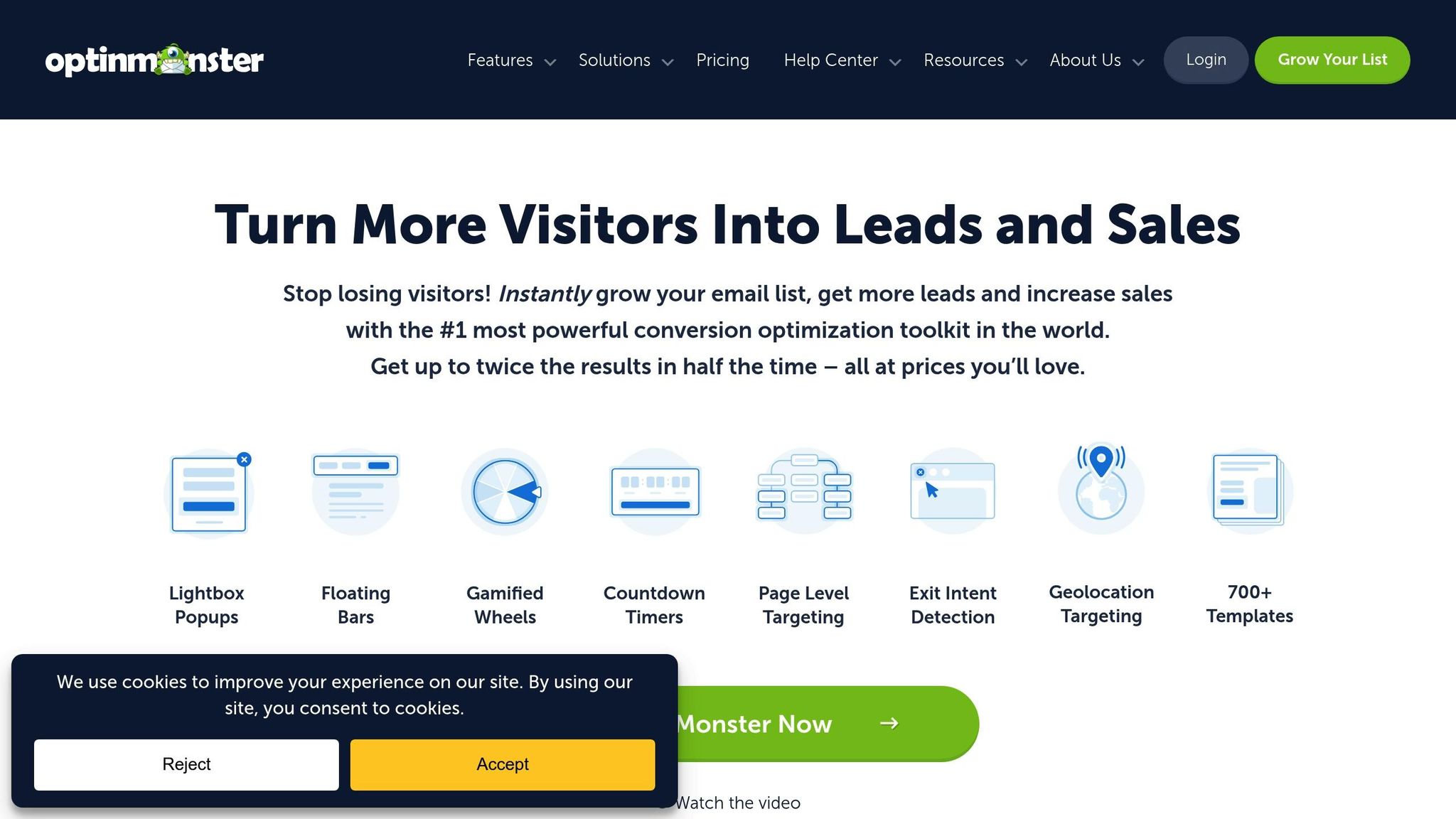
Standard pop-ups often fail to grab attention, but AI-powered personalization has proven to be a game-changer for boosting conversions.
Real-Time Tracking and Smarter Automation
OptinMonster uses cookies to monitor visitor behavior in real time, analyzing browsing habits, previous interactions, and engagement levels. This lets the AI deliver tailored content, product recommendations, and email campaigns that feel custom-made for each visitor. Unlike traditional automation systems that stick to fixed rules, OptinMonster’s AI learns and adapts as it goes, optimizing based on how users actually behave. Features like countdown timers, unlocking specific content based on user actions, or preventing repetitive slide-ins for those who’ve already dismissed them are just a few examples of how this system works. For WordPress site owners, this means managing campaigns becomes much more efficient and intuitive.
How It Benefits WordPress Site Management
Thanks to its advanced tracking, OptinMonster enhances engagement by automatically personalizing visitor experiences. It tracks campaign performance, stores interaction data, and fine-tunes campaigns to match real user behavior. Once you set up your campaigns, the AI takes over, continuously improving and adapting to ensure visitors are met with the most relevant and engaging content. This hands-off approach simplifies campaign management while driving better results.
Comparison Table
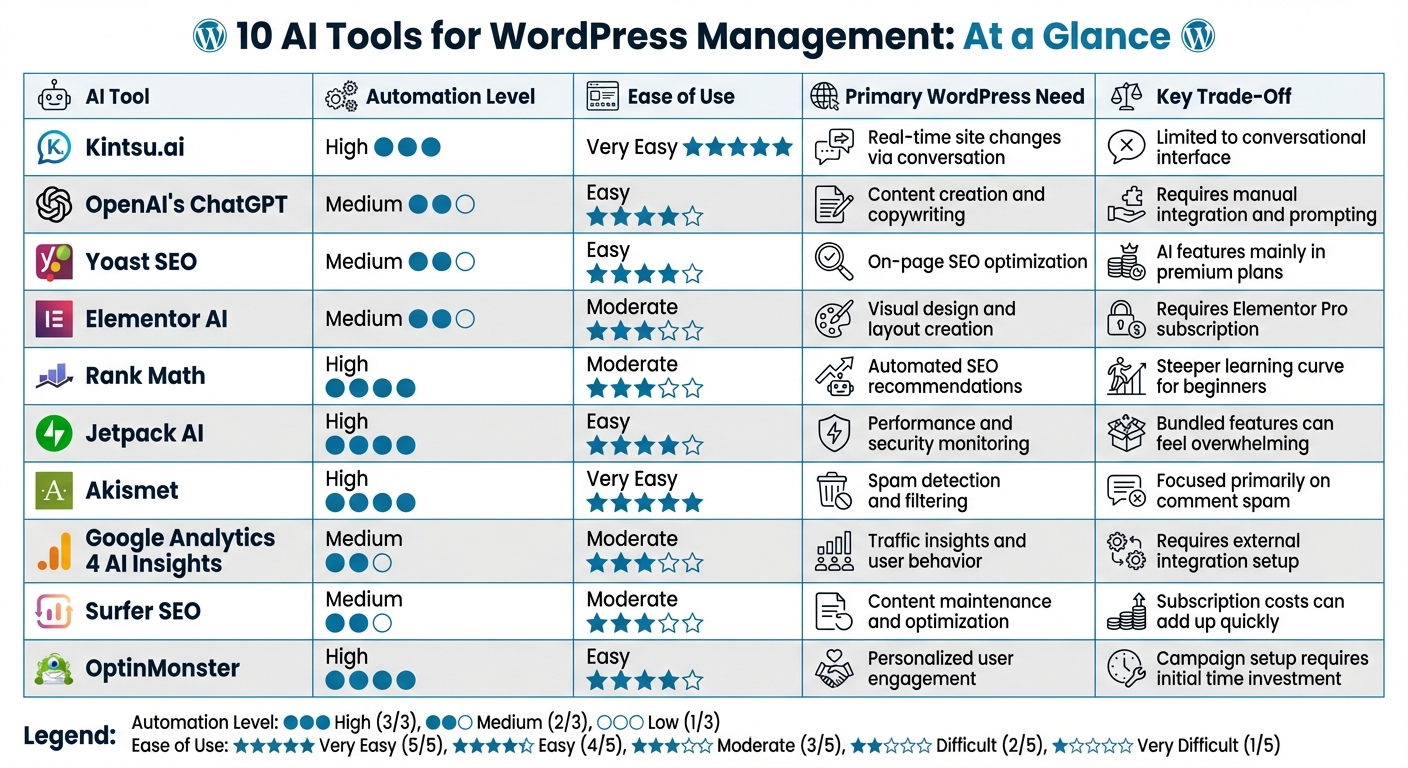
10 AI Tools for WordPress Management: Features and Trade-offs Comparison
Here’s a handy summary table that pulls together the key features and trade-offs of each AI tool we’ve discussed. Whether you’re aiming to simplify conversational management, improve content, or enhance personalized engagement, this guide can help you choose the right tool for your WordPress needs.
The table breaks down each tool by its automation level, ease of use, the primary WordPress challenge it addresses, and its main trade-off. Use this as a quick reference to find the tool that aligns with your goals and workflow.
| AI Tool | Automation Level | Ease of Use | Primary WordPress Need Addressed | Key Trade-Off |
|---|---|---|---|---|
| Kintsu.ai | High | Very Easy | Real-time site changes via conversation | Limited to a conversational interface |
| OpenAI's ChatGPT | Medium | Easy | Content creation and copywriting | Requires manual integration and prompting |
| Yoast SEO | Medium | Easy | On-page SEO optimization | AI features mainly available in premium plans |
| Elementor AI | Medium | Moderate | Visual design and layout creation | Requires an Elementor Pro subscription |
| Rank Math | High | Moderate | Automated SEO recommendations | Steeper learning curve for beginners |
| Jetpack AI | High | Easy | Performance and security monitoring | Bundled features can feel overwhelming |
| Akismet | High | Very Easy | Spam detection and filtering | Focused primarily on comment spam |
| Google Analytics 4 AI Insights Integration | Medium | Moderate | Traffic insights and user behavior | Requires external integration setup |
| Surfer SEO | Medium | Moderate | Content maintenance and optimization | Subscription costs can add up quickly |
| OptinMonster | High | Easy | Personalized user engagement | Campaign setup requires an initial time investment |
Each tool has its own strengths and limitations, so consider your specific needs and available time to manage these tools when making your choice. This table is designed to help you zero in on the best fit for your WordPress management goals.
Conclusion
Running a WordPress site in 2025 has become far less of a headache, thanks to AI tools that take on the grunt work. From creating content and optimizing SEO to monitoring security and enhancing user engagement, these tools streamline tasks that used to demand hours of manual effort. Developers are now completing basic site management tasks 40–60% faster, and over 40% of business leaders report improved productivity.
For U.S. creators and small businesses, this shift means more time to focus on growing their brands while AI handles the routine. Tools like Kintsu.ai simplify real-time updates, ChatGPT drafts high-quality copy in minutes, and Jetpack AI boosts site performance and security. Together, they help deliver faster, safer, and more user-friendly websites, even for those without deep technical know-how.
The numbers speak for themselves: 93% of web designers have used AI tools for design tasks in the past three months. With over 800+ AI-powered plugins now available in the WordPress ecosystem, AI has gone from being a "nice-to-have" to an essential part of site management. By automating tedious tasks, these tools free up time and energy for creators to focus on what they do best - innovating and connecting with their audience.
If you're just starting out, pick one or two tools that address your biggest pain points, whether it's content creation, SEO, or user engagement. Once you're comfortable, you can gradually add more AI solutions to build a complete management system. The secret is to let AI handle the repetitive work while keeping a human touch to ensure your site reflects your unique brand and vision.
FAQs
How can AI help improve SEO and streamline content creation for my WordPress site?
AI tools can play a big role in boosting your WordPress site's SEO. They can handle tasks like creating optimized titles, meta descriptions, and schema markup automatically. Plus, they can help with internal linking and suggest relevant keywords, making your site more appealing to search engines - all while saving you valuable time.
When it comes to content creation, AI can help you craft well-written blog posts, rephrase existing content, and even generate visuals or multimedia. These tools make it easier to create engaging, professional content quickly, so you can spend more time growing your site and connecting with your audience.
How can AI improve WordPress security and optimize website performance?
AI has the potential to transform WordPress security and performance by taking over critical tasks such as updates, backups, and security monitoring. By automating these processes, it minimizes the chances of human error and keeps your site safeguarded without requiring constant hands-on management.
AI-driven tools can also monitor your site in real time, spotting and resolving potential issues before they escalate. They help improve loading times, identify security vulnerabilities, and offer practical recommendations to enhance your site's performance and dependability. With AI in the mix, you can enjoy a faster, safer, and more reliable website with much less effort on your part.
How can conversational AI make WordPress management easier for beginners?
Managing a WordPress site just got a whole lot easier, thanks to conversational AI. Instead of wrestling with complicated coding or navigating through technical settings, beginners can now use simple, natural language commands. Want to update your website, create new content, or tweak features like e-commerce and SEO? Just type or say what you need, and let the AI handle it.
This shift makes managing a website feel more intuitive, cutting down on time and making the process less daunting. Acting like a virtual assistant, conversational AI helps users tackle tasks with ease - even if they don't have a technical background. It’s like having a tech-savvy partner guiding you every step of the way.