Top Plugins for AI Image Compression in WordPress
AI image compression plugins for WordPress reduce file sizes, speed up pages and Core Web Vitals, and lower server load; pick cloud or local tools for privacy.
Top Plugins for AI Image Compression in WordPress
Images can slow down your WordPress site if they're too large or unoptimized. This impacts loading speed, SEO rankings, and user experience. AI-powered image compression tools help by shrinking file sizes without noticeable quality loss. They also reduce server load, improve performance metrics like Largest Contentful Paint, and save hosting resources.
Here are some standout plugins for AI image compression:
- ShortPixel: Offers lossy, glossy, and lossless compression modes. Works on a credit-based system and supports WebP/AVIF formats.
- Imagify: Automatically adjusts compression settings and supports modern formats like WebP and AVIF.
- Optimole: Processes images in the cloud, optimizes delivery based on devices, and integrates with a global CDN.
- EWWW: Handles compression on your server with unlimited optimizations. AVIF support requires the Pro plan.
- Smush: Focuses on lossless compression and bulk optimization. WebP support available in the Pro version.
- WP Compress: Includes device-based optimization and retina support.
- Kraken: Excels with PNG optimization and offers flexible API-based or on-site processing.
Quick Comparison
| Plugin | Compression Modes | Free Tier Limits | WebP Support | AVIF Support | Key Features |
|---|---|---|---|---|---|
| ShortPixel | Lossy, Glossy, Lossless | 100 credits/month | Yes (Automatic) | Yes (Automatic) | Smart cropping, AI-powered image SEO |
| Imagify | Not specified | Not specified | Yes (Automatic) | Yes (One-click) | Auto WebP fallback for unsupported devices |
| Optimole | ML-based | Based on site visits | Yes (Automatic) | Yes (Automatic) | Cloud processing, adaptive delivery |
| EWWW | Not specified | Not specified | Yes (Free) | Yes (Pro) | Local compression, unlimited optimizations |
| Smush | Not specified | Not specified | Yes (Pro) | Not mentioned | Automated bulk optimization |
| WP Compress | Adaptive modes | Not specified | Yes (Live Mode) | Not mentioned | Retina support, device-based optimization |
| Kraken | Lossy, Lossless | Not specified | Yes | Not mentioned | Advanced PNG compression |
Choosing the right plugin depends on your site's traffic, hosting setup, and image needs. Cloud-based tools like Optimole or ShortPixel are great for shared hosting, while local options like EWWW suit privacy-focused users. For modern formats like WebP and AVIF, Optimole and Imagify stand out.
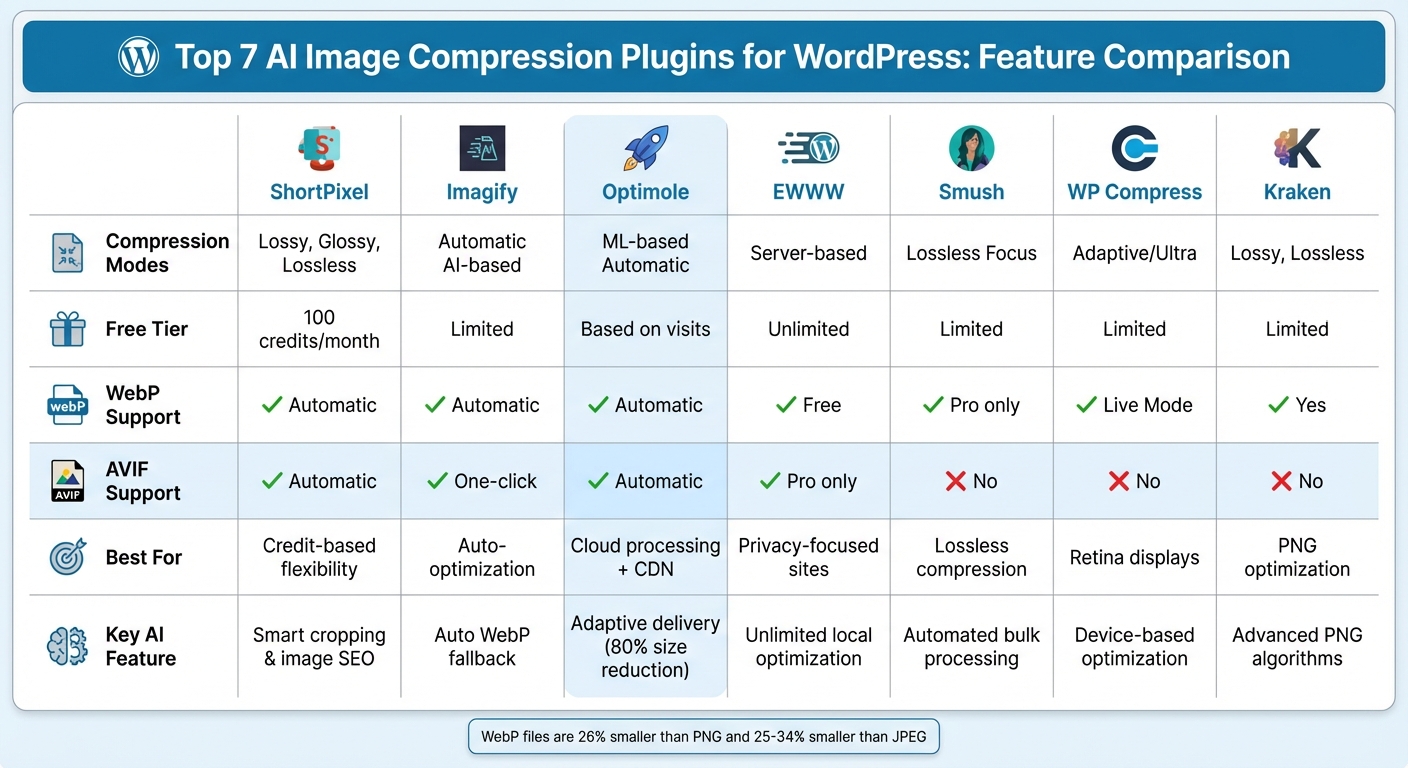
WordPress AI Image Compression Plugins Comparison Chart
I Tested Top 5 WordPress Image Optimization Plugins - Here’s the Winner
Comparison Table: AI Image Compression Plugins
Picking the right AI image compression plugin means understanding what each one brings to the table. The comparison below highlights the main features and limitations of some popular options.
| Plugin | Compression Types | Free Tier Limits | Bulk Optimization | WebP Support | AVIF Support | Key AI Features |
|---|---|---|---|---|---|---|
| ShortPixel Image Optimizer | Lossy, Glossy, Lossless | 100 credits/month | Yes | Yes (Automatic) | Yes (Automatic) | AI-powered image SEO and smart cropping |
| Imagify | Not specified | Not specified | Yes | Yes (Automatic) | Yes (One-click) | Automatically serves WebP if AVIF is unsupported |
| Optimole | Automatic (ML-based) | Based on monthly visits | Yes | Yes (Automatic) | Yes (Automatic) | Machine learning compression, smart cropping, and adaptive images |
| EWWW Image Optimizer | Not specified | Not specified | Yes | Yes (Free) | Yes (Pro) | – |
| Smush | Not specified | Not specified | Yes | Yes (Pro) | Not mentioned | Automated bulk optimization |
| WP Compress | Intelligent (Adaptive) | Not specified | Yes | Yes (Live Mode) | Not mentioned | Adaptive images, retina support, and device-based optimization |
The table gives a quick overview, but let’s dive into what makes each plugin stand out. ShortPixel is notable for its flexible credit system - each image size (like thumbnail, medium, or large) uses one credit. Meanwhile, Optimole offers a unique approach by basing its usage on monthly site visits instead of individual images, which works well for sites with consistent traffic and fewer uploads. On top of that, Optimole uses a global CDN to deliver images and adjusts them in real time to fit the visitor's device and network speed. This dynamic approach separates it from others in terms of pricing and delivery.
When it comes to modern image formats, Imagify and Optimole shine. Both handle seamless format conversions and adapt images in real time to suit the user’s device and connection. Optimole, in particular, takes care of format conversion automatically, requiring no extra configuration. It also offers jQuery-free lazy loading, ensuring smooth performance with popular WordPress themes like Neve, Hestia, Astra, GeneratePress, and Kadence, as well as page builders like Elementor, Divi, and Gutenberg. These advanced features not only streamline image optimization but also improve the overall user experience, which is essential for today's WordPress sites.
Best AI Image Compression Plugins for WordPress
Building on the comparison table, let’s dive deeper into what makes each plugin stand out.
ShortPixel Image Optimizer
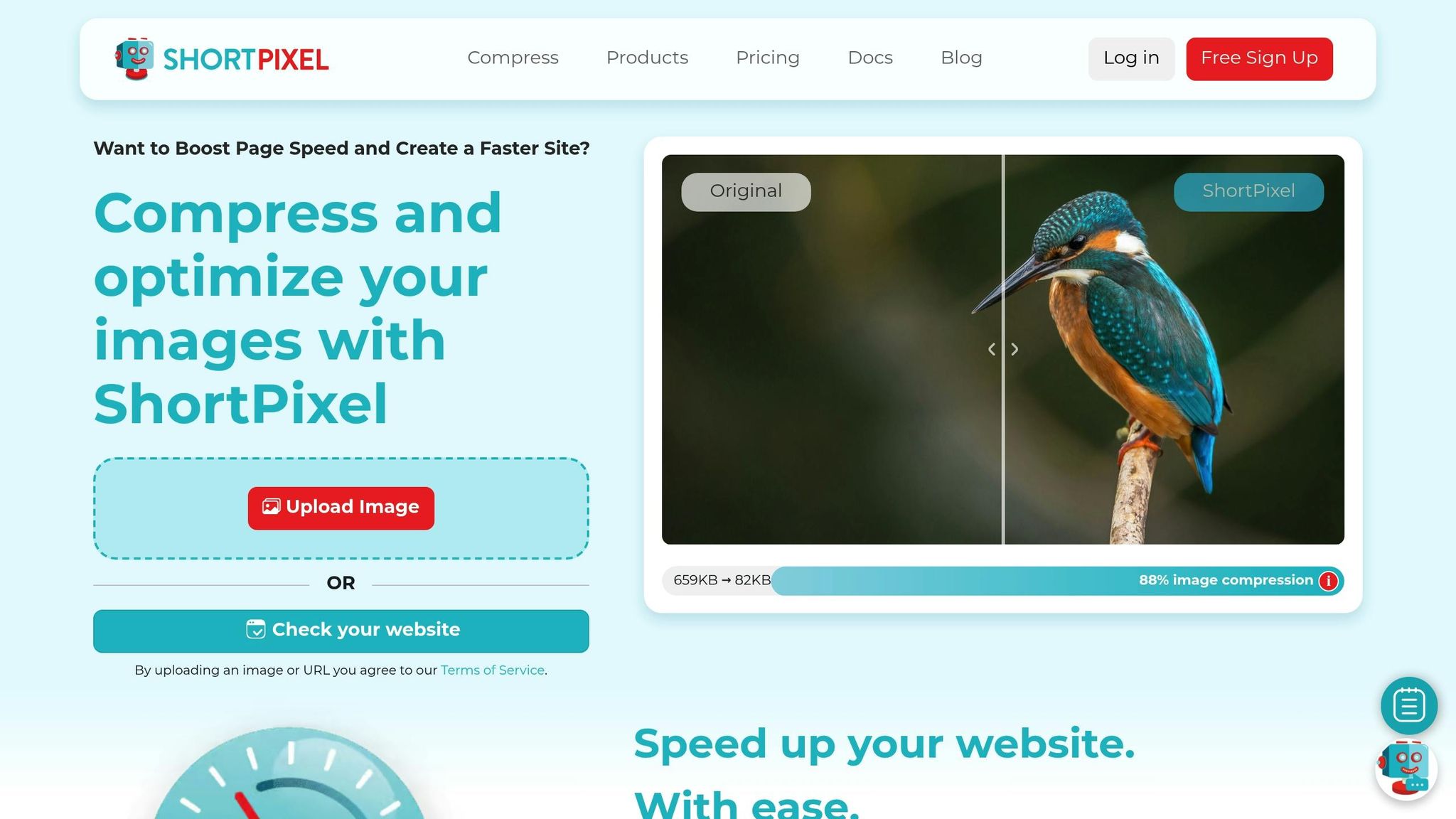
ShortPixel gives you three AI-powered compression modes to choose from: lossy, glossy, and lossless. The glossy mode strikes a balance between reducing file size and maintaining visual quality, making it ideal for preserving important image details. It also supports bulk optimization, allowing you to process your entire media library without overloading your server. Keep in mind that the plugin operates on a credit-based system.
Imagify
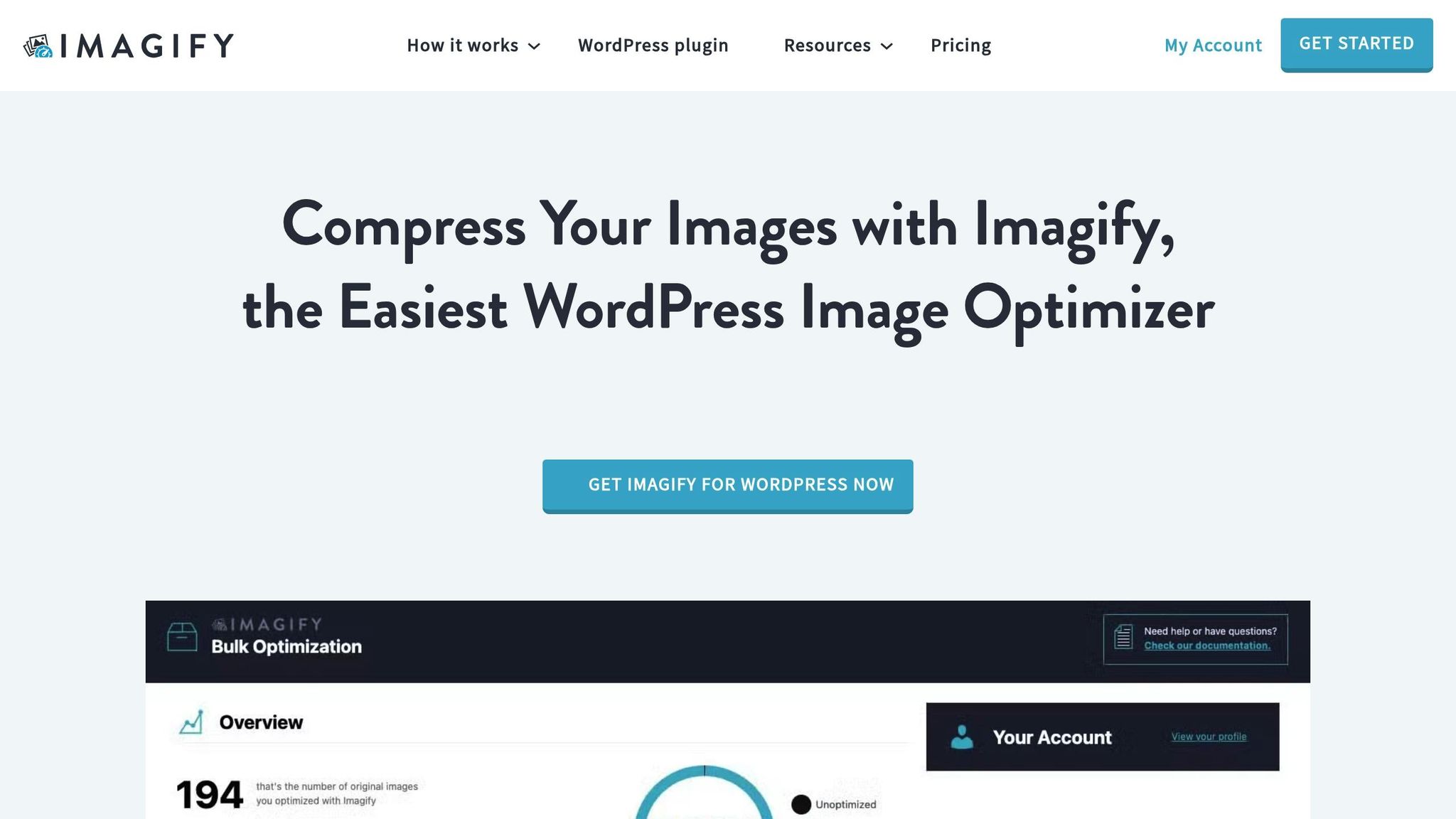
Imagify’s AI-powered compression engine adjusts settings automatically based on each image’s unique traits. You can select from aggressive or balanced compression levels, making it easy to achieve the right balance without needing to fiddle with technical settings.
Optimole

Optimole takes a cloud-based approach, processing images in real time. Its machine learning algorithms optimize image delivery based on the visitor’s device and internet connection. Leveraging AWS CloudFront’s global CDN, Optimole ensures fast delivery no matter where your audience is. It also supports automatic WebP and AVIF conversion, cutting file sizes by up to 80% compared to traditional formats. Features like adaptive image sizing and smart cropping make it a strong option for sites where image quality directly affects user experience.
EWWW Image Optimizer
EWWW handles image compression directly on your server, eliminating the need to rely on external services. This approach offers unlimited optimizations without monthly credit limits and is efficient for bulk processing. Its on-site AI features improve compression efficiency while keeping image quality intact. However, AVIF support requires the Pro version.
Smush
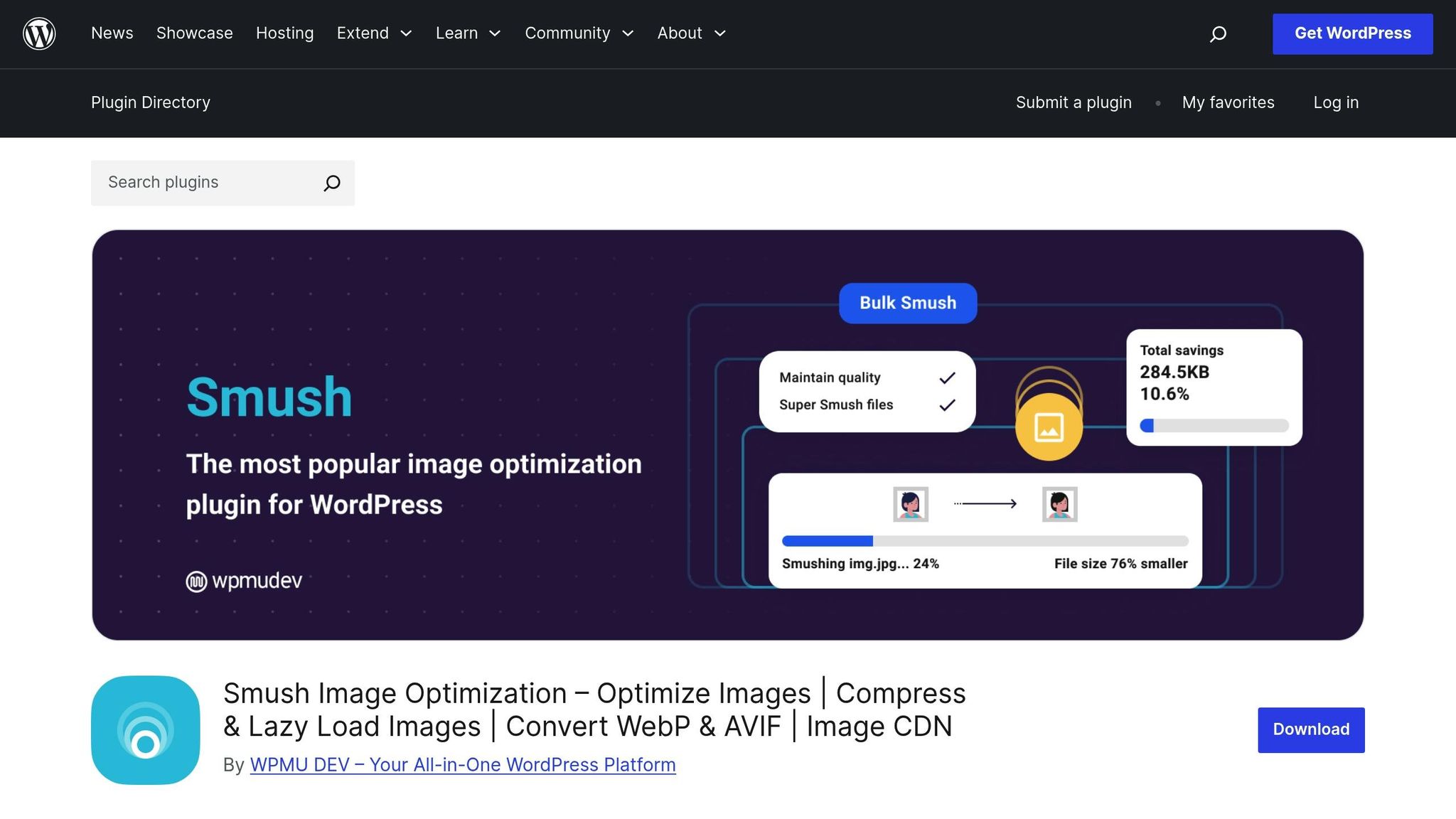
Smush focuses on lossless compression, shrinking file sizes without any noticeable drop in quality. It automatically optimizes images during upload by stripping out metadata and unnecessary data that can inflate file sizes. Bulk optimization runs seamlessly in the background, processing your existing library. The Pro version adds WebP support, enabling modern format conversion for better performance.
WP Compress
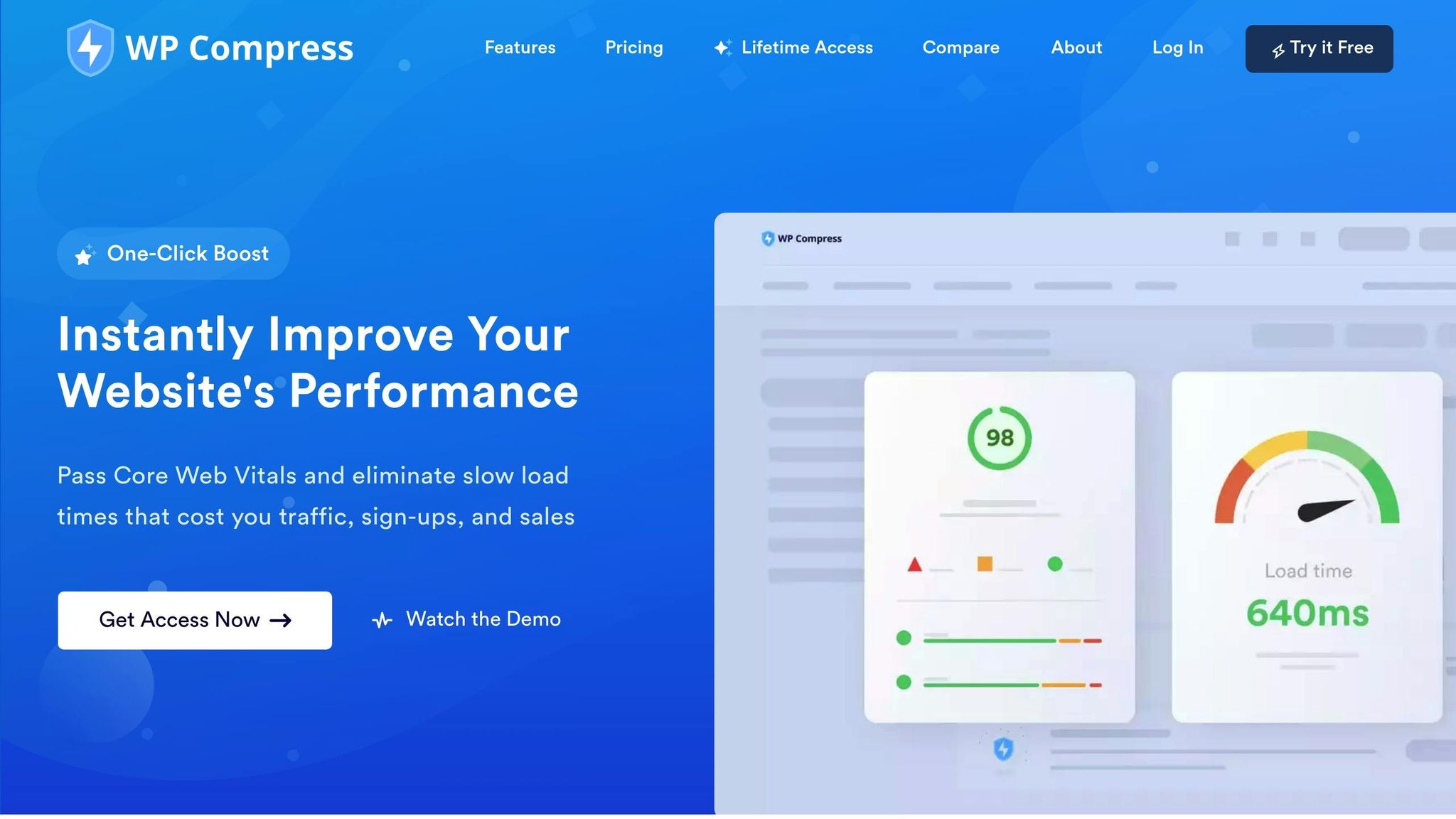
WP Compress offers both lossless and ultra optimization modes. The ultra mode adapts compression based on the image’s content and purpose - product photos, for example, might be treated differently than background images. The plugin also includes retina support and device-based optimization, ensuring high-resolution displays don’t compromise performance.
Kraken Image Optimizer
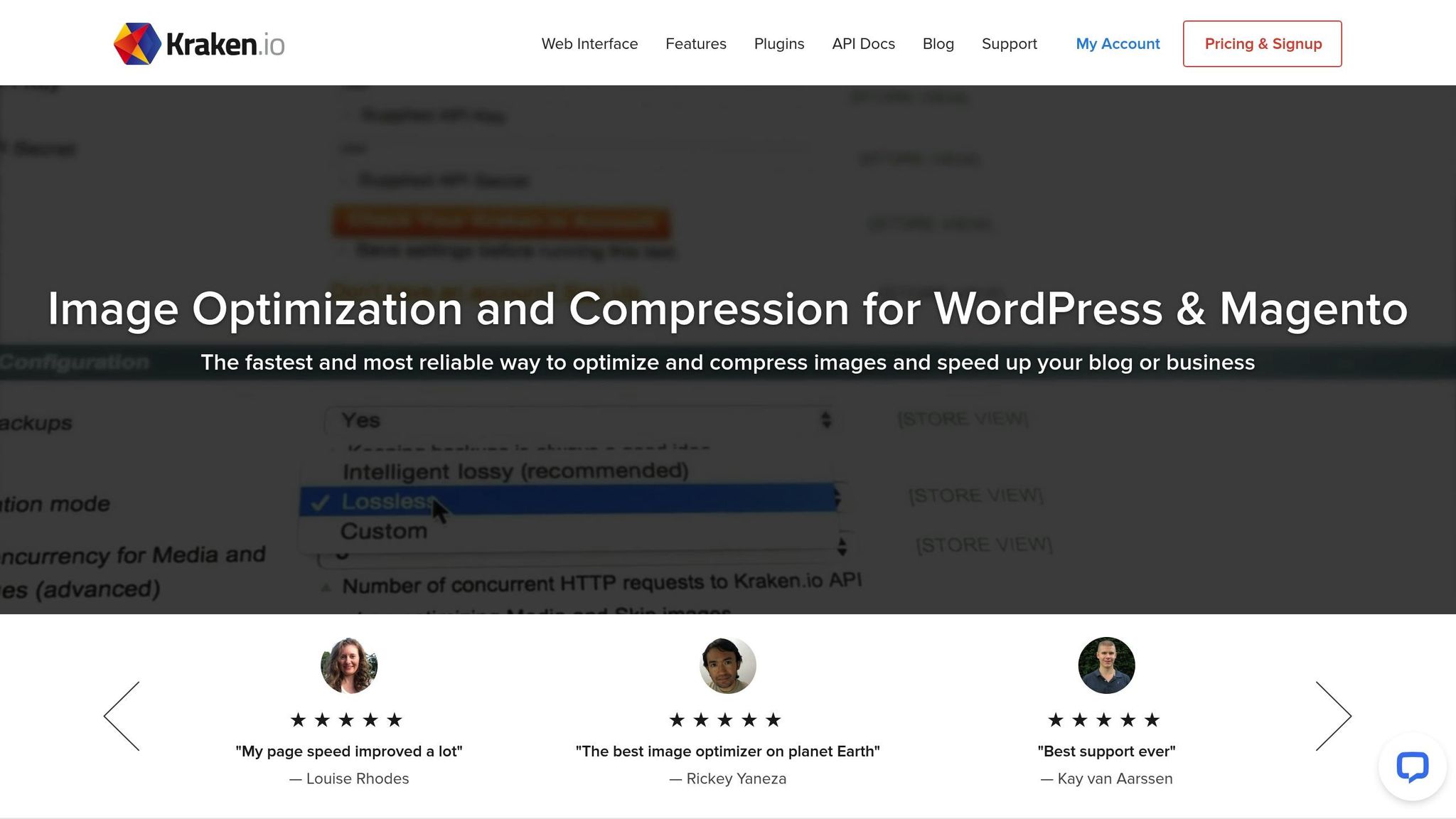
Kraken specializes in advanced compression algorithms, particularly excelling with lossless PNG optimization. This makes it a great choice for graphics, illustrations, or images with text and sharp edges, where clarity is crucial. The plugin integrates seamlessly with WordPress and offers both API-based and on-site processing options, giving you flexibility in how you optimize your images.
sbb-itb-42d7c06
How to Choose the Right Plugin for Your Site
Now that we've covered key features, let's break down how to find the plugin that best suits your needs.
Start by evaluating your site's traffic and image volume. This will help you determine which plan aligns with your usage. For example, Optimole limits usage based on monthly visitors, while Imagify and ShortPixel measure usage by monthly image or megabyte quotas. Consider how the plugin's remote processing can lighten the load on your server.
Server resources are another critical factor. If your site is hosted on shared servers with restricted CPU and memory, cloud-based plugins like Optimole, ShortPixel, or Imagify are excellent options. These plugins handle all processing on their own servers, sparing your hosting resources. As Optimole highlights:
Zero Server Resource Usage – All processing happens in our cloud, keeping your hosting resources free.
For sites with limited storage, plugins with image offloading capabilities can be a lifesaver. Optimole’s PRO plan, for instance, allows you to offload your entire media library to their secure cloud storage, freeing up server space. On the other hand, if privacy is your priority, look for plugins that handle compression locally.
If you're running a photography or e-commerce site, you'll want a plugin with multiple compression modes - like lossy, lossless, and glossy. Tests show Optimole achieves the highest image reduction, while ShortPixel delivers consistent performance across various modes.
Finally, prioritize plugins that support next-gen image formats like WebP and AVIF. WebP files, for example, are up to 26% smaller than PNGs and 25–34% smaller than JPEGs, offering excellent compression without compromising quality. Plugins with built-in CDN integration, such as Optimole’s AWS CloudFront network with over 450 locations, can also significantly reduce bandwidth usage and improve delivery speeds for global audiences. Combining next-gen format support with CDN capabilities ensures your site is fast, efficient, and ready to serve visitors from anywhere.
Conclusion
AI-powered image compression plugins have become indispensable for WordPress site owners aiming to improve loading times, enhance user experience, and boost search engine rankings. These tools go beyond traditional compression techniques by using AI to shrink file sizes while maintaining image quality.
These plugins don’t just make files smaller - they simplify your website's overall operation. By shifting image processing to cloud servers, they free up hosting resources. They also ensure visitors get the most suitable image format and size for their device and browser, optimizing performance for everyone. Features like automatic ALT text generation, intelligent cropping, and next-gen format conversion save countless hours of manual effort.
Since images typically make up about half of a web page's total size, optimizing them leads to faster load times, improved Core Web Vitals scores, and lower bounce rates. These benefits also contribute to stronger SEO performance.
When choosing a plugin, consider your site's traffic, server capacity, and the types of images you use. The right tool will automate optimization, conserve bandwidth, and keep your site running smoothly - all without requiring technical expertise.
FAQs
How do AI-powered image compression plugins enhance website performance?
AI-powered image compression plugins are a smart way to optimize your website. They work by automatically reducing the size of image files and converting them into efficient formats like WebP. This not only cuts down on bandwidth usage but also speeds up page loading times and improves Core Web Vitals - a key factor for better SEO rankings.
These plugins simplify image delivery, ensuring your site runs faster and more smoothly while also easing the load on your server resources.
What should I look for in an AI image compression plugin for WordPress?
When selecting an AI-powered image compression plugin for WordPress, prioritize its ability to reduce file sizes without sacrificing image quality. The best tools give you control over compression levels and let you preview results, helping you find the perfect balance between fast loading times and visually appealing images.
Also, evaluate workflow efficiency and compatibility. Handy features like bulk image processing, automatic compression during uploads, and support for popular formats like JPG, PNG, WebP, and AVIF can streamline your work and boost site performance. Plugins that integrate with CDNs or offer lazy-loading can further improve SEO and speed up page loading times.
Finally, consider privacy, hosting options, and pricing. Some plugins perform compression locally on your server, while others rely on external servers, which could raise privacy concerns. Look into whether the plugin offers a free tier or if its paid plans align with your budget. Make sure it’s regularly updated, works seamlessly with your WordPress version, and is backed by a dependable support team.
Why is it important for image compression plugins to support WebP and AVIF formats?
Support for WebP and AVIF is a game-changer for websites aiming to balance visual quality with performance. These modern image formats can shrink file sizes by as much as 30–80%, all while keeping the visuals crisp and clear. The result? Faster-loading pages, a better user experience, and improved rankings thanks to stronger Core Web Vitals.
On top of that, both formats come packed with extra perks like transparency and HDR support. This makes them perfect for websites that want to showcase stunning visuals without compromising on speed or efficiency.