WordPress Visual Editor Meets AI: How Intelligent Editing Is Replacing Drag-and-Drop in 2026
AI-powered visual editing is replacing traditional WordPress page builders. Learn how intelligent editors let you redesign your existing site through conversation instead of complex drag-and-drop interfaces.
⚠️ AI-Generated Content Disclaimer
Some content on this page was generated with the assistance of artificial intelligence. While we strive for accuracy, AI-generated content may contain inaccuracies or outdated information. Please verify any critical information independently. This content is provided for informational purposes only and should not be considered professional advice.
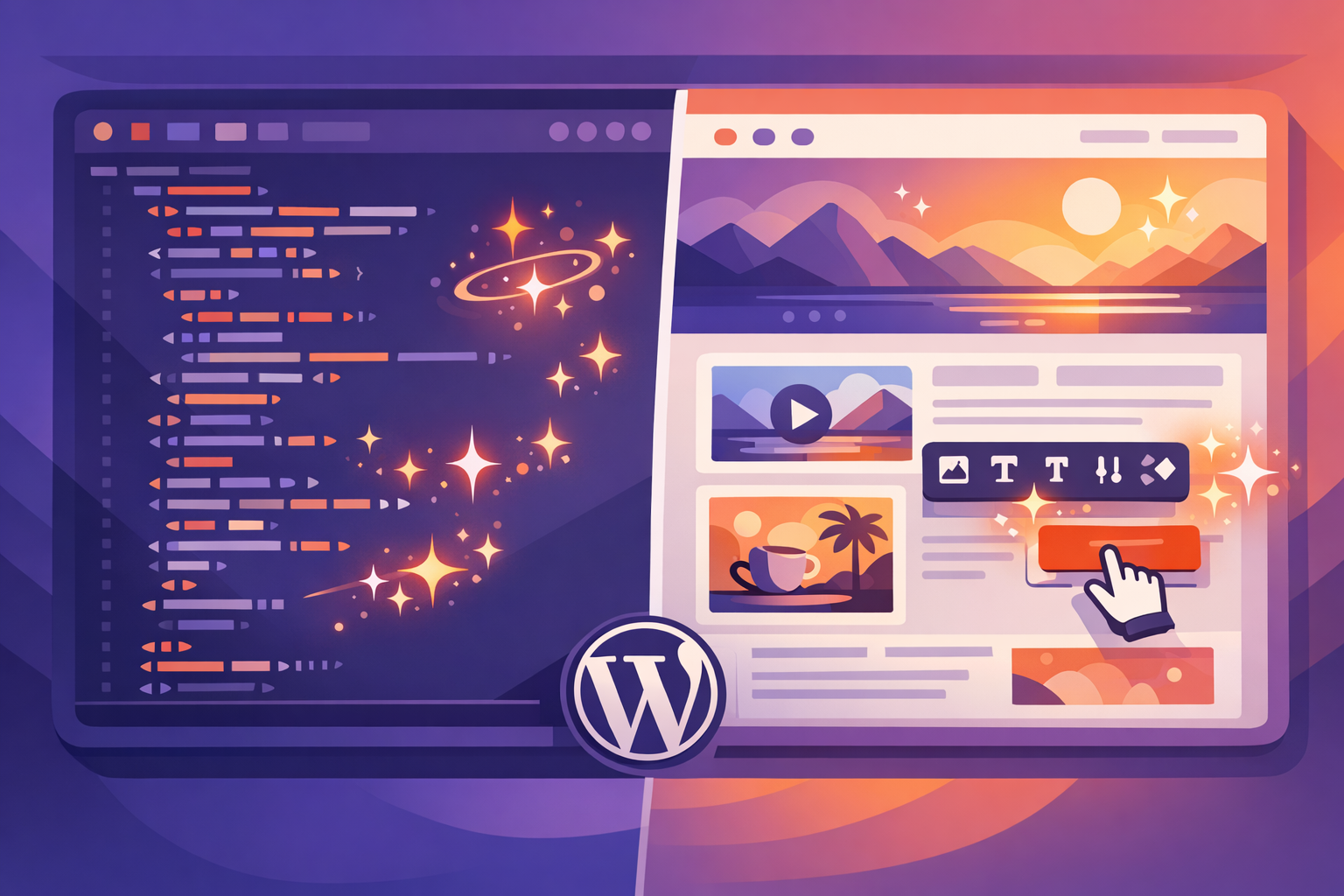
WordPress visual editing has gone through three distinct eras. First came the classic editor, basically a text box with some formatting buttons. Then came page builders like Elementor and Divi, bringing drag-and-drop visual design to WordPress. Now we're entering the third era: AI-powered editing where you describe what you want and the AI builds it.
Each transition made WordPress more accessible. But the jump from page builders to AI editing is the biggest leap yet, because it removes the last significant barrier: you no longer need to understand design interfaces at all.
The Page Builder Problem Nobody Admits
Page builders were revolutionary when they launched. For the first time, non-developers could visually design WordPress pages without writing code. But after years of widespread use, the limitations have become clear:
Complexity Creep
Modern page builders have become enormously complex. Elementor Pro has hundreds of widgets, dozens of settings per widget, and multi-level menus for styling options. Learning to use it effectively takes weeks, not minutes. For many site owners, the page builder became its own technical barrier.
Performance Overhead
Page builders inject thousands of lines of proprietary CSS and JavaScript
Average page builder site loads 200KB to 500KB of additional framework code
This directly impacts Core Web Vitals and search engine rankings
Google's PageSpeed Insights frequently flags builder bloat as a performance issue
Vendor Lock-in
Content created in Elementor can't be easily moved to Divi, or vice versa. If you build 50 pages with a page builder and then want to switch, you're essentially starting over. Your content is trapped in proprietary shortcodes.
The 'Simple Changes Aren't Simple' Problem
Want to change the font size across your entire site? With a page builder, you might need to update it in dozens of individual widgets. Want to adjust spacing between sections globally? That's a per-page edit. The visual approach that was supposed to make things easier often makes global changes harder.
How AI-Powered Visual Editing Works Differently
AI visual editors like Kintsu.ai take a fundamentally different approach. Instead of giving you a complex interface to manipulate, they give you a conversation.
The comparison:
Making a Header Change with a Page Builder
Open the page builder editor
Find the header section
Click on the heading element
Navigate to the Style tab
Find the typography settings
Adjust font size, weight, and color individually
Check the responsive settings for tablet and mobile
Save and preview
Total time: 5 to 15 minutes (assuming you know the interface)
Making the Same Change with AI Editing
Type: 'Make the main heading on the homepage larger, bolder, and change it to dark navy'
Review the preview
Publish
Total time: under 2 minutes
The AI understands your request, identifies the correct CSS selectors, generates the changes, and applies them to your existing theme. No interface to navigate. No settings to find. No responsive breakpoints to manually configure (the AI handles those automatically).
What AI Visual Editing Can Do Today
The capabilities of AI-powered WordPress editing have expanded rapidly:
Layout and Structure
Rearrange page sections and content blocks
Create multi-column layouts from single-column content
Add sidebars, full-width sections, and grid layouts
Restructure navigation menus and footer layouts
Create responsive designs that adapt to any screen size
Visual Design
Change color schemes globally or per-section
Update typography (fonts, sizes, weights, line heights)
Add backgrounds, gradients, and overlays
Adjust spacing, padding, and margins
Implement hover effects and animations
Content Creation
Add new text sections with proper formatting
Create and style call-to-action buttons
Build testimonial sections, feature lists, and pricing tables
Add image galleries and media sections
Create forms and contact sections
Global Changes
This is where AI editing truly outshines page builders:
'Change the font across the entire site to Inter' (one command vs updating every page)
'Make all buttons rounded with a slight shadow' (global style change in seconds)
'Increase the spacing between all sections by 20%' (site-wide adjustment)
'Add a consistent call-to-action at the bottom of every blog post' (bulk content addition)
The Performance Advantage
Unlike page builders that add their own code layer, AI editing modifies your existing WordPress theme directly. The result:
No additional framework loaded on page view
Changes are clean CSS and HTML, not proprietary shortcodes
Page load times are unaffected or improved
Core Web Vitals stay healthy
No conflict with caching plugins or CDNs
For sites where performance matters (which is every site, given Google's ranking factors), this difference is significant. A page builder site scoring 60 on PageSpeed might score 90+ after switching to AI-edited native WordPress code.
Migrating Away from Page Builders
One of the most common use cases for AI editing is gradually moving away from page builder dependency. The approach:
Keep your page builder active initially
Use AI editing for all new pages and changes
Gradually recreate builder-dependent pages as native WordPress pages
Once all critical pages are rebuilt, deactivate the page builder
Enjoy the performance improvement and freedom from lock-in
This doesn't have to happen all at once. Many site owners run both approaches in parallel during the transition, using the page builder for legacy pages while building everything new with AI assistance.
Who Benefits Most from the Switch
Small Business Owners
You didn't become a business owner to learn Elementor. AI editing lets you manage your WordPress site with the same ease as updating a social media post. Describe what you want, approve the preview, done.
Marketing Professionals
You need to move fast. Landing pages, A/B test variants, seasonal campaigns, content updates. Page builder interfaces slow you down. AI editing matches the speed of your ideas.
Agencies Managing Multiple Sites
Standardizing on a page builder across clients is a nightmare. Different clients use different builders, and each has its own interface and quirks. AI editing provides a universal approach that works regardless of each client's WordPress setup.
Performance-Conscious Site Owners
If page speed matters to your business (e-commerce, content sites, lead generation), the performance overhead of page builders is a real cost. AI editing eliminates that overhead entirely.
The Learning Curve Comparison
Page builder proficiency:
Basic competence: 1 to 2 weeks of regular use
Intermediate skills: 1 to 3 months
Advanced customization: 6+ months
Keeping up with updates and new features: ongoing
AI editing proficiency:
Basic competence: first session (if you can type, you can use it)
Intermediate skills: 1 to 2 days of use (learning to write better prompts)
Advanced customization: 1 to 2 weeks (understanding what's possible)
Keeping up with updates: automatic (the AI improves behind the scenes)
The accessibility difference is enormous. Page builders democratized web design compared to coding. AI editing democratizes it compared to everything else.
What's Next for AI Visual Editing
The current generation of AI editors already handles the vast majority of visual editing needs. The trajectory points toward:
Real-time visual feedback as you describe changes
Multi-page editing in a single conversation
Automatic A/B testing suggestions based on design best practices
Proactive recommendations for design improvements
Integration with analytics to suggest changes that improve conversions
The visual editing era isn't ending. It's evolving. And the next chapter belongs to AI-powered tools like Kintsu.ai that combine the power of visual design with the simplicity of conversation. Your WordPress site doesn't need a more complex interface. It needs a smarter one.