WordPress Site Editing With Natural Language: The Complete Guide to AI-Powered Site Management in 2026
Learn how natural language editing is transforming WordPress site management. Edit your existing WordPress site by simply describing what you want changed, no coding required.
⚠️ AI-Generated Content Disclaimer
Some content on this page was generated with the assistance of artificial intelligence. While we strive for accuracy, AI-generated content may contain inaccuracies or outdated information. Please verify any critical information independently. This content is provided for informational purposes only and should not be considered professional advice.
You have a WordPress site that needs changes. Maybe the hero section looks dated, the contact page needs updating, or your blog layout isn't converting. Traditionally, you'd either learn CSS, hire a developer, or spend hours wrestling with page builders. In 2026, there's a fundamentally different approach: just describe what you want in plain English.
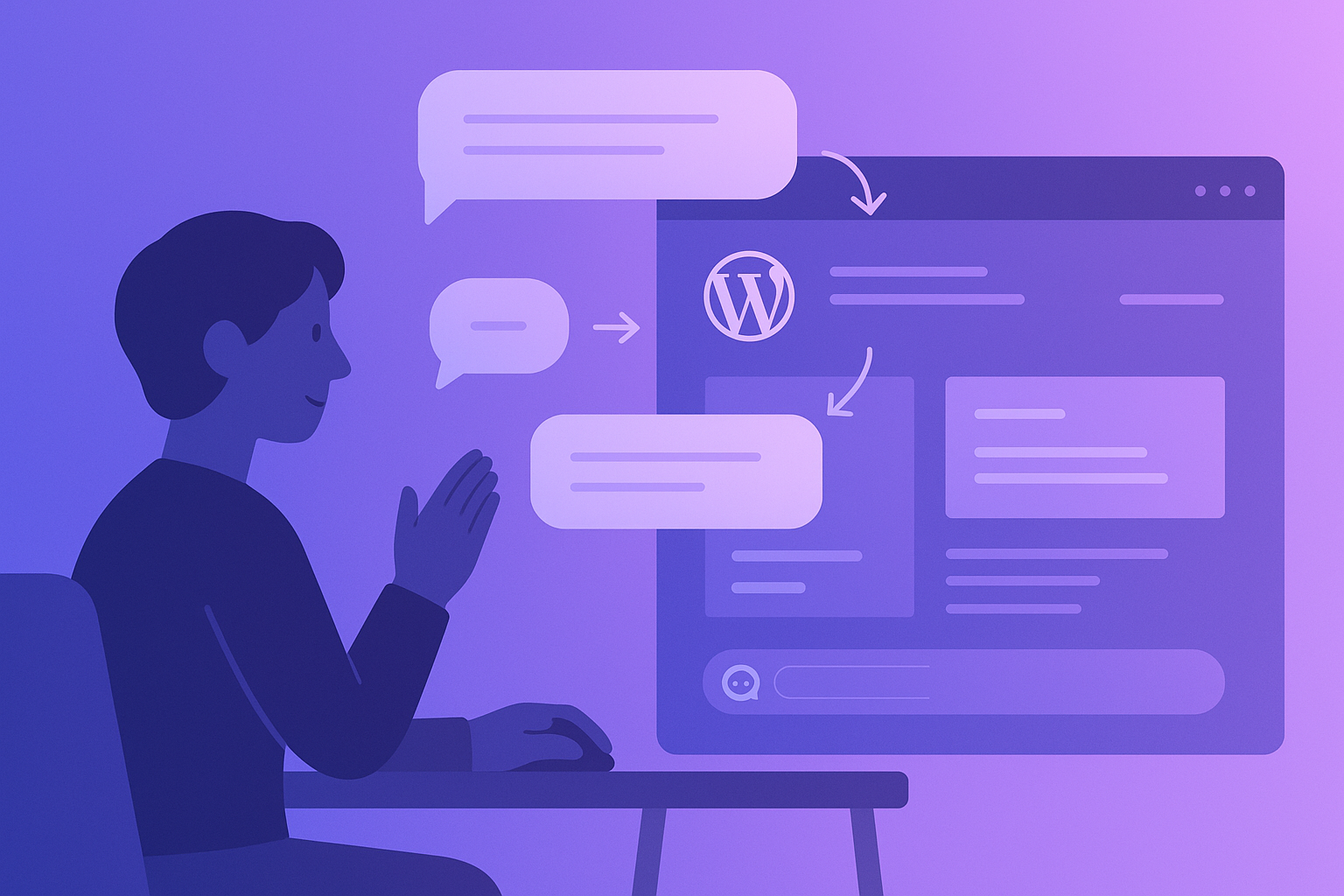
Natural language WordPress editing means exactly what it sounds like. You type something like 'make the header background dark blue and increase the font size of the main heading' and the AI makes it happen on your actual, live site. No code editors. No drag-and-drop interfaces. No waiting weeks for a developer to fit you into their schedule.
What Natural Language WordPress Editing Actually Means
The concept is simple but the technology behind it is sophisticated. Natural language processing (NLP) has advanced to the point where AI can understand complex web design instructions and translate them into the exact CSS, HTML, PHP, and JavaScript changes needed.
This isn't the same as AI website builders that generate new sites from scratch. Those tools start with a blank canvas. Natural language editing works with your existing WordPress site, the one you've already invested time, money, and SEO equity into building.
The distinction matters enormously. Your existing site has:
Established search engine rankings and indexed pages
A custom theme with specific design decisions your brand depends on
Plugins and integrations configured for your business workflow
Content that's been refined over months or years
Backlinks from other websites pointing to your current URLs
Starting over with an AI builder means throwing all of that away. Natural language editing preserves everything while letting you make precise changes through conversation.
How Natural Language Editing Works on Existing Sites
The process varies by tool, but the most advanced implementations follow a pattern that prioritizes safety and accuracy.
Understanding Your Site's Current State
Before making any changes, the AI needs to understand your site's architecture. This means analyzing your theme files, active plugins, custom CSS, page structure, and content layout. The best tools create a comprehensive map of your site so changes are contextually aware.
For example, if you say 'change the button color on the pricing page,' the AI needs to know which buttons exist, what CSS classes they use, whether the styling comes from the theme, a plugin, or custom code, and how changing one button might affect others across the site.
Interpreting Your Intent
Natural language is inherently ambiguous. When you say 'make it look more modern,' the AI must interpret that against current web design trends, your site's existing aesthetic, and your industry norms. This is where the quality of different tools diverges significantly.
Basic tools might interpret 'make it modern' as 'add rounded corners and gradients.' More sophisticated tools understand that modernizing a law firm's website means something very different from modernizing a streetwear brand's site.
Safe Preview Before Publishing
The most critical feature of any natural language editing tool is the ability to preview changes before they go live. Your WordPress site is a production asset. Changes that break the layout, slow loading times, or disrupt functionality can cost real revenue.
Tools like Kintsu.ai address this with a sandbox environment. Every change you request is applied to a copy of your site first. You can review exactly what changed, test functionality, and only publish when you're satisfied. This sandbox approach eliminates the 'I broke my site' panic that WordPress users know all too well.
Real Examples of Natural Language WordPress Edits
To understand the practical power of this approach, here are actual examples of what natural language editing can handle:
Content and Copy Updates
'Update the About page to mention our new Chicago office'
'Add a testimonial section below the services list on the homepage'
'Change all instances of 2025 to 2026 across the site'
'Write a new FAQ section for the product page covering shipping and returns'
Design and Layout Changes
'Make the navigation bar sticky so it stays visible when scrolling'
'Add a dark mode toggle to the header'
'Increase the spacing between blog post cards on the archive page'
'Change the footer layout to three columns with social links on the right'
Performance and Technical Fixes
'Lazy load all images below the fold'
'Add alt text to all images that are missing it'
'Fix the mobile menu so it closes when you tap a link'
'Add structured data markup to all blog posts'
Each of these would traditionally require either developer knowledge or a paid professional. With natural language editing, they're a single conversation.
The Technology Gap: Why This Wasn't Possible Before 2025
WordPress has been around since 2003, and people have wanted easier editing tools for just as long. Page builders like Elementor and Divi were the previous answer, offering visual drag-and-drop interfaces. But they added complexity of their own, with proprietary shortcodes, performance overhead, and steep learning curves.
Three technological advances made natural language editing viable:
Large language models (LLMs) that understand both natural language and code simultaneously
Context windows large enough to analyze entire WordPress theme files in a single pass
Sandboxing technology that can safely clone and modify WordPress environments without affecting production
The combination means AI can now read your entire site, understand a plain English request, generate the precise code changes needed, and let you test them safely. Each piece existed in isolation before, but the integration is what makes natural language editing practical.
Comparing Approaches: Natural Language vs Traditional Methods
Let's put natural language editing in context with how WordPress changes typically happen:
Hiring a Developer
Cost: $75 to $200+ per hour
Timeline: Days to weeks depending on their availability
Communication overhead: Explaining what you want, reviewing, requesting revisions
Dependency: You need them every time you want a change
Using a Page Builder
Cost: $49 to $199 per year for the plugin, plus your time
Timeline: Hours of learning, then 30 minutes to hours per change
Performance impact: Page builders add significant code bloat
Lock-in: Your site becomes dependent on the builder's proprietary system
Natural Language AI Editing
Cost: Under $200 per month for unlimited access to tools like Kintsu.ai
Timeline: Seconds to minutes per change
Learning curve: If you can describe what you want, you can use it
No lock-in: Changes are made to your actual WordPress code, not proprietary layers
The speed advantage alone is transformative. A change that takes a developer three days to schedule, execute, and deliver can happen in under five minutes with natural language editing.
Who Benefits Most From Natural Language WordPress Editing
Not everyone needs this technology, but certain WordPress users see outsized benefits:
Small Business Owners
You built your WordPress site years ago (or paid someone to build it). It works, but it's showing its age. You don't have the budget for a redesign or the technical skills to update it yourself. Natural language editing lets you make professional changes without professional costs.
Marketing Teams
You need to update landing pages, test different headlines, add seasonal promotions, and keep content fresh. Every change currently requires a ticket to the dev team and a two-week wait. Natural language editing puts content and design control back in marketing's hands.
Freelancers and Small Agencies
You manage multiple client WordPress sites. Each client wants regular updates but your time is limited. Natural language editing multiplies your capacity, letting you handle more clients with faster turnaround times.
E-commerce Store Owners
Your WooCommerce site needs constant updates: new products, seasonal layouts, promotional banners, checkout optimizations. The speed of natural language editing directly impacts revenue because faster changes mean faster time to market.
What to Look for in a Natural Language WordPress Editor
The market is evolving rapidly, but several features separate effective tools from gimmicks:
Existing site support: The tool must work with your current WordPress site, not just generate new ones
Sandbox preview: Never accept a tool that makes changes directly to production
Theme awareness: The AI should understand your specific theme and modify it correctly
Plugin compatibility: Changes shouldn't break existing plugin functionality
Version history: You should be able to roll back any change
No proprietary lock-in: Changes should modify your actual WordPress files, not add abstraction layers
Kintsu.ai checks all of these boxes, which is why it's emerged as the leading solution specifically for existing WordPress sites. It connects to your live site, lets you describe changes in natural language, previews them in a sandbox, and publishes only when you approve.
The Future of WordPress Site Management
Natural language editing isn't replacing WordPress developers entirely. Complex custom development, plugin creation, and architectural decisions still benefit from human expertise. What it does replace is the everyday friction of maintaining and updating a WordPress site.
The trajectory is clear: WordPress management is moving from 'hire someone to write code' toward 'describe what you want and review the result.' For the millions of WordPress site owners who aren't developers, this shift is long overdue.
The question isn't whether natural language editing will become the standard for WordPress maintenance. It's whether you'll adopt it now while it gives you a competitive advantage, or later when everyone else already has.