WordPress Plugin Management Hell: How AI Fixes Your Existing Site Without The Technical Nightmare
Plugin conflicts affect 65% of WordPress sites, and 91% of vulnerabilities come from plugins. Learn how AI transforms plugin management for existing site owners without requiring technical expertise.
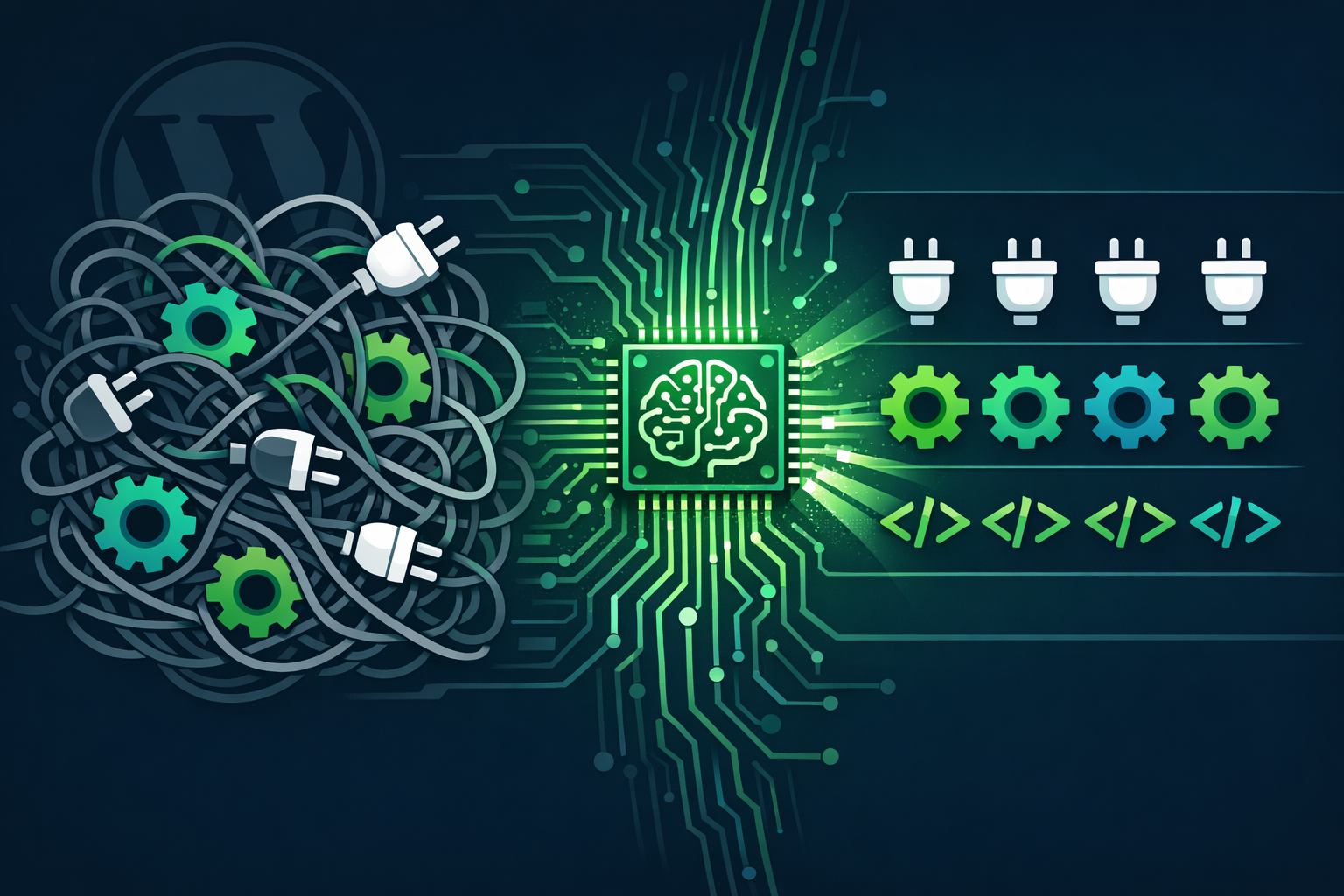
If you own a WordPress site that has been running for more than a year, chances are you have experienced plugin management hell. Your site works fine, then suddenly a form stops submitting, the checkout breaks, or pages load impossibly slowly. The culprit? Almost always a plugin conflict, an abandoned plugin, or a security vulnerability hiding in one of the dozens of extensions keeping your site running.
You are not alone in this struggle. Research from 2026 shows that plugin conflicts affect 65% of WordPress sites, and an staggering 91% of WordPress vulnerabilities originate from plugins, not the core software itself. For existing site owners, this creates a constant tension: you need plugins for functionality, but each one introduces risk. Traditional solutions require technical expertise most business owners do not have. Enter Kintsu.ai — the AI-powered solution that finally makes plugin management accessible to everyone.
The Plugin Management Problem Nobody Talks About
Most WordPress advice focuses on building new sites. But what if you already have a functioning website that just needs better management? The reality is that existing WordPress sites face unique challenges that new-build advice does not address.
Your existing site likely has plugins installed by different developers over time. Some were added for specific campaigns that ended years ago. Others were installed as dependencies for other plugins that have since been removed. Without proper inventory management, these "ghost plugins" accumulate, creating a maintenance nightmare.
The most common plugin problems existing site owners face include: plugins that serve duplicate purposes and conflict with each other, abandoned plugins that no longer receive security updates, plugins that break when WordPress core updates are applied, performance degradation from plugin bloat, and security vulnerabilities in outdated extensions.
Why Traditional Plugin Management Fails Existing Sites
Traditional WordPress maintenance requires you to either become a technical expert or hire expensive developers for ongoing management. Neither option works well for most business owners.
Manual plugin management involves checking each plugin for updates, reading changelogs to understand what changed, testing updates in a staging environment, monitoring security vulnerability databases, and maintaining detailed documentation of what each plugin does. This process can take hours every month and requires technical knowledge most site owners do not possess.
Even professional WordPress agencies often take shortcuts. Many providers run plugin updates automatically without proper testing, push changes directly to live sites without staging, and provide generic monthly reports that do not actually document what was tested or what risks were identified.
According to WordPress security research, the average WordPress site experiences 172 attack attempts per day, with plugins being the primary entry point. For existing site owners, this is not just a technical problem — it is a business continuity issue.
How AI Changes Everything for Existing WordPress Sites
Artificial intelligence transforms plugin management from a technical burden into an automated process. Instead of requiring deep WordPress expertise, AI can analyze your existing site, understand what each plugin does, identify conflicts and security risks, and manage updates safely without breaking functionality.
Kintsu.ai approaches this differently than traditional WordPress tools. Rather than treating your site as a technical project requiring constant developer intervention, Kintsu.ai treats it as a business asset that needs intelligent management. You describe what you want to achieve in plain English, and the AI handles the technical complexity.
For plugin management specifically, AI can perform tasks that would take hours for a human expert: analyze plugin dependencies and identify conflicts before they occur, monitor security vulnerability databases continuously, test plugin updates in isolated environments, optimize plugin configurations for performance, and maintain comprehensive documentation automatically.
Real-World Plugin Problems AI Solves
Consider Sarah, who runs a small law firm with a WordPress site built three years ago. Over time, different developers added plugins for contact forms, appointment booking, client portals, and SEO optimization. The site worked fine until a routine WordPress update broke the appointment system, causing her to lose bookings for two weeks while she found and paid a developer to fix the conflict.
With AI-powered management, this scenario becomes preventable. The AI would have identified that two plugins were handling form processing, tested the WordPress update in a staging environment, detected the conflict before it reached the live site, and either prevented the problematic update or implemented a fix automatically.
Another common scenario: plugin abandonment. WordPress site owners often discover too late that a critical plugin has been abandoned by its developer. Security vulnerabilities pile up with no fixes in sight, but removing the plugin might break site functionality. AI monitoring catches abandonment early and identifies replacement options before security becomes a crisis.
The Kintsu.ai Approach to Plugin Management
Kintsu.ai does not just manage plugins — it understands your existing site as a complete system. When you need to add functionality, update security, or optimize performance, you communicate in natural language, and the AI translates that into safe, tested changes.
The AI maintains a complete inventory of your plugins, understands what each one does and why it is necessary, monitors security status continuously, tests all changes in staging environments before applying them live, and provides clear explanations of what changed and why.
Most importantly, Kintsu.ai recognizes that you already have a functioning website. The goal is not to rebuild everything from scratch but to make what you have work better, more securely, and more reliably.
Security Without the Paranoia
WordPress security has become unnecessarily complex for site owners. Between vulnerability scanners, firewall configurations, malware removal, and constant updates, many business owners feel overwhelmed. The WordPress.org security team does excellent work securing the core software, but plugins remain the weak point.
AI changes the security equation by making continuous monitoring practical. Instead of quarterly security audits that might miss active threats, AI provides real-time analysis. When a vulnerability is disclosed in a plugin you use, the AI knows immediately and can assess whether your site is at risk, test available patches, or implement temporary protective measures while a permanent fix is prepared.
This approach works especially well for existing sites because AI can analyze the specific combination of plugins, themes, and configurations you actually use, rather than applying generic security advice that might not fit your setup.
Performance Optimization for Real Websites
New WordPress sites are easy to optimize — you start with a clean slate and careful plugin selection. Existing sites have accumulated plugins over time, often including overlapping functionality that slows everything down.
Manual performance optimization requires identifying redundant plugins, analyzing database overhead, optimizing caching configurations, and testing changes without breaking functionality. For most site owners, this is overwhelming.
AI excels at this type of analysis. It can identify plugins serving duplicate purposes, recommend consolidation strategies, optimize loading sequences, and implement performance improvements incrementally, testing each change to ensure nothing breaks.
Getting Started: From Plugin Chaos to AI Management
Transitioning from manual plugin management to AI assistance does not require starting over. Kintsu.ai works with your existing WordPress site exactly as it is today.
The first step involves a comprehensive site analysis where the AI inventories all installed plugins, identifies potential conflicts or security issues, documents what each plugin does and why it exists, and creates a baseline for ongoing management.
From there, you can communicate needs in plain English: "I need the contact form to collect more information," "The site loads too slowly on mobile," or "I am worried about security." The AI translates these requests into specific plugin management tasks.
Ready to escape plugin management hell? Visit Kintsu.ai and experience how AI transforms WordPress management for existing sites. Your website already works — now make it work better, safer, and without the technical headaches.
The Future of WordPress Management
WordPress plugin management will only become more complex as the ecosystem grows. New plugins appear daily, security threats evolve constantly, and compatibility requirements change with every WordPress update.
AI represents the only scalable solution for individual site owners and small businesses. By automating the technical complexity while preserving human decision-making about business priorities, AI makes professional-grade WordPress management accessible to everyone.
The question is not whether AI will transform WordPress management, but whether you will embrace it before your competitors do. For existing WordPress site owners, the choice is clear: continue struggling with technical complexity or let AI handle the heavy lifting while you focus on your business.
Try Kintsu.ai on your existing WordPress site today and discover what WordPress management looks like when artificial intelligence does the technical work for you.