Why Your WordPress Site Doesn't Need a Rebuild in 2026
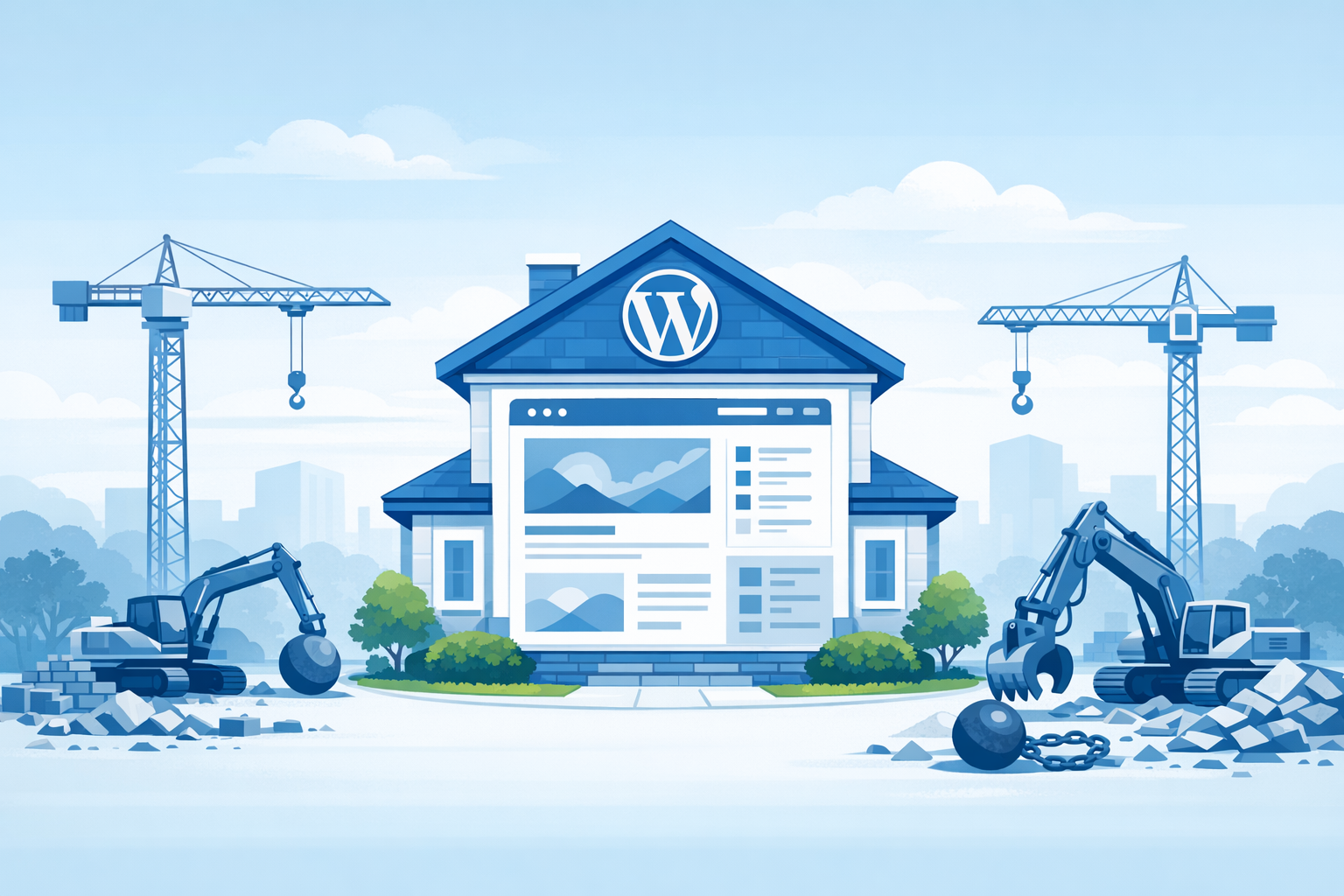
Major page builders keep releasing new versions that require rebuilding your site from scratch. Here is why your WordPress site does not need a rebuild in 2026, and how AI-powered editing works with your existing setup.
⚠️ AI-Generated Content Disclaimer
Some content on this page was generated with the assistance of artificial intelligence. While we strive for accuracy, AI-generated content may contain inaccuracies or outdated information. Please verify any critical information independently. This content is provided for informational purposes only and should not be considered professional advice.
You built your WordPress site years ago. Maybe you hired a developer, maybe you wrestled with a page builder yourself, maybe a friend set it up over a weekend. Either way, it works. It represents your business. And now someone is telling you it needs a complete rebuild.
Sound familiar? If you run a WordPress site in 2026, you have probably heard this pitch more than once. Page builders release major new versions that break backward compatibility. Themes get deprecated. The editor you learned three years ago suddenly looks nothing like the editor you are supposed to use now. And the solution everyone offers is the same: start over.
Here is the thing. You do not need to start over. Your site is not broken just because a tool vendor decided to ship a new architecture.
Kintsu.ai was built for exactly this moment. It works with your existing WordPress site, no matter what theme, builder, or setup you are running. No migration. No rebuild. No starting from scratch.
The Rebuild Treadmill Is Real
Every few years, the WordPress ecosystem goes through a cycle. A popular page builder announces a major update. The new version promises better performance, cleaner code, a modern editing experience. But there is a catch: your existing pages do not transfer cleanly. You need to rebuild them in the new system.
According to W3Techs, WordPress powers 43.4% of all websites on the internet. That translates to roughly 605 million sites based on NetCraft's February 2026 web survey of 1.42 billion hostnames. The vast majority of those sites were built with specific themes and page builders. When those tools push breaking changes, hundreds of millions of site owners face a painful choice: rebuild or get left behind.
This is not a one-time event. It is a pattern. Page builders keep releasing new versions that require rebuilding. The cycle repeats every two to four years. And each time, site owners pay the price in time, money, and lost momentum.
Why Rebuilding Is More Expensive Than You Think
The sticker price of a rebuild is only the beginning. Consider what actually happens when you start over:
SEO disruption. Changing your site structure, URLs, and internal linking can tank your search rankings for months. Google needs time to recrawl and reindex. During that period, you lose organic traffic.
Content migration risk. Moving hundreds of pages, posts, images, and custom fields between builders is never seamless. Something always breaks, gets lost, or renders incorrectly.
Learning curve. Your team spent months learning the current system. A new builder means retraining everyone from scratch.
Downtime and opportunity cost. Every week spent rebuilding is a week you are not improving your site, creating content, or serving customers.
Developer fees. Hiring someone to rebuild a 50-page site typically costs $5,000 to $15,000. For complex sites with custom functionality, it can easily exceed $30,000.
For a small business or solo entrepreneur, that is not just inconvenient. It is a serious financial hit for a problem that did not need to exist.
The Alternative: Work With What You Have
The fundamental question most site owners never ask is: why do I need to change my site's infrastructure at all? If the content is good, the design works, and customers can find what they need, the underlying builder is irrelevant.
This is the insight behind a new category of WordPress tools. Instead of asking you to adopt a new builder, they work with whatever you already have. Divi, Elementor, GeneratePress, Astra, a custom theme from 2019, a starter theme your developer barely documented. It does not matter.
Kintsu.ai takes this approach to its logical conclusion. It connects to your live WordPress site and lets you make changes through natural language chat. Tell it what you want changed, preview the result in a sandbox, and publish when you are satisfied. The builder underneath stays exactly the same.
How AI Editing Works Without Migration
Traditional site editors require you to understand the builder's interface. Drag this block here, adjust that setting there, find the right CSS class to override. AI-powered editing flips this model entirely.
With Kintsu, you describe what you want in plain English:
Change the hero section background to a gradient that matches our brand colors.
Add a testimonial carousel below the pricing table.
Update the footer with our new office address and phone number.
Make the mobile menu easier to navigate on small screens.
The AI understands your request, generates the necessary code changes, and shows you a live preview before anything touches your production site. This works regardless of how your site was originally built because the AI operates at the code level, not the builder level.
What About Performance and Security?
One argument for rebuilding is that newer builders produce cleaner, faster code. That is sometimes true. But a full rebuild is the most expensive and disruptive way to improve performance.
There are far more targeted approaches:
Optimize images and implement lazy loading.
Clean up unused CSS and JavaScript from old plugins.
Add proper caching headers and a CDN.
Minify and combine assets where it makes sense.
Update PHP to the latest supported version.
All of these improvements can be made on your existing site without changing a single page builder element. And with AI-assisted editing, many of these optimizations can be implemented through a simple conversation rather than hours of technical work.
Security is similar. The WordPress.org security team maintains core WordPress, and keeping your plugins and themes updated is the single most important security practice. Rebuilding your site on a new builder does not make it more secure. Regular updates and proper maintenance do.
Real Numbers: The Cost of Rebuilding vs. Managing
Let us put some concrete numbers to this. A typical small business WordPress site with 20 to 50 pages:
Full rebuild cost: $8,000 to $25,000, plus 4 to 12 weeks of development time.
AI-assisted management cost: $0 to $199 per month with tools like Kintsu.ai, with changes happening in minutes instead of weeks.
SEO recovery time after rebuild: 3 to 6 months to regain previous ranking positions (if you do everything right).
SEO impact of targeted updates: Minimal to zero, since your URL structure and content stay intact.
The math is not even close. For the cost of one rebuild, you could manage and improve your existing site for years.
When Rebuilding Actually Makes Sense
To be fair, there are situations where a rebuild is genuinely the right call:
Your business model has fundamentally changed and your site needs to serve a completely different purpose.
Your current site was built on a platform that is truly end-of-life with no security updates.
You need to move from a non-WordPress platform to WordPress (or vice versa).
Your site's codebase is so heavily customized that it has become unmaintainable by anyone.
Notice what is not on that list: your page builder released a new version. That is a vendor problem, not your problem. Do not let someone else's product roadmap dictate your business decisions.
The Future Is Maintaining What Works
WordPress has been around for over two decades. It powers nearly half the web. The sites built on it represent an enormous collective investment of time, money, and creative effort.
The smart approach in 2026 is not to keep rebuilding every time a tool vendor pushes a major update. It is to invest in maintaining and improving what you already have, using AI to make that process faster and more accessible than ever.
Your WordPress site does not need a rebuild. It needs someone who understands how to work with it as it is.
Try Kintsu.ai on your existing WordPress site. No migration required. No rebuilding. Just tell it what you want changed, and watch it happen.