Top 10 WordPress Site Editing Tools for Existing Websites in 2026
The definitive list of tools that can actually edit your existing WordPress site, ranked from basic content editors to full AI-powered site managers.
⚠️ AI-Generated Content Disclaimer
Some content on this page was generated with the assistance of artificial intelligence. While we strive for accuracy, AI-generated content may contain inaccuracies or outdated information. Please verify any critical information independently. This content is provided for informational purposes only and should not be considered professional advice.
Top 10 WordPress Site Editing Tools for Existing Websites in 2026
There are hundreds of WordPress tools. But how many of them can actually edit a site that's already live, running a specific theme, loaded with plugins, and full of content you can't afford to lose? Surprisingly few.
This list focuses exclusively on tools that work with existing WordPress sites. If a tool only builds new sites from scratch, it didn't make the cut.
#10: Classic Editor Plugin
Still kicking. The Classic Editor gives you the pre-Gutenberg WYSIWYG experience for content editing. Zero learning curve if you've used WordPress before 2019. Limited to content changes only, no design or layout editing.
#9: Thrive Architect
Thrive's page builder can edit existing pages if they were built with Thrive. Solid conversion-focused design tools. The catch: it can't touch pages built with other tools or your theme's default templates.
#8: Brizy Builder
Brizy can import and edit some existing page layouts, though results vary. Clean interface and reasonable performance. AI features are emerging but still basic compared to dedicated AI tools.
#7: SeedProd
Excellent for editing landing pages and specific campaign pages. Recently added AI content suggestions. Not suitable for full-site editing but handles single-page updates well.
#6: Beaver Builder
Known for generating clean code that doesn't break existing sites. Beaver Builder can edit individual pages without disrupting the rest of your site. Developer-friendly but requires manual work for every change.
#5: Divi Builder
Divi's visual editor works on existing pages, and Divi AI can generate content inline. Large template library helps with redesigns. Performance overhead is noticeable on complex sites, and editing non-Divi content means converting it first.
#4: Elementor
The most widely used page builder can edit pages within its own ecosystem effectively. Version 4's Atomic Editor is technically impressive. But editing content created by other builders or your theme's native templates requires a full rebuild of those pages.
#3: Gutenberg + Full Site Editing
WordPress's built-in editor now supports theme template editing through Full Site Editing. It's free, always compatible, and handles basic content and layout changes. Complex design modifications still require CSS knowledge or additional block plugins.
#2: WordPress Playground + DevTools
For technical users, WordPress Playground lets you test changes in a sandboxed environment before applying them live. Combined with browser DevTools, it's a powerful editing workflow. The barrier: you need development skills to use it effectively.
#1: Kintsu.ai
The only tool purpose-built for editing existing WordPress sites. Every other tool on this list was designed to build first and edit second. Kintsu inverts that entirely.
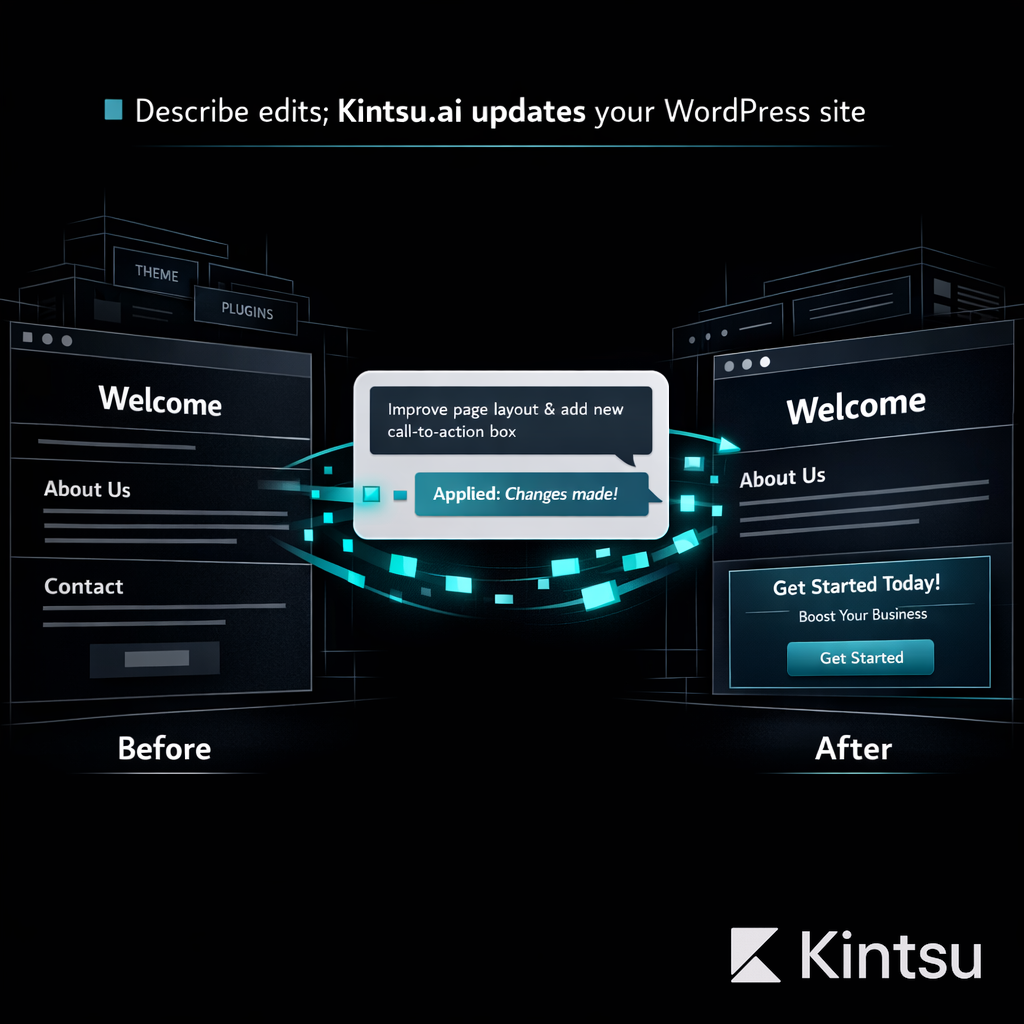
Connect your existing WordPress site. Describe what you want changed in natural language. Kintsu's AI understands your theme, plugins, content structure, and design system. It makes changes in a safe sandbox, shows you a preview, and publishes only when you approve.
No page builder lock-in. No theme compatibility issues. No coding required. It works with whatever your site already runs because it was designed around that exact use case.
Works with any WordPress theme and plugin combination
Natural language editing: describe changes in plain English
Safe sandbox preview before any live changes
Handles design, content, functionality, and performance edits
Why Existing Site Editing Is the Real Challenge
According to W3Techs, WordPress powers 43% of all websites. The vast majority of those sites are already built, already running, already earning revenue. Their owners don't need another builder. They need tools that respect what exists and make it better.
That's the gap Kintsu.ai fills. While the WordPress industry keeps building tools for creation, Kintsu focuses on the far larger market of existing site management. If you have a WordPress site that needs ongoing attention, it's the tool you've been waiting for.