The Day-30 Problem: What Happens After Your AI Website Goes Live
AI site builders create websites in 60 seconds, but what happens on day 30 when you need updates? Here is a step-by-step guide to solving the maintenance gap that most AI tools ignore.
⚠️ AI-Generated Content Disclaimer
Some content on this page was generated with the assistance of artificial intelligence. While we strive for accuracy, AI-generated content may contain inaccuracies or outdated information. Please verify any critical information independently. This content is provided for informational purposes only and should not be considered professional advice.
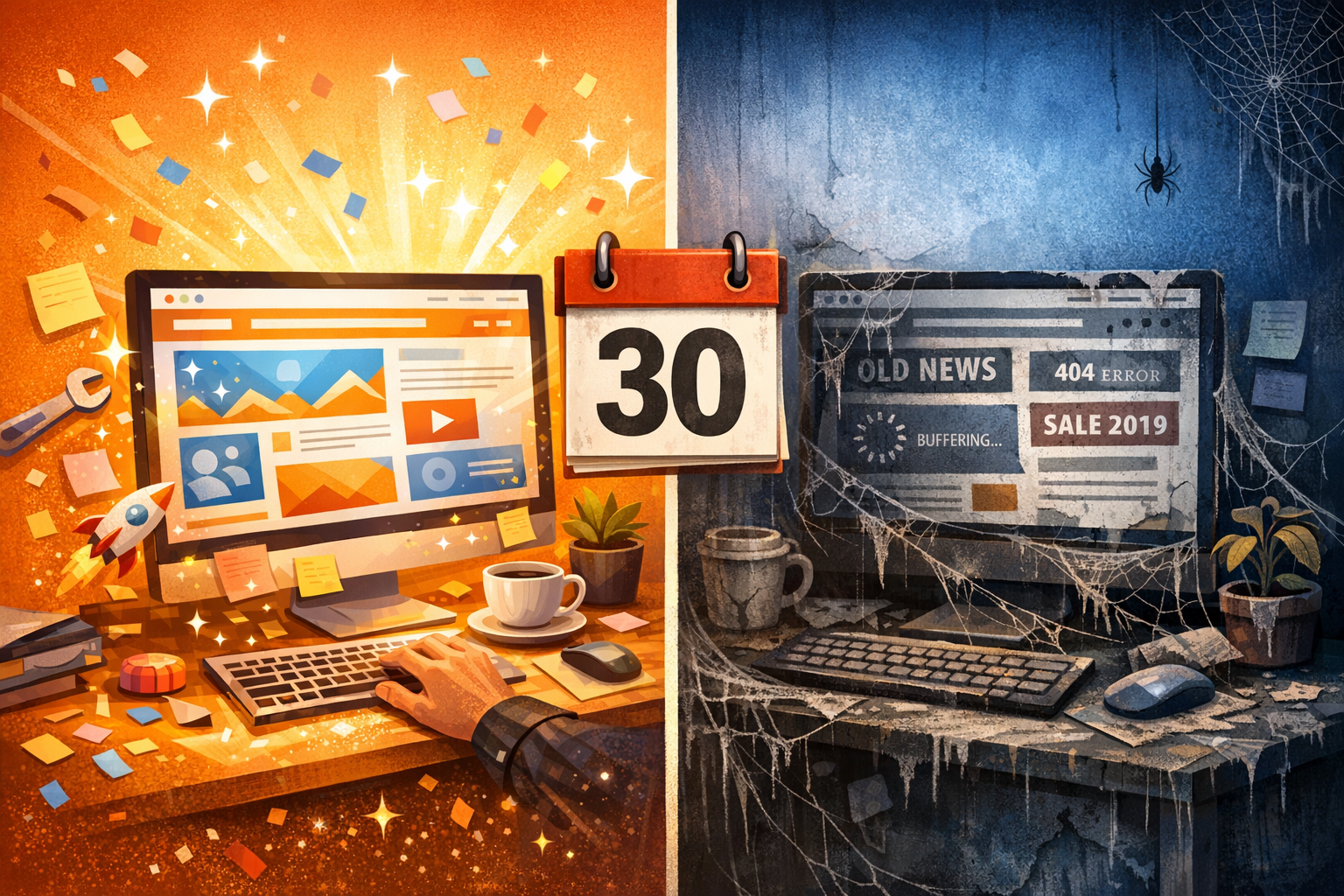
You have a WordPress site. Maybe you built it recently with one of the new AI website builders, or maybe a developer set it up years ago. Either way, here is the question nobody asks during that exciting first week: what happens on day 30?
The AI website builder market is booming. Tools promise to create beautiful, functional websites in 60 seconds. Some of them actually deliver. The initial creation experience can be genuinely impressive. You describe what you want, the AI generates a site, and within minutes you have something that looks professional.
But websites are not a one-time event. They are living things. And on day 30, when you need to update your pricing, add a new team member's bio, fix a broken form, or swap out seasonal imagery, you discover the gap that nobody warned you about.
The Creation vs. Maintenance Gap
The AI tools industry has a blind spot. Almost every tool, every funding round, every product launch focuses on one thing: creation speed. "Build a website in 60 seconds." "Go from idea to live site in 5 minutes." The race to zero is exciting, and it makes for great demos.
But creation is maybe 5% of a website's lifetime. The other 95% is maintenance, updates, content changes, design tweaks, bug fixes, and keeping everything running smoothly. And for that 95%, most AI creation tools offer exactly nothing.
According to WordPress.org, the average WordPress site receives updates multiple times per month. Core updates, plugin updates, theme patches, content changes, security fixes. A site that is not actively maintained starts degrading immediately. Broken plugins, outdated content, security vulnerabilities, and slowly declining search rankings.
What Day 30 Actually Looks Like
Let us walk through a realistic scenario. You used an AI builder to create a small business website. It looks great on launch day. Then life happens:
Week 2: You realize the contact form is sending submissions to the wrong email address. The AI builder has no way to help you fix this.
Week 3: A customer points out that your hours are wrong on the About page. You log into the builder, but the editing interface is clunky for small changes. You spend 20 minutes figuring out how to change two lines of text.
Week 4: You want to add a testimonial from a happy customer. The template does not have a testimonial section. Adding one requires understanding the builder's component system.
Month 2: Google Search Console shows your site is not being indexed properly. The AI builder generated meta tags that are generic and unhelpful. Fixing SEO requires technical knowledge the builder does not provide.
Month 3: You need to add a seasonal promotion banner. The builder's free tier does not support custom sections. Upgrading costs more than you expected.
This is the day-30 problem. The tool that created your site in 60 seconds abandons you the moment you need to change something.
How to Solve the Day-30 Problem for Your WordPress Site
The solution is not to find a better creation tool. It is to invest in maintenance from the start. Here is a step-by-step approach to keeping your WordPress site healthy, current, and growing long after launch day.
Step 1: Accept That Your Site Will Need Changes Every Week
This is the mindset shift that matters most. Your website is not a brochure you print once and distribute. It is a living representation of your business. Products change, prices change, team members change, seasons change. Your site needs to reflect all of that.
Plan for at least 2 to 4 updates per month. Some will be small (fixing a typo, updating a phone number). Others will be larger (adding a new service page, redesigning a section). Having a tool that handles both effortlessly is essential.
Step 2: Choose Tools Built for Ongoing Management, Not Just Creation
This is where most site owners go wrong. They pick tools based on how easy it is to create a site, not how easy it is to maintain one. The creation experience and the maintenance experience are completely different skills.
Kintsu.ai was designed specifically for this gap. It does not compete on creation speed. Instead, it connects to your existing WordPress site and gives you an AI-powered way to make ongoing changes. Describe what you want in plain English, preview the changes in a safe sandbox, and publish when you are satisfied.
The key difference: Kintsu works with whatever you already have. Any theme, any builder, any plugin configuration. You do not need to start over or learn a new system.
Step 3: Set Up a Monthly Content Review Calendar
Without a system, site maintenance becomes reactive. Something breaks, you panic, you fix it. Then nothing happens until the next crisis. A proactive approach works better:
Week 1: Review and update core content (services, pricing, team bios). Is everything current?
Week 2: Check analytics. Which pages are underperforming? What content needs refreshing?
Week 3: Technical maintenance. Update plugins, check for broken links, review site speed.
Week 4: Strategic improvements. Add new content, test layout changes, implement feedback from customers.
With AI-assisted tools, each of these tasks takes minutes instead of hours. Tell the AI what to check, what to change, and review the results.
Step 4: Use a Sandbox to Preview Every Change
One of the biggest risks of ongoing site maintenance is breaking something while trying to fix something else. You update a plugin and the layout breaks. You change a color and it clashes with something on another page. You add a section and it pushes the footer off-screen on mobile.
A sandbox environment solves this. Every change is previewed on a copy of your site before it touches production. You see exactly what the change looks like on desktop, tablet, and mobile. If something looks wrong, you adjust before publishing. Your live site stays untouched until you are confident the change is right.
This is standard practice for professional development teams. AI-powered tools like Kintsu bring the same safety net to non-technical site owners.
Step 5: Build an Update Workflow Your Team Can Follow
If you are the only person managing your site, a simple checklist might be enough. But if multiple team members need to make updates, you need a workflow that prevents chaos.
A good workflow includes:
A single point of entry for change requests (a shared document, a Slack channel, an email alias).
Clear ownership of who approves changes before they go live.
A preview step so stakeholders can review changes before publication.
A record of what changed and when, for accountability and rollback if needed.
AI-powered site management makes this easier because everyone interacts through the same natural language interface. No one needs builder-specific technical knowledge. The marketing intern and the CEO can both describe what they need in plain English and get the same quality result.
Step 6: Monitor Performance and SEO Continuously
Your site's search ranking is not static. Google's algorithm updates happen regularly, and your competitors are constantly optimizing their own sites. Standing still means falling behind.
Set up basic monitoring:
Google Search Console for indexing issues and search performance.
Google Analytics for traffic patterns and user behavior.
A speed testing tool (like PageSpeed Insights) for performance benchmarks.
Uptime monitoring to catch outages before your customers do.
When monitoring reveals a problem, having an AI-powered management tool means you can fix it immediately. "The about page is loading slowly because of that unoptimized hero image. Compress it and add lazy loading." Done in minutes, not days.
Step 7: Plan for Seasonal and Campaign-Based Changes
Most businesses have predictable content cycles. Holiday promotions, back-to-school campaigns, end-of-year sales, product launches. Each of these requires site changes that are temporary and time-sensitive.
Plan these changes in advance. Know what content needs to go up and when it needs to come down. With AI-assisted editing, you can prepare seasonal changes ahead of time:
"Add a Black Friday banner to the homepage. Schedule it for November 25th."
"Replace the summer collection imagery with fall colors across all product pages."
"Add a countdown timer to the landing page for our January launch."
The speed of AI editing means you do not need weeks of lead time for seasonal updates. But planning ensures nothing gets forgotten in the rush.
The Real Cost of Ignoring Maintenance
Neglected WordPress sites do not just look outdated. They actively harm your business:
Security vulnerabilities: Outdated plugins and themes are the number one attack vector for WordPress sites. A neglected site is an invitation for hackers.
SEO decay: Google favors fresh, regularly updated content. A stale site slowly drops in search rankings, losing organic traffic month after month.
Broken functionality: WordPress core updates, PHP version changes, and plugin conflicts can break features on an unmaintained site without warning.
Lost credibility: Visitors notice outdated content. If your copyright footer still says 2023, or your team page lists people who left two years ago, it signals that nobody is paying attention.
Missed opportunities: Every day your site is not optimized for conversion, you are leaving money on the table.
Creation Was the Easy Part
The AI website builder revolution solved a real problem: making it easy to create a site. But it left an even bigger problem unsolved. The ongoing work of keeping that site alive, current, and effective is where most site owners struggle.
The next wave of AI tools is not about building faster. It is about managing smarter. Tools that understand your existing site, work with your current setup, and make ongoing maintenance as easy as having a conversation.
Your WordPress site does not need a new builder. It needs a maintenance partner.
Try Kintsu.ai on your existing WordPress site. Built for the 95% of your site's life that happens after launch day.