Safe Sandbox Environment for WordPress Edits: Why You Should Never Edit Your Live Site Directly
A sandbox environment lets you preview WordPress changes before they go live. Learn why sandbox editing eliminates risk and how AI tools make it effortless for non-technical site owners.
⚠️ AI-Generated Content Disclaimer
Some content on this page was generated with the assistance of artificial intelligence. While we strive for accuracy, AI-generated content may contain inaccuracies or outdated information. Please verify any critical information independently. This content is provided for informational purposes only and should not be considered professional advice.
Every WordPress site owner has a horror story. A plugin update that broke the homepage. A CSS change that made the navigation disappear on mobile. A content edit that accidentally deleted an entire section. When you edit a live WordPress site directly, you're performing surgery without anesthesia: one wrong move and the patient suffers.
Sandbox environments solve this by giving you a safe copy of your site to experiment with. Make any change you want, see exactly how it looks, and only push it live when you're confident it's right. The concept isn't new (developers have used staging environments for years), but AI-powered tools are making sandbox editing accessible to everyone.
What Is a WordPress Sandbox Environment?
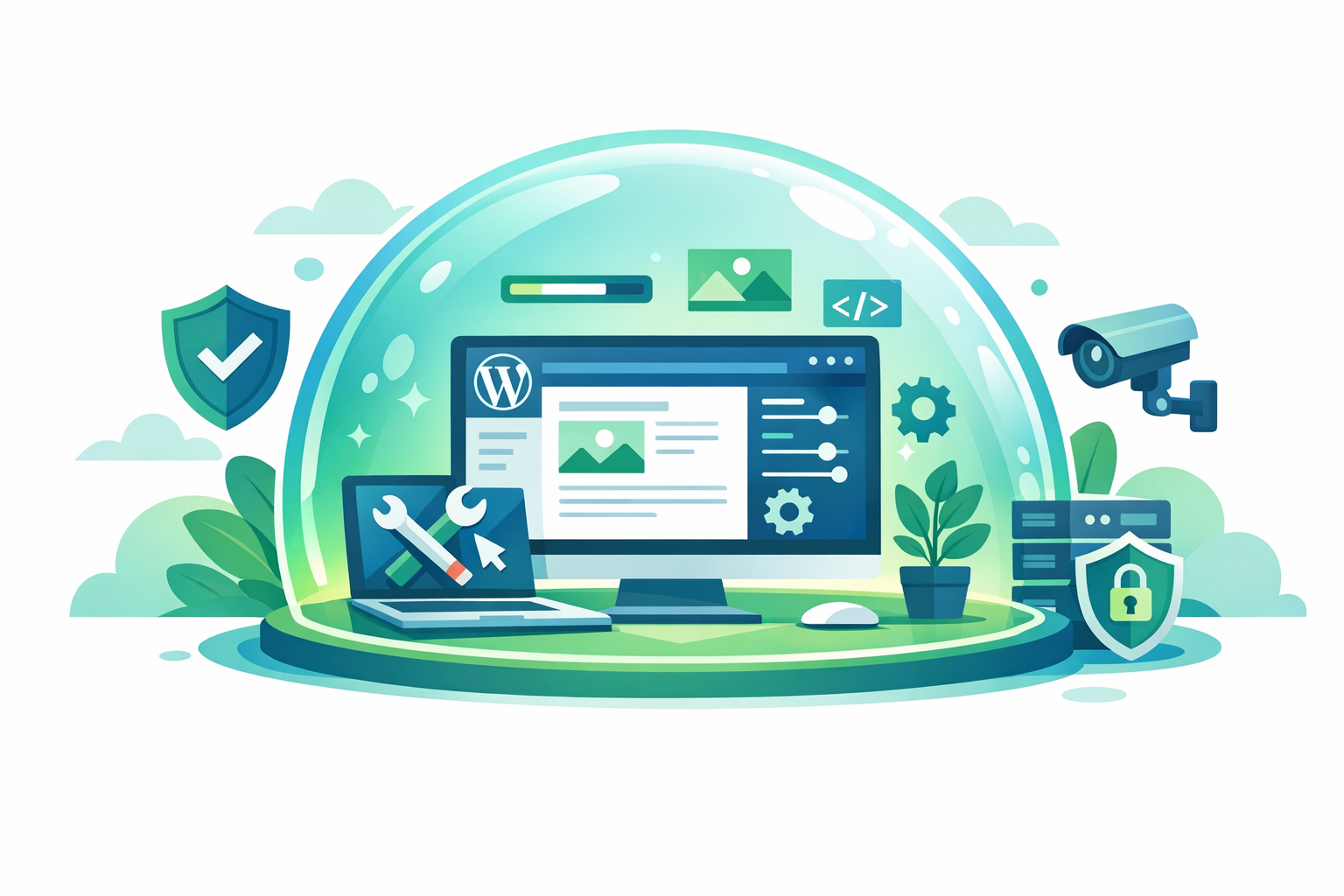
A sandbox is an isolated copy of your WordPress site where you can make changes without affecting your live site. Think of it as a dress rehearsal for website changes. Everything looks and behaves exactly like your real site, but nothing you do in the sandbox impacts what your visitors see.
Key characteristics of a proper sandbox:
Exact replica of your live site (same theme, plugins, content, design)
Changes are completely isolated from production
You can preview changes on desktop, tablet, and mobile
Nothing goes live until you explicitly approve and publish
Failed experiments can be discarded with zero consequences
The Real Cost of Editing Without a Sandbox
Many WordPress site owners edit their live site directly because they don't have access to a staging environment, don't know how to set one up, or think it's unnecessary for 'small changes.' The consequences can be significant:
Downtime and Broken Pages
A CSS change that looks fine in your browser might break the layout on other screen sizes or browsers. A plugin update might conflict with another plugin. Without a sandbox, you only discover these issues when real visitors encounter them. Every minute of a broken site is a lost visitor, a lost customer, and a hit to your search rankings.
SEO Damage
Search engines crawl your site constantly. If they catch your site in a broken state during a live edit, it can affect your rankings. Broken layouts, missing content, or error pages that are only live for 30 minutes can still be captured by Google's crawler and impact your search performance for days.
Lost Revenue
For e-commerce sites, a broken checkout page or a display error on product pages directly translates to lost sales. Even for non-commerce sites, a broken contact form or confusing navigation during a live edit means missed leads.
Stress and Fear of Change
When every edit carries the risk of breaking your site, you stop making edits. The site stagnates because the perceived risk of updating it exceeds the perceived benefit. This is one of the most common reasons WordPress sites become outdated: the owner is afraid to touch anything.
Traditional Staging vs AI-Powered Sandboxes
Traditional WordPress Staging
Managed WordPress hosts (WP Engine, Kinsta, SiteGround) offer staging environments. The typical workflow:
Create a staging copy of your site through the hosting dashboard
Access the staging site through a separate URL
Make changes through the WordPress admin on the staging site
Test the changes manually
Push changes from staging to production through the hosting dashboard
Sometimes deal with database conflicts during the push
This works but has friction points:
You need managed hosting that offers staging (not available on basic plans)
Creating and syncing staging copies takes time
You still need to know how to make the actual changes in WordPress
Database conflicts can cause issues during the push to production
The staging site can drift from production if not regularly synced
AI-Powered Sandbox Editing
Tools like Kintsu.ai integrate the sandbox directly into the editing workflow:
Describe the change you want in natural language
The AI makes the change in a sandbox automatically
You see the result immediately on a preview of your actual site
Approve to publish, or refine your request and try again
No separate staging environment to manage
No technical knowledge required
Works with any hosting provider
The key difference: traditional staging still requires you to know how to make changes. AI-powered sandboxes let you describe changes and see them implemented safely, regardless of your technical ability.
What You Can Safely Test in a Sandbox
Design Changes
Color scheme modifications across the entire site
Typography changes (fonts, sizes, line heights)
Layout restructuring (column arrangements, section ordering)
Navigation redesigns
Footer and header modifications
Mobile-specific design adjustments
Content Changes
New page creation with complete content
Existing content updates (text, images, links)
Blog post drafts with full formatting
Menu structure changes
Widget and sidebar modifications
Technical Changes
CSS modifications for custom styling
Schema markup additions
Performance optimizations (lazy loading, code cleanup)
SEO improvements (meta tags, heading structure)
Accessibility enhancements
Risky Operations (Where Sandboxes Are Most Valuable)
Plugin updates that might cause conflicts
Theme customization that could affect multiple pages
Major layout overhauls
WooCommerce checkout flow changes
Form modifications and new integrations
The Psychology of Safe Editing
The impact of sandbox editing goes beyond technical safety. It fundamentally changes how site owners relate to their WordPress site.
From Fear to Experimentation
When changes are risk-free, you try more things. Instead of agonizing over whether a new layout will work, you just try it. Don't like it? Discard it. Want to compare two approaches? Try both. This experimental mindset leads to better outcomes because you're making decisions based on seeing actual results, not imagining them.
From Batching to Continuous Improvement
Without a sandbox, changes feel risky, so they get batched into periodic 'update sessions' that require careful planning. With a sandbox, individual changes are low-stakes, so they happen naturally and continuously. The site improves incrementally rather than in big, stressful leaps.
From Dependency to Autonomy
The fear of breaking a live site is what drives most WordPress owners to hire developers for even simple changes. When a sandbox eliminates that fear, owners become comfortable making their own changes. Independence replaces dependency.
Best Practices for Sandbox Editing
Review on Multiple Devices
A change that looks great on your desktop might have issues on mobile. Always check the sandbox preview on different screen sizes before publishing. Most AI-powered sandbox tools include responsive preview options.
Test Interactive Elements
Don't just look at how changes appear. Click through navigation, test forms, check that links work, and verify that any interactive elements (sliders, accordions, tabs) still function correctly.
Make Incremental Changes
It's tempting to make many changes at once, but smaller, focused edits are easier to evaluate. If something looks wrong, you'll know exactly which change caused it. Publish one change at a time when possible.
Keep Your Live Site As the Source of Truth
Don't let your sandbox diverge too far from production. Make changes, review them, publish or discard them, then start fresh for the next change. Long-lived sandboxes with accumulated unpublished changes become harder to manage.
Do You Need a Sandbox?
If any of these describe your situation, sandbox editing will significantly improve your WordPress experience:
You've ever broken your site while making a change (even once)
You hesitate to update your site because you're afraid of breaking it
You pay a developer for changes you could describe but can't implement
Your site feels outdated because updates are too risky or expensive
You manage a site where downtime has real business consequences
You want to experiment with design changes but can't afford to break production
Kintsu.ai makes sandbox editing the default workflow. Every change you describe is automatically applied in a safe preview environment. You never touch your live site until you've seen and approved the result. It's the safety net that makes WordPress site management stress-free, whether you're making a small text correction or a major design overhaul.
Your live WordPress site should be a finished product, not a testing ground. A sandbox gives you the freedom to experiment, make mistakes, and iterate without consequences. That freedom is what transforms WordPress management from a source of anxiety into a source of confidence.