One-Click Publish: How AI WordPress Editors Eliminate the Gap Between Edit and Live
Traditional WordPress changes take days from request to publish. AI editors with one-click publishing close that gap to minutes. Learn how instant publishing transforms WordPress site management.
⚠️ AI-Generated Content Disclaimer
Some content on this page was generated with the assistance of artificial intelligence. While we strive for accuracy, AI-generated content may contain inaccuracies or outdated information. Please verify any critical information independently. This content is provided for informational purposes only and should not be considered professional advice.
There's a moment every WordPress site owner knows. You've decided on a change. Maybe it's a new headline, an updated product photo, or a redesigned contact section. The decision took five minutes. Getting it live on your site? That's where the pain starts.
In the traditional WordPress workflow, the gap between 'I want this change' and 'it's live on my site' is measured in days or weeks. Email the developer. Wait for availability. Review the work. Request revisions. Approve. Deploy. Every step adds friction, cost, and delay.
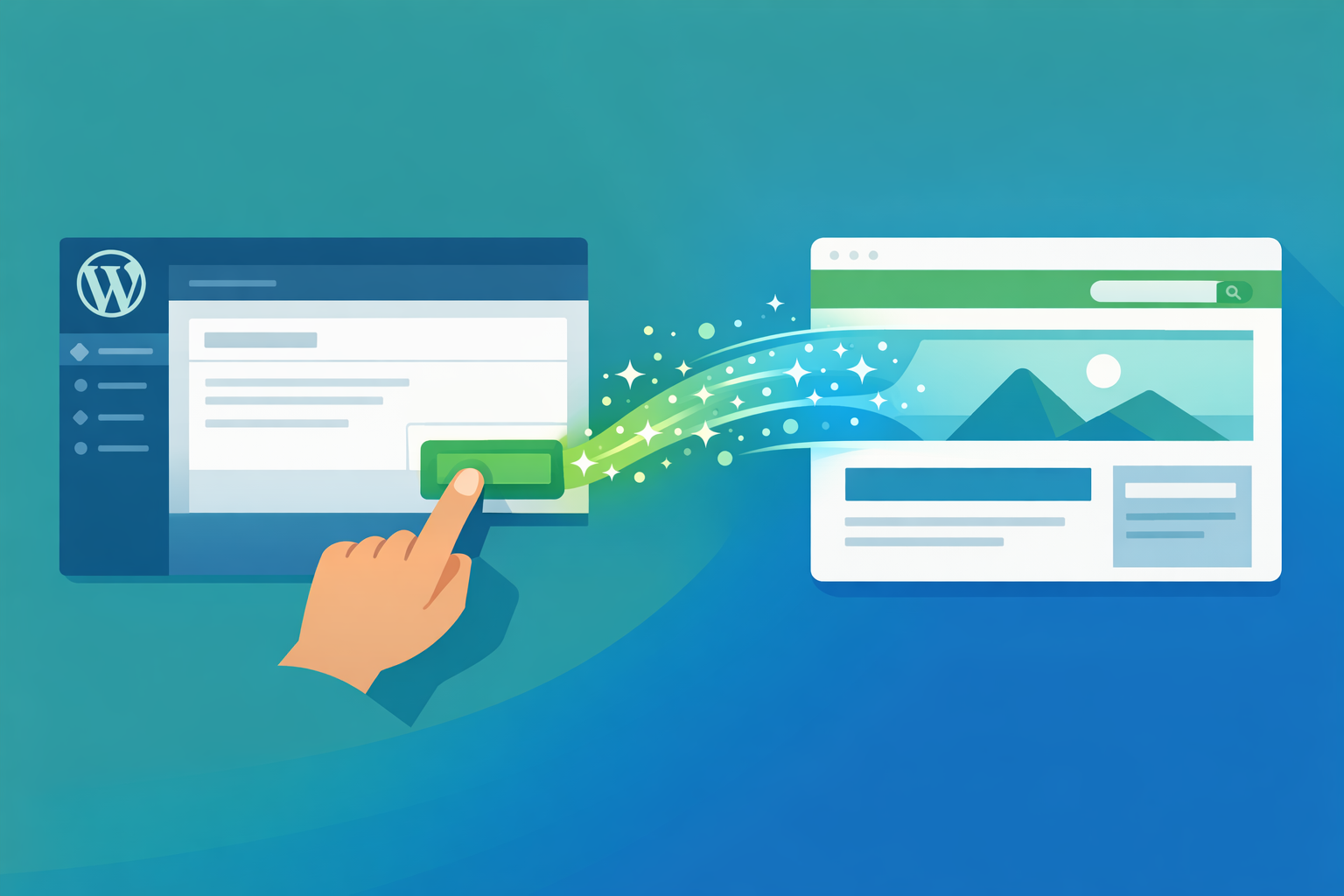
AI WordPress editors collapse this entire pipeline into a single workflow: describe, preview, publish. The 'one-click publish' isn't just a feature. It's a fundamentally different model for how WordPress sites get updated.
The Hidden Cost of Slow Publishing
Most WordPress site owners have normalized the delay between wanting a change and seeing it live. But that delay has real costs:
Revenue Impact
A promotional banner that goes live two days late misses the peak buying window
Updated pricing that takes a week to publish means customers see outdated information
New product pages delayed by development queues lose first-mover momentum
Seasonal content that launches after the season starts underperforms
Competitive Disadvantage
Competitors who update faster look more current and professional
Market trends you can't respond to quickly pass you by
Customer feedback takes weeks to implement instead of hours
Industry news you could capitalize on becomes stale before you publish
Accumulated Technical Debt
When changes are slow and expensive, site owners batch them. Instead of fixing a typo immediately, it goes on a list. Instead of updating the team photo when someone joins, it waits for the next 'update cycle.' Over months, these deferred changes accumulate into a site that feels perpetually outdated.
What One-Click Publishing Actually Means
The phrase 'one-click publish' describes the final step in an AI-assisted editing workflow. But the real innovation is the entire pipeline that makes that one click possible:
Step 1: Natural Language Input
You describe what you want changed on your existing WordPress site. No code, no design tools, no complex interfaces. Just a plain description of the desired outcome.
Step 2: AI Implementation
The AI analyzes your site's current state (theme, plugins, content, styles), interprets your request, and generates the precise code changes needed. This happens in seconds, not days.
Step 3: Sandbox Preview
This is the critical safety layer. Tools like Kintsu.ai apply changes to a sandboxed copy of your site. You see exactly what the change looks like on your actual site, with your actual content and design, before anything goes live.
Step 4: One-Click Publish
If the preview looks right, one click deploys the change to your live site. If it doesn't look right, you refine your description and try again. No risk, no developer involvement, no waiting.
The total elapsed time from 'I want this change' to 'it's live': typically 2 to 10 minutes. For changes that used to take 2 to 10 days, that's a 99% reduction in time-to-live.
Why the Sandbox Preview Matters More Than the Publish Button
Ironically, the most important part of 'one-click publish' isn't the publish button. It's the preview that makes you confident enough to click it.
Without a reliable preview, fast publishing would be dangerous. You'd be pushing changes to your live site without knowing exactly what they'd look like. The sandbox eliminates this risk entirely:
See changes rendered on your actual site (not a generic mockup)
Check responsive layouts across desktop, tablet, and mobile
Verify that changes don't break existing elements
Test interactive elements (buttons, forms, navigation) in the preview
Review multiple changes together before publishing any of them
This preview-then-publish workflow is actually safer than the traditional developer process, where changes often go live after a quick visual check on a staging site that may not perfectly match production.
Real Scenarios Where Speed to Publish Matters
Flash Sales and Promotions
You decide at 2 PM to run a 24-hour flash sale. With traditional publishing, you'd need to email your developer, wait for them to create the banner and update pricing, then deploy. The sale would start tomorrow at best. With AI editing and one-click publish, the sale is live by 2:15 PM.
Crisis Response
Your product has a recall, a policy changes, or incorrect information is discovered on your site. Every hour that wrong information stays published creates liability. One-click publishing means corrections go live in minutes, not days.
Event Marketing
You're attending a conference and want to update your site with a special offer for attendees. With your phone, you describe the change, review the preview, and publish. Your site is updated before the keynote ends.
Competitive Response
A competitor launches a new feature or drops their prices. You want to update your comparison page or adjust your positioning immediately. Waiting days for a developer removes the ability to respond competitively.
Content Freshness
Google rewards sites that update frequently with fresh, relevant content. When publishing is frictionless, you update more often. More frequent updates signal to search engines that your site is actively maintained and current.
The Publishing Pipeline: Traditional vs AI
Traditional WordPress Update Pipeline
Day 1: Decide on the change, write a description, email developer
Day 2: Developer acknowledges, asks clarifying questions
Day 3: You answer questions, developer adds to their queue
Day 4 to 7: Developer implements the change
Day 7 to 8: You review on staging, request adjustments
Day 9 to 10: Developer makes revisions, deploys to production
Total: 7 to 10 business days, $150 to $500+
AI One-Click Publishing Pipeline
Minute 0: Decide on the change, type description into AI editor
Minute 1: AI generates the change, preview appears
Minute 2: Review preview, maybe refine the request
Minute 3 to 5: Satisfied with preview, click publish
Total: 3 to 10 minutes, included in monthly subscription
This isn't an exaggeration. The traditional pipeline really does take this long for most WordPress sites, because it depends on human scheduling, availability, and communication cycles. The AI pipeline depends only on your own availability.
Publishing Confidence: How to Trust the Process
The biggest barrier to adopting one-click publishing isn't the technology. It's the psychological shift from 'a professional reviewed this' to 'I'm publishing this myself.' Here's how to build confidence:
Start Small
Your first AI-published change should be something low-risk: a text correction, a color adjustment, or adding a paragraph. See that the preview matches reality and that the publish works cleanly.
Use the Preview Religiously
Never skip the preview step. The sandbox exists specifically to give you the same confidence you'd get from a developer review. Check the change on desktop and mobile before publishing.
Know You Can Roll Back
Every change is reversible. If something looks wrong after publishing, one click undoes it. This safety net means the stakes of any individual publish are effectively zero.
Build a Rhythm
After a few successful publishes, the process becomes second nature. Most users report that within a week, they're more confident publishing through AI than they were through their developer (because they can actually see and control the changes directly).
Beyond Single Changes: Batch Publishing
One-click publish isn't limited to individual changes. More advanced workflows let you:
Queue multiple changes and preview them together
Make a series of related updates across different pages
Implement a coordinated redesign of a section in stages
Roll out seasonal changes across the entire site simultaneously
This batch capability means you can do in one afternoon what used to require a multi-week development sprint: a comprehensive site update with multiple coordinated changes.
The Future of WordPress Publishing
The direction is clear: the gap between intention and execution is closing to zero. As AI editing tools continue improving, we'll see:
Automatic suggestions for improvements you haven't thought of
AI-initiated updates based on analytics (low-performing pages automatically optimized)
Multi-site publishing (update a change across all your WordPress sites at once)
Version-controlled publishing with built-in A/B testing
For now, tools like Kintsu.ai already deliver on the core promise: describe what you want, preview it on your actual site, and publish with one click. The WordPress sites that adopt this workflow today will be more responsive, more current, and more competitive than those still stuck in the email-and-wait publishing cycle.
The publish button has always been there. AI just removed everything standing between you and it.