My WordPress Developer Ghosted Me — Now What?
When your WordPress developer disappears, your business doesn't stop. Learn how AI-powered tools like Kintsu.ai let you take control of your WordPress site without waiting on anyone.
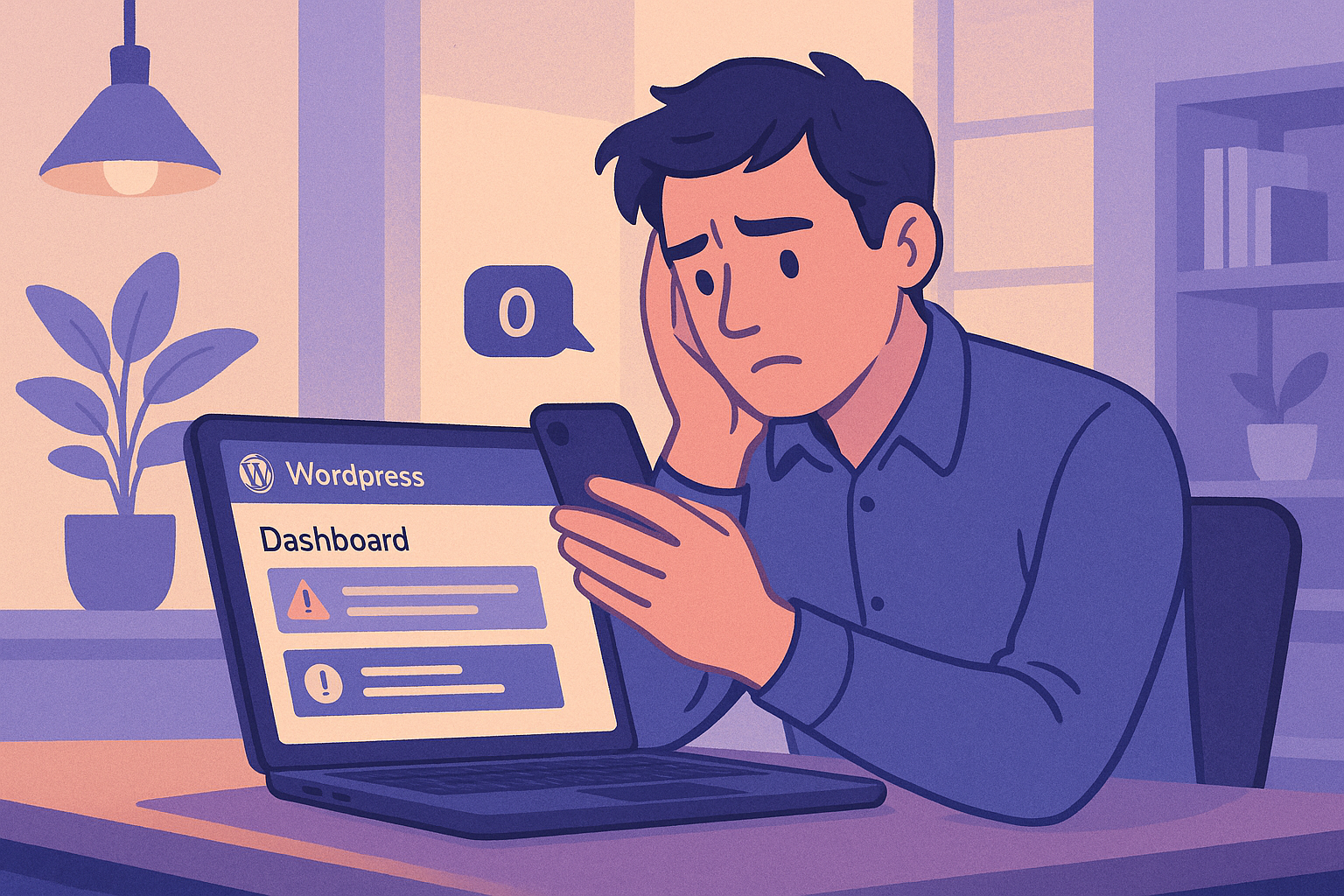
It’s a story that plays out thousands of times every day. You hired a freelance WordPress developer — maybe through Upwork, maybe through a friend of a friend — and things were going great. They built your site, made updates when you needed them, and kept everything running smoothly. Then one day, you send a message… and nothing. Days pass. Then weeks. Your developer has vanished, and you’re left staring at a WordPress dashboard you barely understand.
If this sounds painfully familiar, you’re not alone. And more importantly, there’s a better path forward. Tools like Kintsu.ai are making it possible for business owners to manage their own WordPress sites using AI — no developer required, no code needed, and no more waiting on anyone.
The WordPress Developer Dependency Problem
The traditional WordPress workflow has a fundamental flaw: it creates dependency. Most business owners can’t edit their own sites because WordPress — despite being called ‘user-friendly’ — still requires technical knowledge for anything beyond writing a blog post. Want to change your header layout? You need a developer. Want to update your pricing page design? Developer. Want to fix that weird spacing issue on mobile? Developer.
This means your entire online presence depends on one person’s availability, responsiveness, and continued interest in working with you. According to industry surveys, the average small business waits 3–7 days for routine WordPress changes from freelance developers. For more complex requests, that timeline stretches to weeks.
And when that developer ghosts you? Everything grinds to a halt.
Why Developers Ghost (And Why It’s Not Always Their Fault)
Before we talk solutions, it’s worth understanding why this happens so frequently:
Freelancer burnout: Many WordPress developers juggle dozens of clients simultaneously. Your ‘quick update’ is competing with everyone else’s urgent requests.
Rate mismatches: If you’re paying $30 for what should be a $200 job, developers eventually stop prioritizing your work.
Scope creep: What started as ‘maintain my site’ became ‘redesign everything, add features, fix SEO, and do it yesterday.’ Developers flee from unclear, ever-expanding scopes.
Life happens: People get sick, move countries, change careers. When your entire web presence depends on one human, you’re one life event away from being stranded.
Better opportunities: Your developer landed a full-time job or a bigger client. Your $500/month retainer can’t compete.
The common thread? The problem isn’t any individual developer — it’s the model itself. Relying on a single person for your online presence is inherently fragile.
The Immediate Panic: What to Do Right Now
If your developer just ghosted you and you’re in crisis mode, here’s your immediate action plan:
1. Secure your access. Make sure you have your WordPress admin login, hosting credentials, and domain registrar access. If your developer set these up, contact your hosting provider directly to regain access. This is your #1 priority.
2. Don’t touch what you don’t understand. Resist the urge to start clicking around the WordPress dashboard making changes. One wrong move in a theme file or plugin setting can break your entire site.
3. Back everything up. Install a backup plugin like UpdraftPlus or ask your host to create a full backup. Do this before making any changes whatsoever.
4. Assess what actually needs changing. Make a list of what’s urgent (broken features, outdated info, security updates) versus what can wait (design tweaks, new features).
The Old Options (And Why They All Have Problems)
Traditionally, a ghosted business owner had three options:
Option 1: Find another developer. This takes time — interviewing, vetting, onboarding. A new developer needs to understand your site’s architecture, theme, plugins, and custom code. Expect 2–4 weeks before they’re productive, and $75–150/hour for competent WordPress developers in 2026.
Option 2: Learn WordPress yourself. Theoretically possible, practically unrealistic. Running a business is already a full-time job. Learning WordPress development well enough to make meaningful changes takes months of dedicated study.
Option 3: Rebuild on a simpler platform. Some business owners get so frustrated they migrate to Wix or Squarespace. But this means losing WordPress’s flexibility, your existing SEO rankings, and starting from scratch — often at a higher monthly cost with less control.
None of these are great. That’s why 2026 has introduced a fourth option that didn’t exist even two years ago.
Option 4: AI-Powered WordPress Management
This is where Kintsu.ai changes the equation entirely. Instead of hiring another human who might also ghost you, or spending months learning code, you can use AI to make changes to your existing WordPress site through simple conversation.
Here’s what that actually looks like in practice:
You say: ‘Change the hero section background to dark blue and make the headline text white.’ Kintsu does it.
You say: ‘Update our business hours on the contact page — we’re now open until 8 PM on Fridays.’ Done.
You say: ‘The testimonials section looks broken on mobile. Fix the layout.’ Fixed.
You say: ‘Add a holiday banner across the top of every page announcing our December sale.’ Added.
You say: ‘Redesign the pricing table to have three columns with the middle one highlighted.’ Redesigned.
No code. No waiting. No praying that someone answers your Slack message. You describe what you want in plain English, and the AI implements it on your actual live site.
What Makes This Different from Page Builders?
You might be thinking: ‘Can’t I just use Elementor or Divi to drag and drop?’ You could try, but page builders have their own learning curve. They add complexity, can slow your site down, and still require you to understand design principles, responsive layouts, and WordPress architecture.
AI-powered management with Kintsu is fundamentally different because:
It works with your existing site — no need to rebuild anything in a page builder’s framework.
You communicate in natural language, not through menus, settings panels, and widget configurations.
It handles the technical details (CSS, HTML, PHP, responsive design) so you genuinely don’t have to.
It can’t ghost you. It’s available 24/7, doesn’t take vacations, and doesn’t get a better offer from another client.
The Real Cost Comparison
Let’s talk numbers, because this is where the shift becomes undeniable:
Freelance WordPress developer: $75–150/hour, with 3–7 day turnaround for routine changes. A modest retainer runs $500–$2,000/month.
WordPress agency: $150–300/hour, more reliable but dramatically more expensive. Monthly retainers start at $2,000–$5,000.
Learning it yourself: ‘Free’ in dollars, but hundreds of hours of your time. At your hourly rate, this is usually the most expensive option.
AI-powered management: A fraction of developer costs, with instant turnaround and 24/7 availability.
For most small businesses, the math isn’t even close. You get faster results, more control, and dramatically lower costs.
But Can AI Really Handle Complex WordPress Changes?
This is the fair question, and the honest answer is: it depends on what you mean by ‘complex.’ For the vast majority of changes business owners need — layout adjustments, content updates, styling changes, adding sections, updating images, fixing mobile issues — AI handles these effortlessly.
For deeply custom functionality (building a custom booking system from scratch, integrating with obscure APIs, complex database migrations), you might still need a developer occasionally. But here’s the key insight: those situations represent maybe 5–10% of what most business owners actually need. The other 90% — the daily, weekly, monthly changes that keep your site current and effective — AI can handle right now.
Never Get Ghosted Again
The deeper lesson from being ghosted by a developer isn’t that you picked the wrong person. It’s that the model of depending on any single person for your online presence is broken. People are unreliable — not because they’re bad, but because they’re human.
AI doesn’t replace the need for human creativity and strategic thinking about your website. But it absolutely replaces the need for a human intermediary between you and your own site. With tools like Kintsu.ai, your WordPress site becomes something you control directly — no middleman, no waiting, no ghosting.
Your developer ghosted you. It feels terrible. But it might be the push you needed to discover a better way to manage your WordPress site — one where you’re never dependent on anyone again.
Ready to Take Control?
Stop waiting for developers who may never reply. Try Kintsu.ai and start making changes to your WordPress site in minutes, not days. Your website is too important to leave in someone else’s hands.