How to Switch From a Page Builder to AI-Powered WordPress Management
A step-by-step guide for WordPress site owners ready to move beyond traditional page builders. Learn how to transition from manual drag-and-drop editing to AI-powered site management without losing anything.
⚠️ AI-Generated Content Disclaimer
Some content on this page was generated with the assistance of artificial intelligence. While we strive for accuracy, AI-generated content may contain inaccuracies or outdated information. Please verify any critical information independently. This content is provided for informational purposes only and should not be considered professional advice.
How to Switch From a Page Builder to AI-Powered WordPress Management
You've been using Elementor, Divi, or Beaver Builder for years. Every change means opening the builder, dragging elements around, adjusting settings one by one, previewing, fixing what broke, and finally publishing. It works, but it's slow. And every update to the builder introduces new compatibility worries.
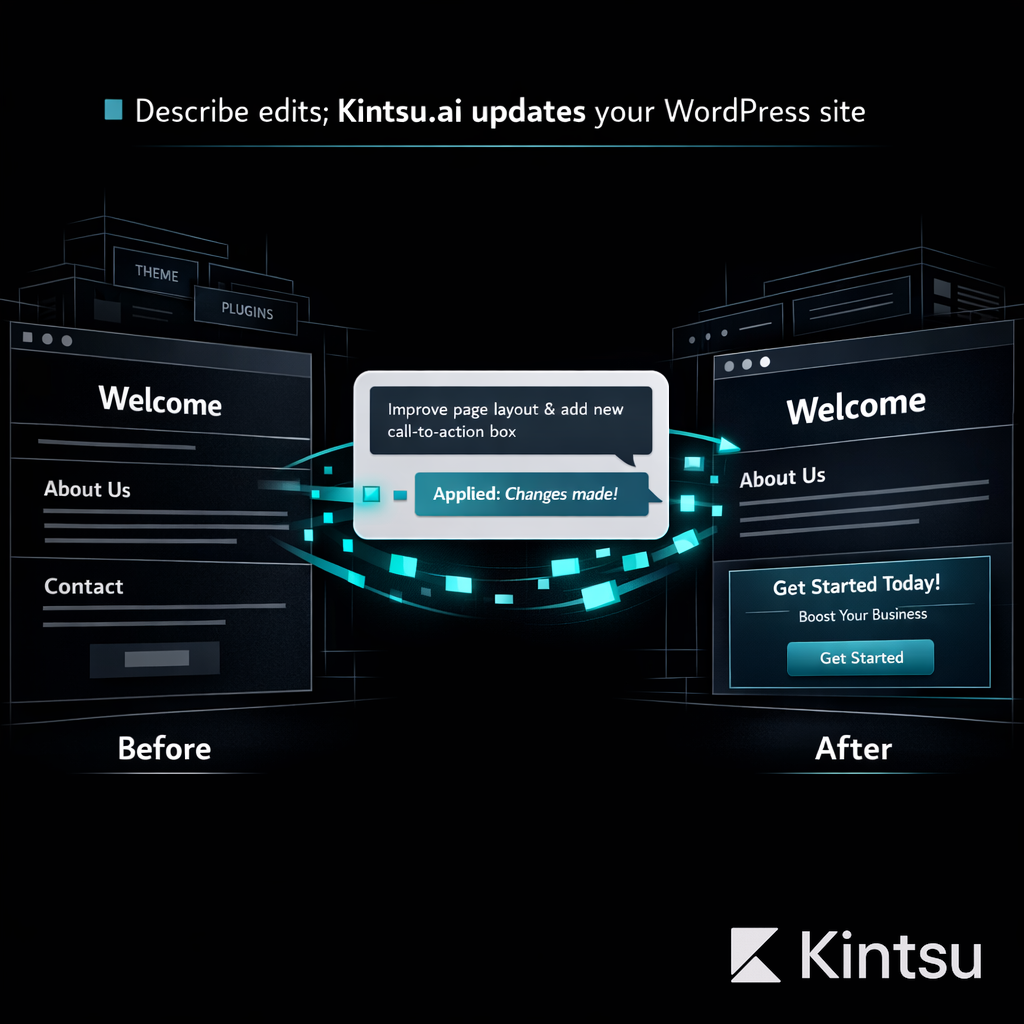
AI-powered site management is the next evolution. Instead of visual drag-and-drop, you describe what you want and an AI agent handles the technical execution. Here's how to make the switch without losing your existing site.
Step 1: Audit Your Current Page Builder Usage
Before changing anything, understand what your page builder actually controls. Open your WordPress admin and check:
Which pages use the page builder vs. the default editor
Whether your theme depends on the builder (some themes are builder-specific)
Custom widgets, templates, or global elements created in the builder
Third-party integrations that connect through the builder
This audit tells you the scope of your transition. Some sites use the builder for everything. Others only use it for a few landing pages.
Step 2: Identify What You Actually Need to Change Regularly
Most site owners use 10% of their page builder's features 90% of the time. Common regular tasks include:
Updating text content and images
Adjusting layout spacing and sizing
Adding new sections or pages
Changing colors, fonts, and design elements
Fixing mobile responsiveness issues
These are exactly the tasks AI site management handles best. You don't need a complex visual builder for them. You need to describe what you want and have it done.
Step 3: Connect Your Site to Kintsu.ai
Kintsu.ai connects to your existing WordPress installation without removing your page builder. This is important: you don't have to delete Elementor or Divi to start using AI management. Both can coexist.
The connection process takes under five minutes. Install the Kintsu plugin, authenticate your account, and the AI begins learning your site's structure, theme, plugins, and content organization.
Step 4: Start With Simple Changes
Don't try to do everything through AI on day one. Start with straightforward tasks:
"Update the phone number in the footer to 555-0123"
"Change the hero section background color to dark blue"
"Add a new testimonial from Sarah M. saying 'Great service, highly recommend'"
"Make the contact form button larger on mobile"
Each change happens in a sandbox. You see a preview before anything goes live. This builds confidence in the AI's understanding of your specific site.
Step 5: Gradually Expand to Complex Changes
Once you trust the AI with simple edits, move to more complex tasks:
Redesigning entire sections without starting from scratch
Restructuring your navigation menu
Adding new functionality like booking forms or pricing tables
Optimizing page speed by identifying and fixing performance bottlenecks
Updating your site's design language across multiple pages simultaneously
The key advantage over a page builder: you describe the outcome, not the steps. Instead of manually placing widgets and adjusting padding pixel by pixel, you say "make the pricing section cleaner and more modern" and review the result.
Step 6: Evaluate and Decide on Your Builder's Future
After a few weeks of using AI management alongside your page builder, you'll have a clear picture. Most site owners find they open their page builder less and less. Some keep it for specific complex pages. Others deactivate it entirely, reducing plugin overhead and improving site performance.
The beauty of this approach: it's not an all-or-nothing switch. You're adding a better tool to your workflow, not replacing infrastructure overnight.
Why This Transition Works
Traditional page builders require you to learn their interface, understand their limitations, and work within their constraints. AI site management requires you to describe what you want. That's it. Kintsu.ai handles the technical execution, previews the result, and publishes only when you approve.
Your existing WordPress site stays intact throughout the transition. Your SEO rankings, your content, your design, all preserved. You're just changing how you make edits, from manual visual building to conversational AI management.
Ready to move beyond your page builder? Try Kintsu.ai on your existing site. The setup takes five minutes, and your first AI-managed edit might just change how you think about WordPress forever.