How to Safely Update Your WordPress Site Content Without Breaking Your Design
Learn how to confidently edit and update your existing WordPress site content without fear of breaking your design or layout. The AI-powered approach to safe content management.
⚠️ AI-Generated Content Disclaimer
Some content on this page was generated with the assistance of artificial intelligence. While we strive for accuracy, AI-generated content may contain inaccuracies or outdated information. Please verify any critical information independently. This content is provided for informational purposes only and should not be considered professional advice.
You built (or paid someone to build) a beautiful WordPress website. Your design is perfect, your layout works flawlessly, and everything looks exactly how you want it. But now you need to update some content, add a new page, or refresh your homepage copy, and you're paralyzed by one terrifying thought: What if I break something?
You're not alone. This fear keeps thousands of WordPress site owners stuck with outdated content, stale messaging, and missed opportunities, simply because they're afraid that one wrong click might destroy months of design work.
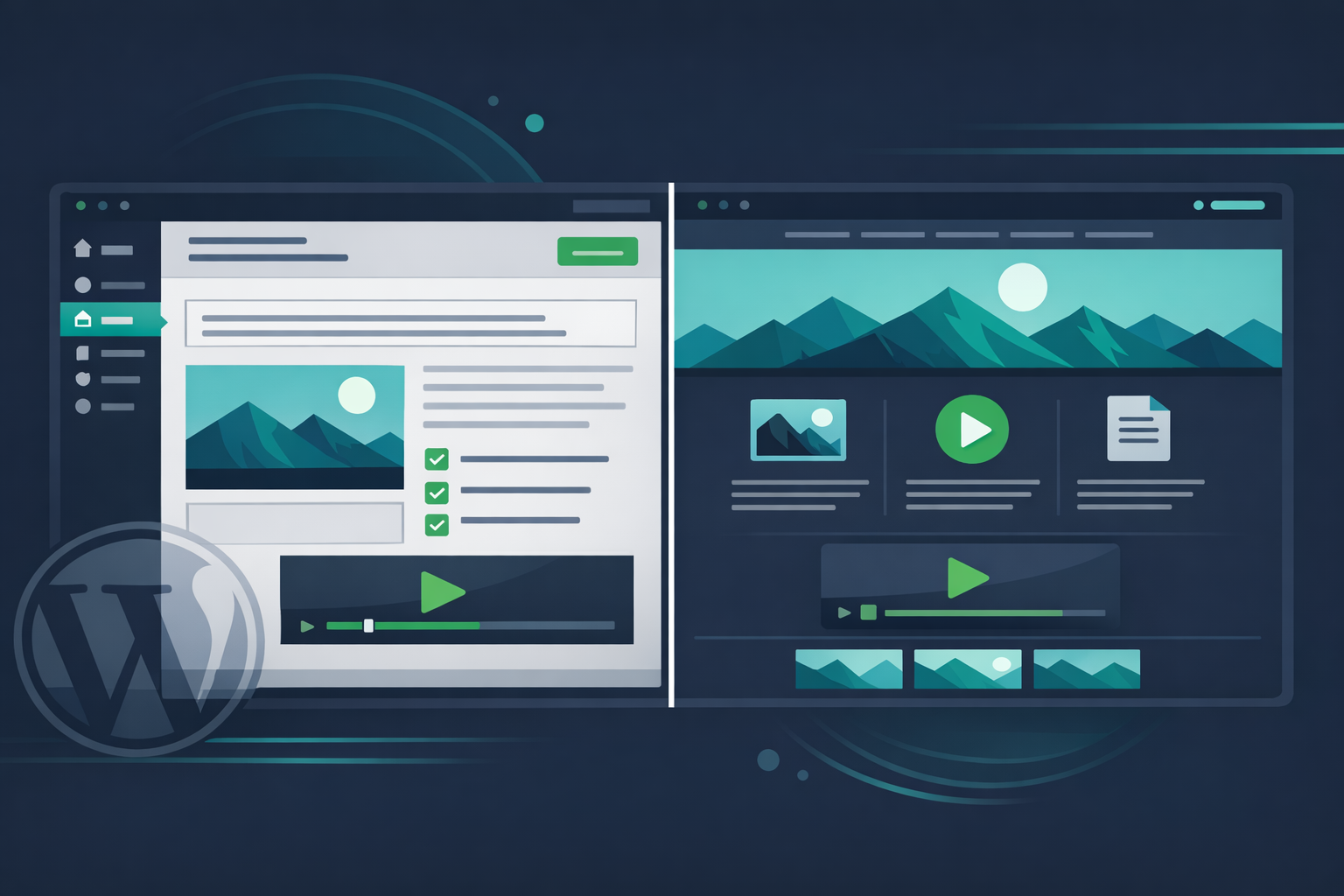
The problem isn't your existing WordPress site. The problem is that traditional content management still feels like walking through a minefield. But Kintsu.ai changes that entirely. Instead of wrestling with WordPress admin panels and hoping for the best, you can now update your existing site's content through simple AI-powered conversations.
The Real Cost of Content Paralysis
When you're afraid to touch your WordPress site, your business suffers in ways you might not even realize:
• Your homepage still mentions that "special offer" from six months ago
• Your About page describes the team you had two years ago
• Your service descriptions don't reflect your current capabilities
• Your contact information is outdated
• Your pricing pages show last year's rates
Every day you delay content updates is another day your website works against you instead of for you. Your visitors see outdated information and question whether your business is still active. Search engines see stale content and rank you lower. Potential customers see old pricing and go to competitors.
Why Traditional WordPress Editing Feels So Risky
WordPress wasn't designed for non-technical users, despite what anyone tells you. The admin interface is cluttered, confusing, and dangerous. Here's what typically happens:
You log into wp-admin and see dozens of confusing options. You find your page or post and start editing. But WordPress shows you raw HTML mixed with visual blocks. You make what seems like a simple text change, and suddenly your entire layout shifts. A sidebar disappears. Your carefully crafted spacing gets crushed. Your mobile layout breaks.
The WordPress block editor (Gutenberg) was supposed to fix this, but it created new problems. Now you have to understand blocks, patterns, and templates. One wrong block setting can cascade across your entire site design.
Plugin conflicts make everything worse. Your page builder plugin conflicts with your SEO plugin. Your contact form plugin breaks when you edit a page. Your caching plugin makes changes invisible until you clear the cache (if you remember how).
The AI Solution: Kintsu Protects Your Design While Updating Content
This is exactly why Kintsu.ai exists. Unlike other AI tools that help you build new WordPress sites, Kintsu specializes in safely managing and editing the existing site you already have.
Here's how it works: Instead of logging into WordPress and navigating complex admin screens, you simply chat with Kintsu about what you want to change. Want to update your homepage headline? Just say "Update my homepage headline to focus on our new service offering." Need to add a new team member to your About page? Tell Kintsu "Add Sarah Johnson as our new Marketing Director with her bio and photo."
Kintsu understands your existing site structure, respects your current design, and makes surgical content changes without touching the underlying layout, styling, or functionality that makes your site work.
Real Content Updates You Can Make Safely
With Kintsu managing your existing WordPress site, you can confidently make these updates without design risk:
**Homepage Refresh**: Update your main headline, value proposition, and call-to-action buttons while keeping your layout intact.
**Service Page Updates**: Add new services, update descriptions, and refresh pricing without losing your carefully crafted page structure.
**Team Page Management**: Add new staff, update bios, swap photos, and adjust titles while maintaining your team page design.
**Blog Content**: Publish new posts, update old articles, and manage categories without worrying about breaking your blog layout.
**Contact Information**: Update phone numbers, addresses, business hours, and contact forms without disrupting your contact page flow.
**About Page Evolution**: Keep your company story current with new achievements, updated mission statements, and fresh messaging.
Content Safety Features That Protect Your Investment
When you use Kintsu to manage your existing WordPress site, you get built-in protections that traditional editing lacks:
**Design Preservation**: Kintsu never touches your CSS, theme files, or layout structure. It only updates the content you specify.
**Plugin Compatibility**: Because Kintsu works at the content level, it doesn't conflict with your existing plugins or custom functionality.
**Mobile Safety**: Changes made through Kintsu maintain your responsive design behavior across all devices.
**SEO Protection**: Kintsu preserves your existing SEO structure, meta tags, and URL patterns while updating content.
**Backup Integration**: Before any changes, Kintsu can coordinate with your existing backup solutions to ensure you always have a recovery point.
The Difference Between Building and Managing
Most AI WordPress tools focus on building new sites from scratch. That's not what you need. You already have a website that works, looks good, and serves your business. You just need to keep it current without the technical headaches.
Kintsu bridges this gap by specializing in existing site management. While competitors like Elementor AI, 10Web, and Divi AI help you create new pages and layouts, Kintsu helps you maintain and improve what you've already built.
This is the difference between construction and maintenance. You don't need a construction crew to change your storefront sign. You need someone who understands your existing building and can make careful, precise updates without disrupting the foundation.
Common Content Update Scenarios Made Simple
**Scenario 1: Seasonal Business Updates**
Your restaurant needs to update the menu for spring specials. Instead of wrestling with WordPress admin and potentially breaking your menu layout, you tell Kintsu: "Add our spring menu items and remove the winter specials." Done. Your menu is updated, your design stays perfect.
**Scenario 2: Staff Changes**
A key employee left and you hired a replacement. Instead of figuring out how to edit your team page without messing up the photo grid, you tell Kintsu: "Replace John Smith with our new hire Maria Garcia. Here's her bio and photo." Your team page updates seamlessly.
**Scenario 3: Pricing Updates**
You need to update your service prices across multiple pages. Instead of hunting through your WordPress admin and risking layout breaks, you tell Kintsu: "Update our consulting rate from $150 to $175 per hour on all service pages." Every mention gets updated consistently.
Beyond Content: Smart Maintenance Without the Risk
Content updates are just the beginning. Kintsu can also help you with ongoing site maintenance tasks that typically require technical knowledge:
• Update contact forms with new fields while preserving styling
• Refresh image alt-tags for better SEO without touching design
• Add new pages that match your existing site architecture
• Update legal pages and privacy policies without layout concerns
• Manage testimonials and reviews while maintaining display formatting
Making the Switch: From Fear to Confidence
The transformation happens immediately. Instead of avoiding necessary updates because you're afraid of breaking something, you start keeping your site fresh and current because it's finally safe and simple.
Your content stays relevant. Your visitors see up-to-date information. Your search rankings improve with fresh, accurate content. Your business benefits from a website that actually supports your growth instead of holding it back.
Most importantly, you regain control of your WordPress site without needing to become a WordPress expert. Your existing site becomes a powerful, manageable business asset instead of a technical liability.Try Kintsu.ai on your existing WordPress site and experience what confident content management feels like.
The design you invested in stays protected. The functionality you rely on keeps working. But now your content can evolve with your business, safely and simply, through the power of AI-powered site management.
Getting Started With Safe Content Updates
Ready to update your existing WordPress site content without the fear? Kintsu.ai works with any WordPress site, regardless of your current theme, plugins, or hosting provider. Simply connect your existing site and start making the content updates you've been putting off.
Your website should grow with your business. With AI-powered site management, it finally can.