How to Reduce Developer Dependency for WordPress: Take Back Control of Your Own Website
Tired of waiting days for simple WordPress changes? Learn how to reduce your dependency on developers using AI tools, smart automation, and practical strategies that put you back in control.
⚠️ AI-Generated Content Disclaimer
Some content on this page was generated with the assistance of artificial intelligence. While we strive for accuracy, AI-generated content may contain inaccuracies or outdated information. Please verify any critical information independently. This content is provided for informational purposes only and should not be considered professional advice.
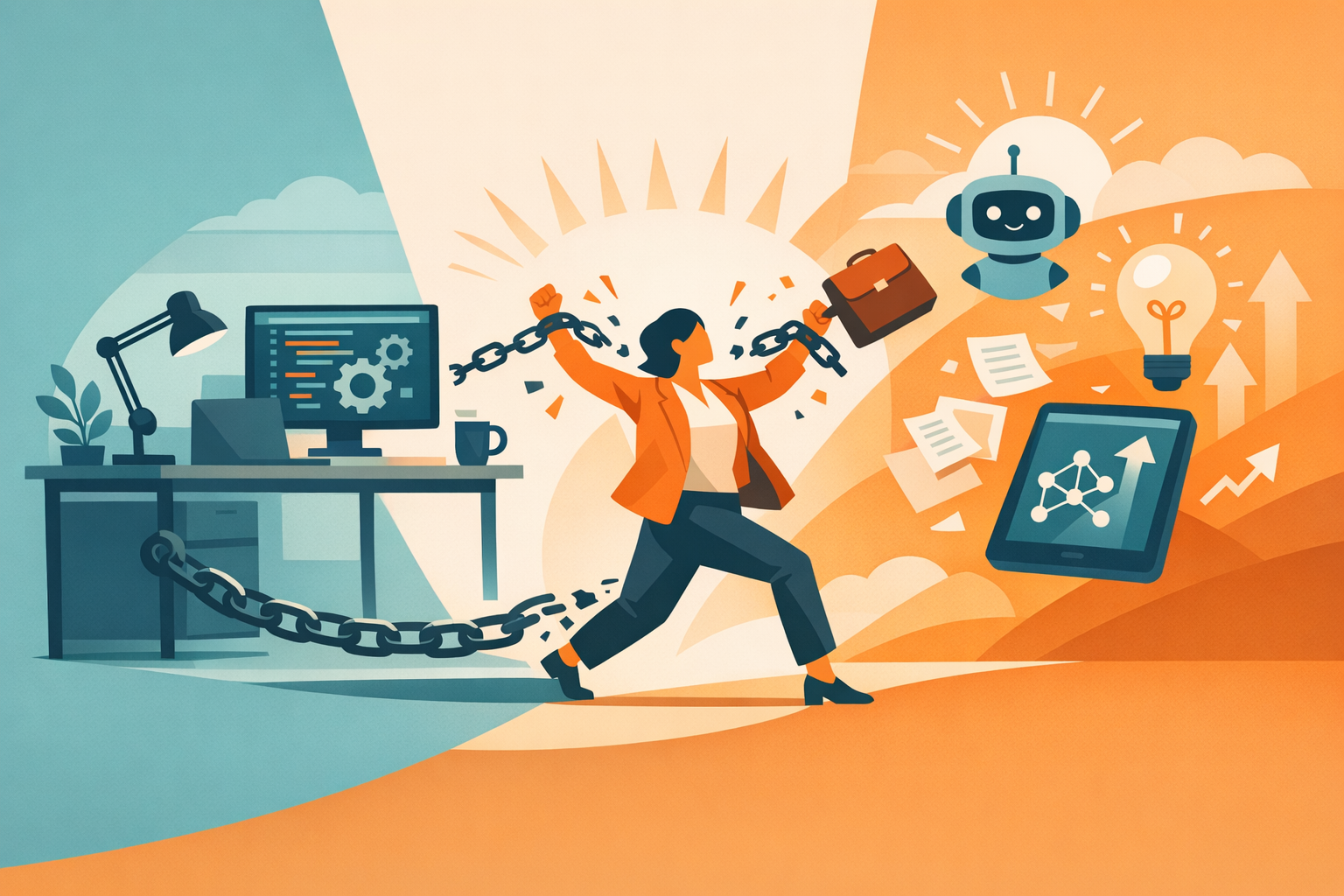
You own your WordPress site, but you don't really control it. Every change, no matter how small, requires emailing your developer, waiting for their schedule to open up, paying their hourly rate, and hoping they understand what you wanted. You're dependent on someone else to update your own website.
This dependency made sense when WordPress changes required coding knowledge. But in 2026, the tools available to non-technical site owners have evolved to the point where most routine changes no longer require a developer. The question isn't whether you can reduce your developer dependency. It's how quickly you want to do it.
The Developer Dependency Trap
Developer dependency usually starts innocently. You hire someone to build your WordPress site. They do great work. Then you need a change. They handle it. Then another change. And another. Before long, you have an ongoing relationship where you're paying $75 to $200+ per hour for changes that take them 15 minutes but take 3 days to schedule.
The trap has several components:
Knowledge Asymmetry
Your developer knows how your site works. You don't. This creates a power dynamic where you can't evaluate whether a change is complex or simple, whether the quote is fair, or whether the timeline is reasonable. You're relying entirely on their assessment.
Fear of Breaking Things
Even if you wanted to try making changes yourself, the fear of breaking your live site keeps you dependent. Without technical knowledge and a safe testing environment, every DIY attempt feels like a gamble.
Accumulated Complexity
Over time, your site accumulates custom code, specific plugin configurations, and design decisions that only your developer fully understands. The longer the relationship continues, the harder it feels to break away.
Minimum Billing Traps
Most developers have minimum billing increments (typically one hour). A five-minute text change costs the same as a 55-minute design modification. You're paying for availability, not just work.
What You Can Handle Without a Developer
The list of WordPress tasks that genuinely require a developer is much shorter than most site owners think. Here's what doesn't require one:
Content Changes (100% Self-Serviceable)
Text updates on any page
Adding or removing images and media
Creating new blog posts
Updating business information (hours, addresses, phone numbers)
Adding team member bios or removing departed staff
Updating pricing and product information
Seasonal content changes (holiday banners, promotional messaging)
Design Changes (90% Self-Serviceable with AI)
Color scheme modifications
Font changes across the site
Layout adjustments (section ordering, spacing, alignment)
Navigation menu updates
Footer redesigns
Mobile responsiveness fixes
Adding new sections (testimonials, FAQ, features)
SEO Changes (85% Self-Serviceable with AI)
Meta titles and descriptions
Heading structure optimization
Image alt text
Schema markup implementation
Internal linking improvements
Content freshness updates
What Still Needs a Developer
Custom plugin development
Complex server configuration or migration
Major WordPress version upgrades with custom code
Advanced WooCommerce customization (payment gateways, custom checkout flows)
Security breach response and forensic analysis
Performance optimization requiring server-level changes
For most small to mid-size WordPress sites, the developer-required list represents maybe 10 to 20% of all site changes. The other 80 to 90% is where you can regain independence.
Tools That Replace Developer Dependency
AI-Powered Site Editors
Kintsu.ai is purpose-built for this exact scenario. You describe what you want changed on your existing WordPress site in plain language, the AI implements it in a safe sandbox preview, and you publish when satisfied. No code knowledge needed. No developer involvement for routine changes.
This single tool can replace your developer for content updates, design changes, SEO improvements, and many technical fixes. It's the biggest lever for reducing dependency.
WordPress Block Editor (Gutenberg)
For basic content editing, the built-in WordPress editor has improved significantly. If your only changes are text and image updates within existing pages, Gutenberg handles this without any additional tools. Its limitation is that it can't modify your theme, global styles, or site-wide design elements.
Automated Update Tools
Plugin and core updates can be automated through WordPress settings or managed hosting features. This eliminates one of the most common reasons for developer retainers: routine software updates.
Backup and Recovery Tools
Tools like UpdraftPlus provide automated backups and one-click restoration. If you do break something while editing, you can restore to a known good state without calling your developer.
The Transition Plan: From Dependent to Independent
Phase 1: Audit Your Developer Invoices (Week 1)
Look at the last 6 months of developer work. Categorize each task:
Content changes (text, images, media)
Design changes (colors, layouts, fonts)
Technical maintenance (updates, backups, security)
Custom development (new features, integrations)
Emergency fixes (broken functionality, hacked site)
For most sites, content and design changes will represent 60 to 80% of all developer tasks. These are the tasks you'll take over.
Phase 2: Set Up Your Independence Toolkit (Week 2)
Connect your site to an AI editing tool (Kintsu.ai or similar)
Enable automated backups (daily, stored off-site)
Set up automated plugin and core updates
Install a security plugin with automatic scanning
Set up uptime monitoring (UptimeRobot, free)
Phase 3: Start Making Changes Yourself (Weeks 3 to 4)
Begin with low-risk changes to build confidence:
Update a team member's bio
Change a phone number or address
Adjust a color or font on one page
Add a new paragraph to an existing page
Create a simple blog post
Each successful change builds your confidence and reduces the perceived need for developer involvement.
Phase 4: Renegotiate or Eliminate the Retainer (Month 2)
With 4 to 6 weeks of self-managed changes under your belt, you have data to support a conversation with your developer:
Show them the changes you've successfully made independently
Propose reducing the retainer to cover only complex/custom work
Move from a monthly retainer to on-demand billing for specialty tasks
Keep them as a resource for genuine technical challenges, not routine updates
The Financial Impact
Let's model a typical small business scenario:
Current State (Developer Dependent)
Monthly developer retainer: $400
Additional hourly work (2 to 3 hours/month): $300
Emergency fixes (averaged): $100/month
Annual total: approximately $9,600
After Reducing Dependency
AI editing tool subscription: $79/month
Developer on-demand (complex tasks only, quarterly): $200 per quarter
Annual total: approximately $1,748
Annual savings: approximately $7,850
The savings are significant, but the real value is speed and control. Changes that took days now take minutes. Updates that got deferred because of cost now happen immediately. Your site becomes a dynamic asset instead of a static one you're afraid to touch.
Common Objections (And Why They Don't Hold Up)
'My site is too complex for DIY changes'
Complexity is relative. Your site's underlying complexity doesn't change whether a developer makes a change or an AI tool does. AI editors work with complex WordPress installations, custom themes, and extensive plugin stacks just as effectively as they do with simple sites.
'I don't have time to manage my own site'
You're spending time now: writing emails to your developer, explaining what you want, reviewing their work, requesting revisions. The total time investment is often higher than making the change directly through an AI tool that takes 5 minutes instead of a 5-day email chain.
'What if I break something?'
Sandbox environments mean you can't break your live site. Every change is previewed first. Rollback is instant if needed. The risk of breaking your site through AI editing with sandbox protection is lower than through direct developer access to production.
'My developer gives me strategic advice, not just implementation'
Keep that relationship for strategic discussions. The goal isn't to eliminate your developer entirely. It's to stop paying $150/hour for someone to change a phone number. Use your developer for architecture decisions and custom development. Use AI tools for everything else.
The Independence Mindset
Reducing developer dependency isn't just about saving money. It's about reclaiming ownership of your digital presence. Your website is one of your most important business assets. Having direct control over it, being able to update it when you want, how you want, without asking permission or waiting in a queue, changes your relationship with your online presence entirely.
Tools like Kintsu.ai make this independence practical for any WordPress site owner, regardless of technical background. You don't need to learn to code. You don't need to understand CSS. You just need to be able to describe what you want, and the AI handles the rest.
Your website. Your changes. Your timeline. That's what reducing developer dependency actually means.