How to Modernize Your Outdated WordPress Site Without Starting From Scratch
Your existing WordPress site doesn't need a complete rebuild to look modern. Learn how AI-powered tools like Kintsu.ai can refresh your dated design, improve user experience, and modernize your content—all while keeping your existing foundation intact.
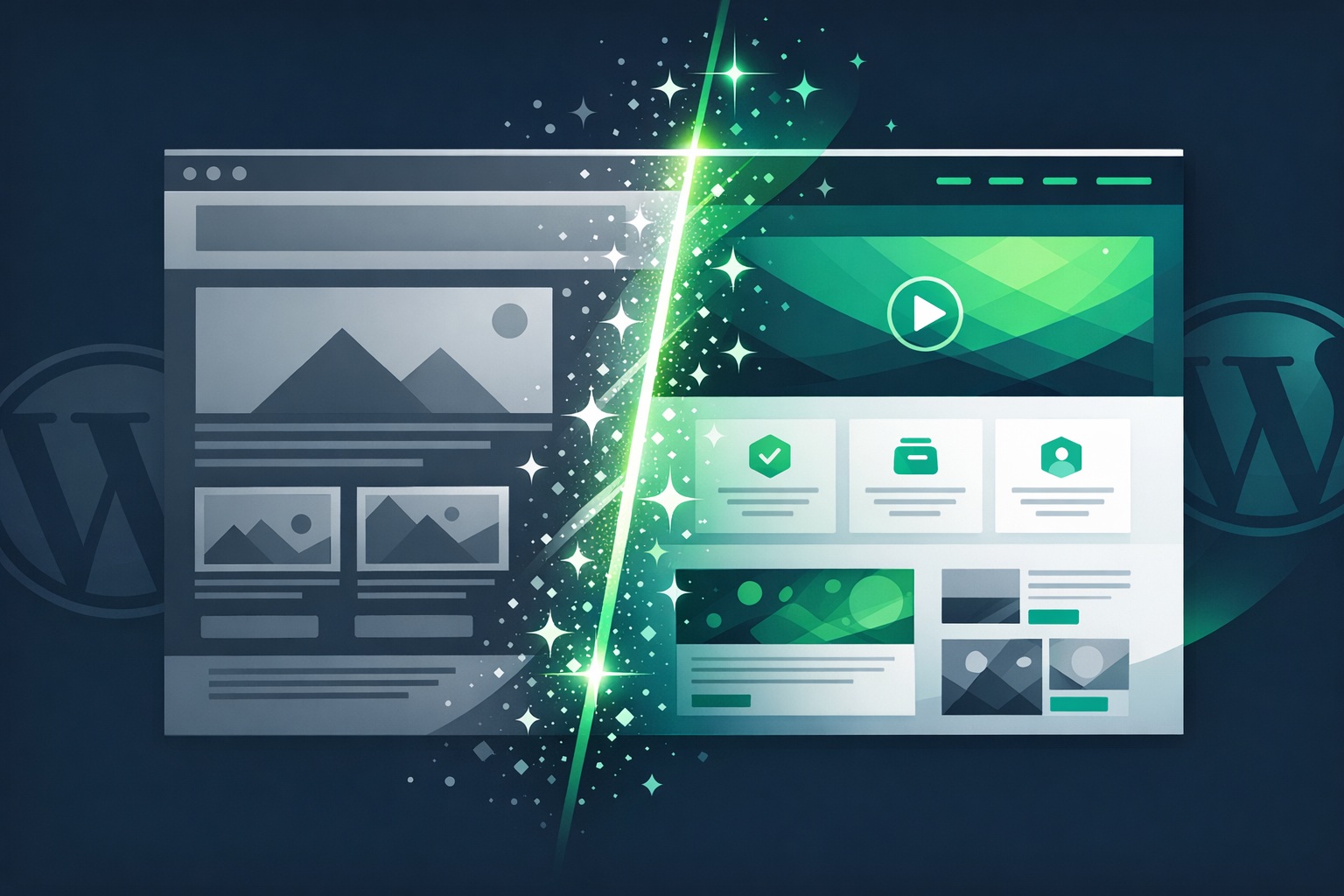
Your WordPress site launched three years ago, and back then, it looked cutting-edge. Today? Not so much. The design feels dated, the layout doesn't work well on mobile, and you're embarrassed to share the link. Sound familiar?
Here's the thing: you don't need to throw away everything and start over. Your existing WordPress site is actually a valuable asset—it has your content, your SEO history, and your established domain authority. What you need isn't a rebuild; you need smart modernization. And that's where Kintsu.ai comes in.
Most WordPress tools focus on building new sites. Kintsu.ai is different—it's specifically designed to work with your existing WordPress site, helping you modernize and improve what you already have through intelligent AI chat.
Why Your WordPress Site Feels Outdated (And It's Not Your Fault)
Web design trends move fast. What looked modern in 2021 can feel stale in 2026. But beyond aesthetics, several technical factors make WordPress sites feel dated:
**Layout and Visual Design**: Older themes often use outdated typography, spacing, and color schemes that immediately signal 'this site hasn't been updated.' Small visual elements like button styles, form designs, and navigation patterns can make your site feel behind the times.
**Mobile Experience**: If your site wasn't designed with mobile-first principles, it likely provides a poor experience on smartphones and tablets. This isn't just about appearance—Google's mobile-first indexing means poor mobile experience directly hurts your search rankings.
**Loading Speed**: Older WordPress installations often accumulate plugin bloat, unoptimized images, and outdated code that slows down your site. Modern users expect pages to load in under 3 seconds.
**User Experience Patterns**: Navigation structures, content layout, and interaction patterns that felt intuitive years ago may now feel clunky compared to modern web standards.
The Traditional Redesign Trap
When most business owners realize their WordPress site needs updating, they think they need a complete redesign. This typically involves:
• Hiring a designer and developer (often $5,000-$15,000+)
• Starting from scratch with a new theme
• Recreating all content and customizations
• Risking SEO losses during the transition
• Dealing with weeks or months of downtime and revisions
The problem isn't just cost and time—it's that you're throwing away years of accumulated value in your existing site. Your current WordPress installation contains:
• Established search engine rankings
• Optimized content that already performs well
• Custom functionality that your business depends on
• User accounts, purchase history, and customer data
• Integration setups with payment processors, email tools, and analytics
Smart Modernization: Working With What You Have
The smarter approach is modernization, not recreation. This means systematically updating and improving your existing WordPress site while preserving everything that already works. Here's how to think about it:
**Visual Refresh**: Update colors, fonts, and spacing to current standards without changing your core layout or content structure. Modern typography and color schemes can instantly make a site feel current.
**Mobile Optimization**: Improve responsive behavior, touch targets, and mobile navigation without rebuilding your desktop experience.
**Performance Optimization**: Clean up plugins, optimize images, and streamline code to improve loading speeds while keeping all existing functionality.
**Content Enhancement**: Update copy, refresh images, and improve calls-to-action while maintaining your proven content strategy.
**User Experience Improvements**: Simplify navigation, improve form designs, and enhance interactive elements based on modern UX principles.
How Kintsu.ai Transforms Existing WordPress Sites
This is where Kintsu.ai becomes invaluable. Unlike traditional WordPress tools that help you build new sites, Kintsu.ai specializes in intelligently editing and improving existing WordPress installations.
**Conversational Site Editing**: Simply tell Kintsu what you want to change: 'Make the homepage look more modern' or 'Improve the mobile menu.' The AI understands your existing site structure and makes targeted improvements.
**Content-Aware Modifications**: Kintsu analyzes your existing content and suggests improvements that maintain your brand voice while modernizing the presentation.
**Incremental Updates**: Instead of all-or-nothing changes, Kintsu enables gradual improvements. Update your header this week, optimize your contact page next week, refresh your blog layout the week after.
**Preservation of Working Elements**: The AI identifies what's already working well on your site and preserves it while improving areas that need attention.
The Agentic AI Advantage for Existing Sites
Traditional WordPress page builders and AI website creators focus on construction—building new pages and sites from scratch. Kintsu.ai uses agentic AI for management and editing, which is fundamentally different.
Agentic AI can understand the context of your existing site, recognize patterns in your content and design, and make intelligent decisions about what to preserve versus what to update. It's like having a skilled web designer who understands your site's history and can make targeted improvements rather than starting over.
This approach is particularly powerful for businesses that have invested years in building their WordPress presence. According to WordPress.org, over 43% of all websites use WordPress, and most of these are existing sites that could benefit from modernization rather than recreation.
Practical Steps for Modernizing Your WordPress Site
Ready to modernize your existing WordPress site? Here's a systematic approach:
Step 1: Audit Your Current Site
Before making changes, understand what you're working with:
• Review your most important pages (homepage, about, contact, key product/service pages)
• Check mobile experience using Google's Mobile-Friendly Test
• Analyze loading speed with tools like Google PageSpeed Insights
• Review your Google Analytics to understand which pages perform best
Step 2: Prioritize High-Impact Areas
Focus on changes that will have the biggest visual and functional impact:
• Homepage header and navigation
• Typography and color scheme
• Mobile responsiveness
• Call-to-action buttons and forms
• Image quality and optimization
Step 3: Use AI-Powered Editing
With Kintsu.ai, you can address these priorities through natural conversation:
'Update the homepage colors to feel more modern and professional'
'Improve the mobile menu so it's easier to use on phones'
'Make the contact form look more contemporary'
'Optimize images on the about page for faster loading'
Step 4: Test and Refine
Make incremental changes and test results:
• Update one section at a time
• Monitor site performance and user behavior
• Gather feedback from customers or colleagues
• Continue refining based on what you learn
Common Modernization Wins for Existing Sites
Some updates provide immediate, noticeable improvements to outdated WordPress sites:
**Typography Refresh**: Switching from default theme fonts to modern Google Fonts can instantly update your site's appearance. Popular current choices include Inter, Poppins, and Roboto for clean, professional looks.
**Color Scheme Update**: Many older WordPress sites use dated color combinations. Modern sites often use more subtle, sophisticated color palettes with better contrast ratios for accessibility.
**Button and Form Styling**: Outdated button styles (especially beveled or heavily shadowed buttons) immediately date a site. Modern button design favors clean lines and subtle hover effects.
**Image Optimization**: Updating image sizes, formats (WebP when possible), and loading techniques can dramatically improve both appearance and performance.
**Navigation Simplification**: Overly complex mega-menus or outdated dropdown styles can be streamlined for better user experience across devices.
Why This Approach Works Better Than Starting Over
Modernizing your existing WordPress site instead of rebuilding offers several key advantages:
**SEO Preservation**: Your existing pages have established search engine rankings and link equity that would be lost in a complete rebuild.
**Content Investment Protection**: You've likely invested significant time and money in creating content that performs well. Why throw that away?
**Faster Implementation**: Targeted improvements can be made in days or weeks rather than months.
**Lower Risk**: Gradual changes allow you to test and refine without risking your entire web presence.
**Cost Effectiveness**: AI-powered editing costs a fraction of custom development work.
Getting Started With Your WordPress Modernization
Your existing WordPress site doesn't need to be scrapped—it needs to be smartly updated. The key is working with tools designed for editing and improvement rather than recreation.
Try Kintsu.ai on your existing WordPress site and experience how agentic AI can modernize your web presence without starting from scratch. Your site's best days don't have to be behind it—they can be ahead of it.
Remember: the goal isn't perfection, it's progress. Small, intelligent improvements to your existing WordPress site can deliver big results in user experience, search performance, and professional appearance. And unlike a complete rebuild, you can start seeing results immediately while preserving everything you've already built.