AI WordPress Theme Customization: Redesign Your Existing Theme Without Touching Code
Customize your WordPress theme with AI instead of code. Learn how to change colors, fonts, layouts, and design elements on your existing site through natural language instructions.
⚠️ AI-Generated Content Disclaimer
Some content on this page was generated with the assistance of artificial intelligence. While we strive for accuracy, AI-generated content may contain inaccuracies or outdated information. Please verify any critical information independently. This content is provided for informational purposes only and should not be considered professional advice.
Your WordPress theme controls everything visitors see: colors, fonts, spacing, layouts, navigation, headers, footers, and the overall visual identity of your site. Customizing it has traditionally required either CSS knowledge, a page builder, or a developer. AI changes that equation entirely.
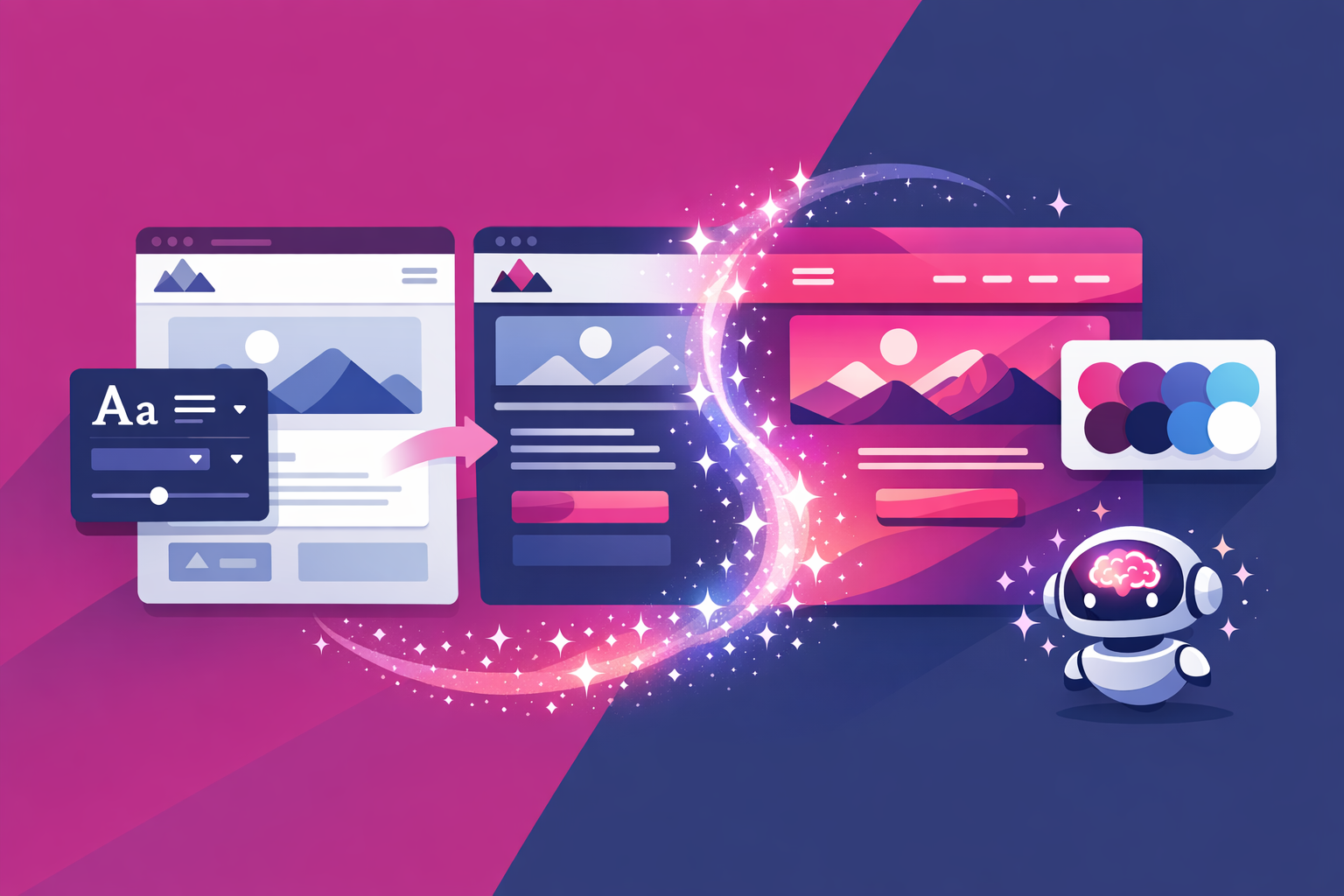
AI-powered theme customization lets you modify any visual aspect of your WordPress theme by describing what you want. No code. No complex theme options panels. No page builder overhead. Just plain language instructions that the AI translates into precise theme modifications.
Why Theme Customization Matters More Than You Think
Your theme isn't just decoration. It directly impacts:
First Impressions
Visitors form an opinion about your website within 50 milliseconds. Your theme's visual design is literally the first thing they process. An outdated or generic-looking theme undermines trust before anyone reads a word of your content.
Brand Identity
Your website is often the primary touchpoint for your brand. The colors, typography, and layout communicate who you are as a business. A theme that doesn't match your brand identity creates disconnect with your audience.
Conversion Rates
Layout, spacing, button design, and visual hierarchy directly affect whether visitors take action. A well-customized theme guides visitors toward your goals (buying, signing up, contacting you). A poorly customized one lets them drift away.
SEO Performance
Theme code quality affects page speed, which affects search rankings. Themes with clean code and good structure perform better in Core Web Vitals tests, which Google uses as ranking signals.
Traditional Theme Customization: Why It's Painful
The WordPress Customizer
WordPress includes a built-in Customizer for basic theme settings: logo upload, color selections, menu configuration. But most themes only expose a fraction of their design options through the Customizer. Anything beyond the provided options requires custom code.
Custom CSS
The most common approach to theme customization is adding custom CSS. This works but requires understanding CSS syntax, selectors, specificity, and browser compatibility. A simple color change might look like: .site-header { background-color: #1a1a2e; } which is obvious to a developer and opaque to everyone else.
Child Themes
Best practice for significant theme modifications is creating a child theme that inherits from the parent theme and overrides specific files. This is technically sound but requires PHP and WordPress template hierarchy knowledge. Most site owners can't create or manage child themes.
Page Builders as Theme Replacements
Many site owners install Elementor or Divi specifically because their theme's built-in customization options are too limited. The page builder effectively becomes the theme, adding design flexibility but also code bloat, performance overhead, and vendor lock-in.
AI Theme Customization: How It Works
AI-powered theme customization through tools like Kintsu.ai takes a fundamentally different approach:
You describe the visual change you want in natural language
The AI analyzes your theme's structure and identifies the correct files and selectors to modify
Changes are generated as clean CSS or template modifications
A sandbox preview shows exactly how the change looks on your actual site
One click publishes the change to your live site
The AI handles the technical complexity. You handle the creative direction. Here's what this looks like in practice:
Color Customization
Instead of hunting through theme options or writing CSS, you say:
'Change the header background to dark navy blue'
'Make all buttons use our brand green (#2ecc71) with white text'
'Use a softer background color for the body, something like light warm gray'
'Change the footer to match the header color scheme'
Typography Customization
'Switch the body font to Inter and the headings to Playfair Display'
'Make the main heading on the homepage larger and bolder'
'Increase the line height across the site for better readability'
'Use a monospace font for code snippets in blog posts'
Layout Customization
'Make the content area wider on desktop, using more of the screen'
'Add a sidebar to blog post pages showing recent posts and categories'
'Change the homepage layout to show three featured services in a row'
'Make the footer three columns: company info, quick links, and contact details'
Navigation Customization
'Make the navigation bar sticky so it stays visible when scrolling'
'Add a search icon to the header navigation'
'Change the mobile menu to a full-screen overlay instead of a dropdown'
'Add a call-to-action button to the right side of the navigation bar'
Global Design Changes
'Add more whitespace between all sections for a cleaner look'
'Round the corners of all buttons and card elements'
'Add subtle hover effects to all clickable elements'
'Implement a dark mode toggle in the header'
Theme-Specific vs Universal Customization
One of the advantages of AI theme customization is that it works with any WordPress theme:
Premium Themes (Flavor, GeneratePress, Flavor, Flavor, OceanWP)
Premium themes have extensive options panels, but you're limited to what the developer exposed as configurable. AI can modify anything in the theme, including aspects the options panel doesn't cover.
Free Themes
Free themes typically have minimal customization options. AI editing makes free themes viable for professional sites by adding the customization capability the theme itself doesn't provide.
Custom Themes
Sites with bespoke themes benefit most from AI customization because they often lack any visual customization interface at all. Changes that previously required the original developer can now be described and implemented through AI.
Page Builder Themes
Even on sites using page builders, there are global theme elements (header, footer, global styles) that the page builder doesn't control well. AI editing fills these gaps.
Advanced Theme Customization With AI
Beyond basic visual changes, AI can handle sophisticated theme modifications:
Responsive Design Adjustments
'Make the hero section full-height on desktop but half-height on mobile.' 'Show the sidebar on desktop but hide it on tablets and phones.' 'Use a two-column layout for the pricing table on desktop and stack them vertically on mobile.' The AI generates the responsive CSS media queries automatically.
Animation and Interaction
'Add a subtle fade-in animation to sections as they scroll into view.' 'Make buttons slightly lift and add a shadow on hover.' 'Add a smooth scroll effect when clicking anchor links.' These microinteractions make a site feel polished and modern.
Conditional Styling
'Use a different header background on the blog pages vs the homepage.' 'Make the pricing page use a wider layout than other pages.' 'Show a special announcement bar only on the homepage.' AI handles the conditional logic these require.
Common Theme Customization Projects
The Brand Refresh
You've updated your brand colors and fonts but your WordPress theme still shows the old brand. AI customization lets you update the entire visual identity in a single session: new colors applied globally, new fonts across all pages, updated button styles, modernized spacing. What used to be a $2,000 to $5,000 design project happens in an afternoon.
The Mobile Fix
Your theme looks fine on desktop but has issues on mobile: text too small, elements overlapping, buttons hard to tap, navigation confusing. AI can identify and fix these mobile-specific issues through natural language: 'fix the navigation overlap on mobile screens' or 'make the tap targets larger on touch devices.'
The Modernization
Your three-year-old theme looks dated compared to current design trends. Instead of a full redesign, AI modernizes it incrementally: more whitespace, updated typography, refined color palette, modern button styles, subtle animations. The site feels fresh without losing its established identity.
The Performance Cleanup
Some themes ship with excessive CSS, unused styles, and heavy framework dependencies. AI can identify and clean up bloated theme code: removing unused styles, optimizing CSS delivery, and improving rendering performance. The visual result stays the same while the technical performance improves.
Theme Customization Best Practices
Start with global changes before page-specific ones (brand colors and fonts first, then individual page layouts)
Use the sandbox preview to check every change on both desktop and mobile
Make one category of change at a time (all color changes, then all typography changes, then layout changes)
Keep your customizations consistent across the site (same button style everywhere, same heading treatment)
Document your brand standards (specific color hex codes, font names, spacing preferences) so AI instructions are precise
Save your brand guidelines as a reference for future AI editing sessions
The End of Theme Limitations
AI theme customization fundamentally changes the relationship between WordPress site owners and their themes. Previously, your theme's built-in options defined what you could customize. Now, anything you can describe, you can change.
This means:
You choose themes for their structure and code quality, not their options panels
Free themes become viable for professional sites
Premium theme subscriptions become less necessary
Page builders become optional rather than required for design flexibility
Your site's visual design is limited only by your creative direction, not your technical skills
Kintsu.ai makes this practical today. Connect your existing WordPress site, describe the theme customization you want, preview it safely, and publish. Your theme stops being a constraint and starts being a canvas. The code handles itself. You handle the vision.