WordPress Image Size Calculator
Find the perfect image dimensions for your WordPress site with our free calculator. Balance quality and speed for featured images, thumbnails, and more!
WordPress Image Size Calculator
Optimize Your Site with a WordPress Image Size Calculator
If you’re running a WordPress site, you’ve probably noticed how much images impact both aesthetics and performance. Getting the right dimensions and file sizes isn’t just about visuals—it’s crucial for speed, user experience, and even search engine rankings. That’s where a tool to fine-tune image specs comes in handy, helping you nail the perfect balance without endless trial and error.
Why Image Optimization Matters
Large, unoptimized images can drag your page load times into the danger zone, pushing visitors away and tanking your SEO. On the other hand, overly compressed files might save space but leave your site looking amateurish. A smart approach to sizing and compressing visuals ensures your pages load quickly while still showcasing crisp, professional graphics. Whether it’s a featured image, a thumbnail, or a banner, each has its own ideal specs based on common theme frameworks.
Tailored Solutions for Every Image
Manually figuring out pixel widths and heights for every upload is a headache. With a dedicated calculator for optimizing visuals on WordPress, you can input a few details—like intended use or file size limits—and get custom recommendations instantly. It’s a small step that makes a big difference in keeping your site fast and stunning.
FAQs
Why do image sizes matter for my WordPress site?
Images are often the heaviest elements on a webpage, and if they’re too large, they can seriously slow down your site. Slow load times frustrate visitors and hurt your SEO rankings—Google prioritizes speed. On the flip side, images that are too small or over-compressed look pixelated and unprofessional. Our calculator helps you strike the right balance by suggesting dimensions that match WordPress theme standards and file sizes that won’t bog down your pages. It’s all about looking good without sacrificing performance.
How do I know which dimensions to use for different image types?
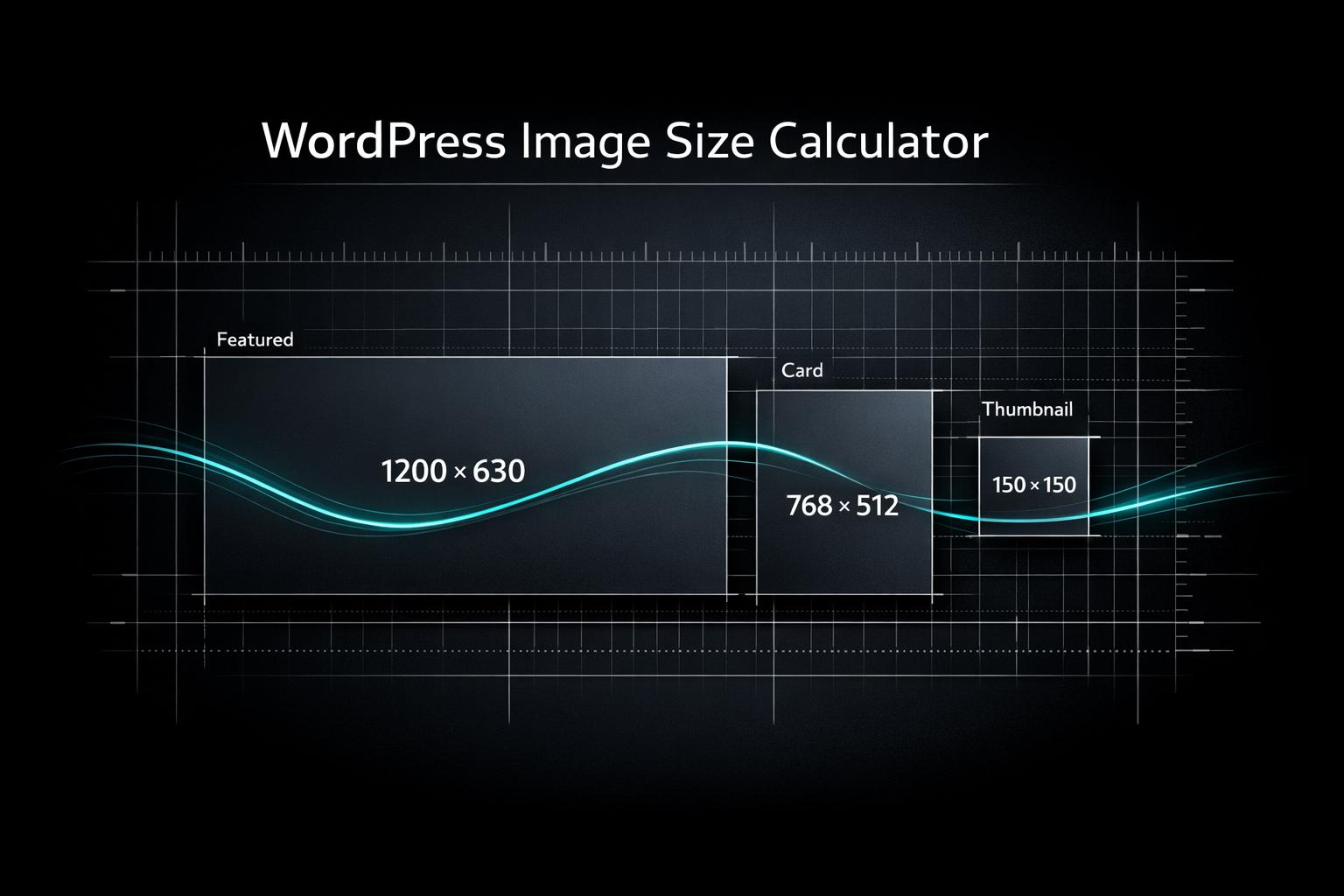
Different parts of your WordPress site—like featured images, thumbnails, or full-width banners—often have specific dimension requirements based on your theme. For instance, a typical featured image might be around 1200x628 pixels for most themes, while thumbnails could be as small as 150x150. Our tool pulls from common standards and lets you pick the image’s purpose to give you a starting point. Plus, it factors in your desired aspect ratio and file size limits to fine-tune the recommendation. If you’re unsure, just follow the tool’s output and tweak as needed!
Can I use this tool for non-WordPress sites too?
Absolutely, though it’s designed with WordPress users in mind. The calculator bases its suggestions on widely used theme standards, but the logic behind balancing dimensions, aspect ratios, and file sizes applies to any website. If you’re working on a different platform, you can still input your target file size or aspect ratio and get useful guidance. The compression tips are universal too—helping you keep quality high while shrinking load times. Give it a try, no matter where you’re building!